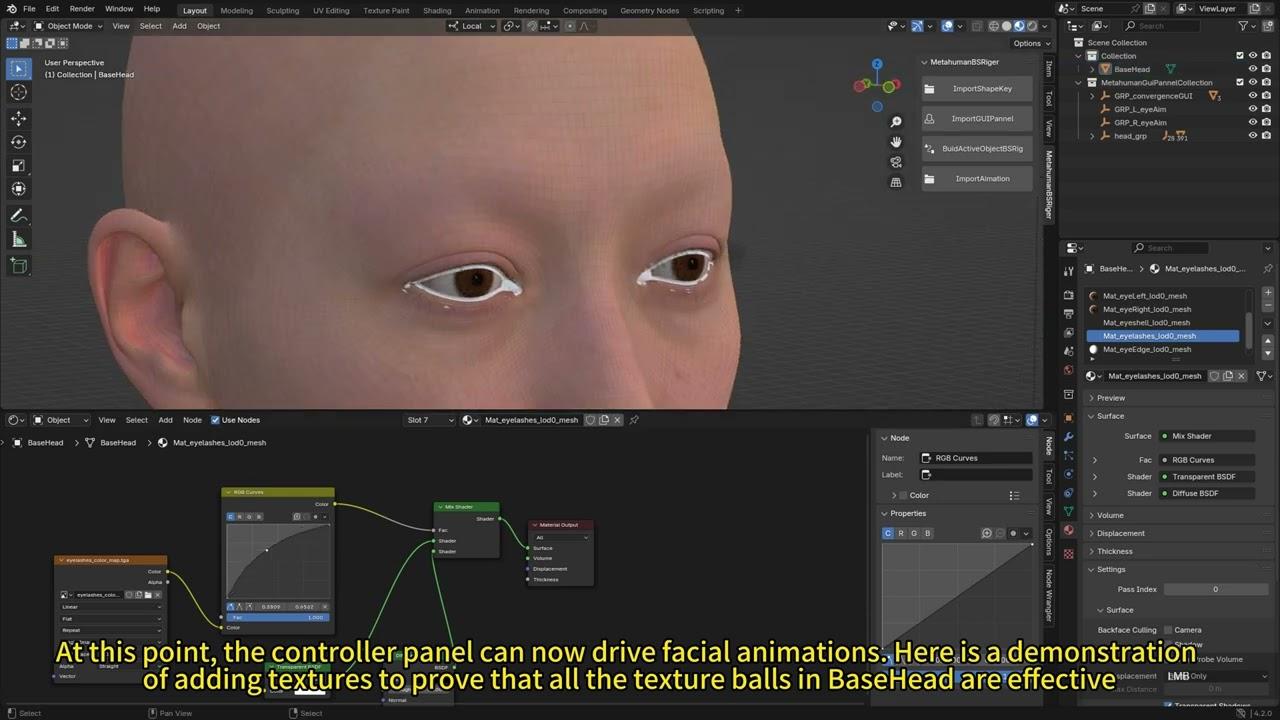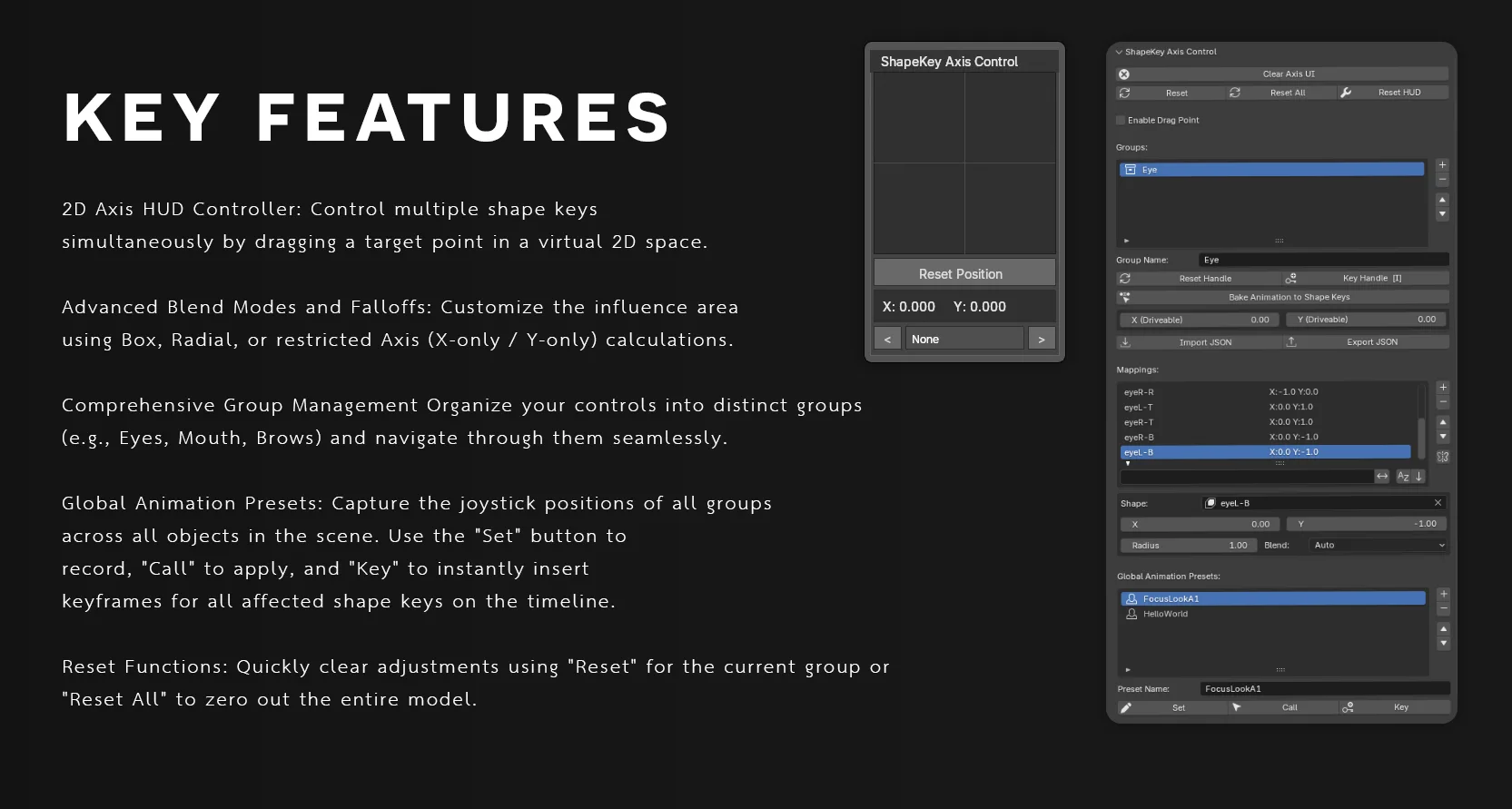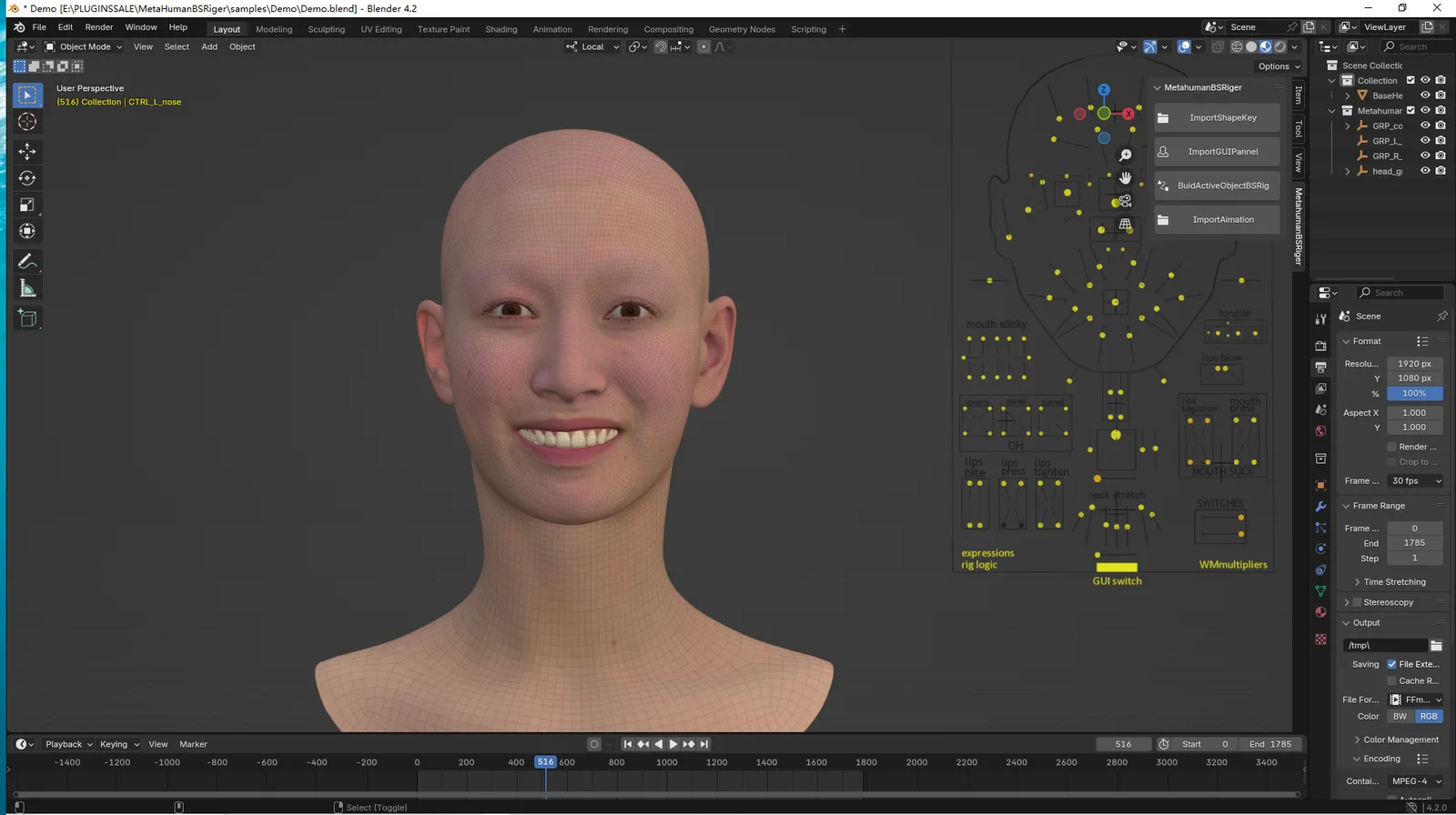
MetaHumanBSriger + DNA2BlendShape CLI is a Windows workflow for building a FACS-based facial rig in Blender from MetaHuman DNA. The Superhive product listing describes a two-stage process: DNA2BlendShape extracts FACS data from the DNA file, then the add-on imports that data and connects a controller panel to shape keys.
The product description says the workflow can produce a face binding in a few minutes. The listing also links a video tutorial.
How the CLI workflow works
- Start with MetaHuman DNA generated by Unreal Engine 5.5 or an earlier version.
- Use the DNA2BlendShape command-line tool to extract FACS data from the DNA file.
- Import the extracted data into the Blender add-on and connect the controller panel to the shape keys.
Compatibility and the UE 5.6 limitation
The listing specifies Windows and lists Blender 4.2. The DNA2BlendShape command-line tool does not support DNA generated with Unreal Engine 5.6, and the listing says this workflow is unsuitable for building a rig from blendshapes exported from UE 5.6 DNA.
The listing separately describes MetahumanBSriger V3, which reads official DNA from UE 5.6 or later without the separate blendshape extraction step. V3 currently supports Blender 5.1–5.2 on Windows. This is a different workflow and Blender version range from the CLI path. The listing also notes that V3 binding fails when the project is closed and reopened, so check the listing against your project before choosing a release. The product listing identifies the license as GPL.
Who this workflow suits
This CLI workflow fits Blender artists who need a FACS-based facial rig from MetaHuman DNA generated with UE 5.5 or earlier and can work on Windows. If your source is UE 5.6 DNA, review the separate V3 details instead.