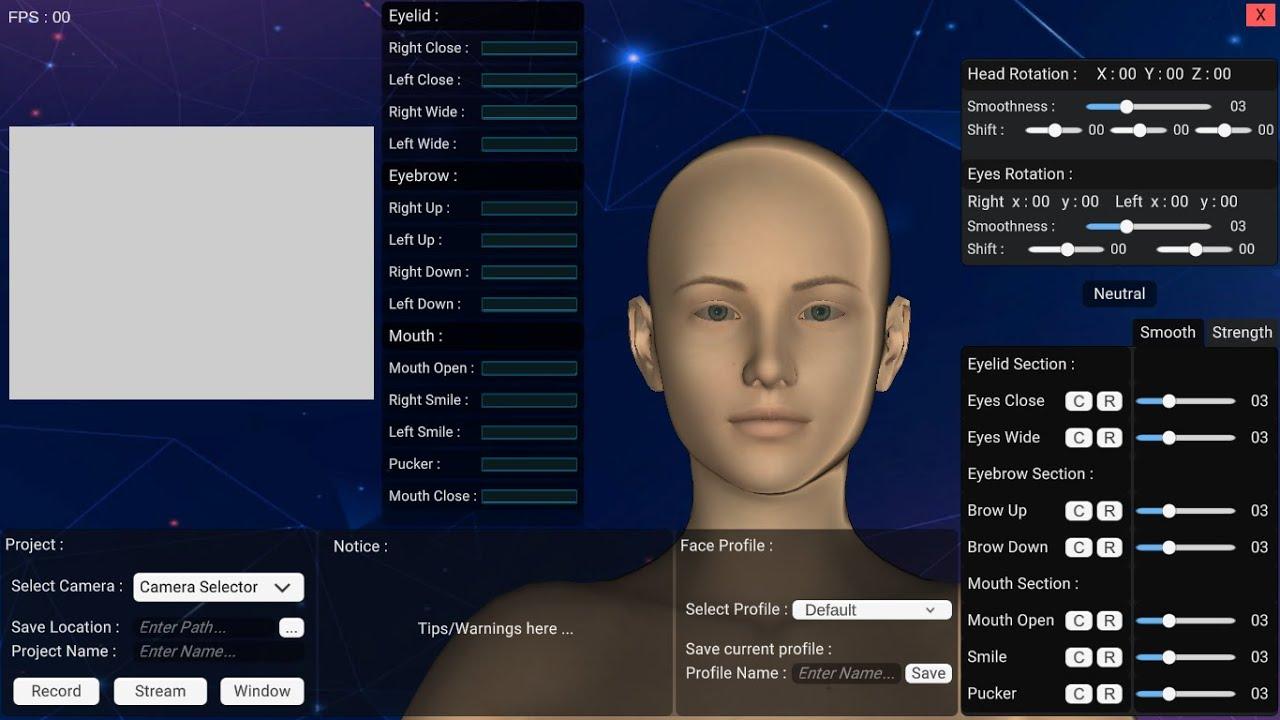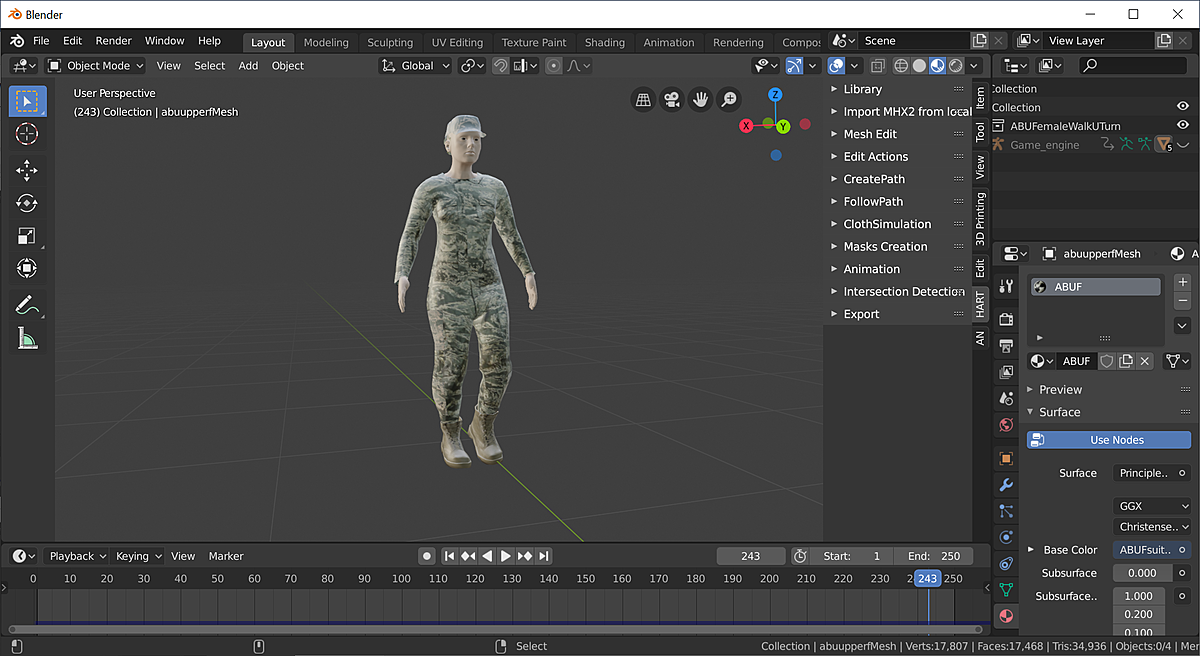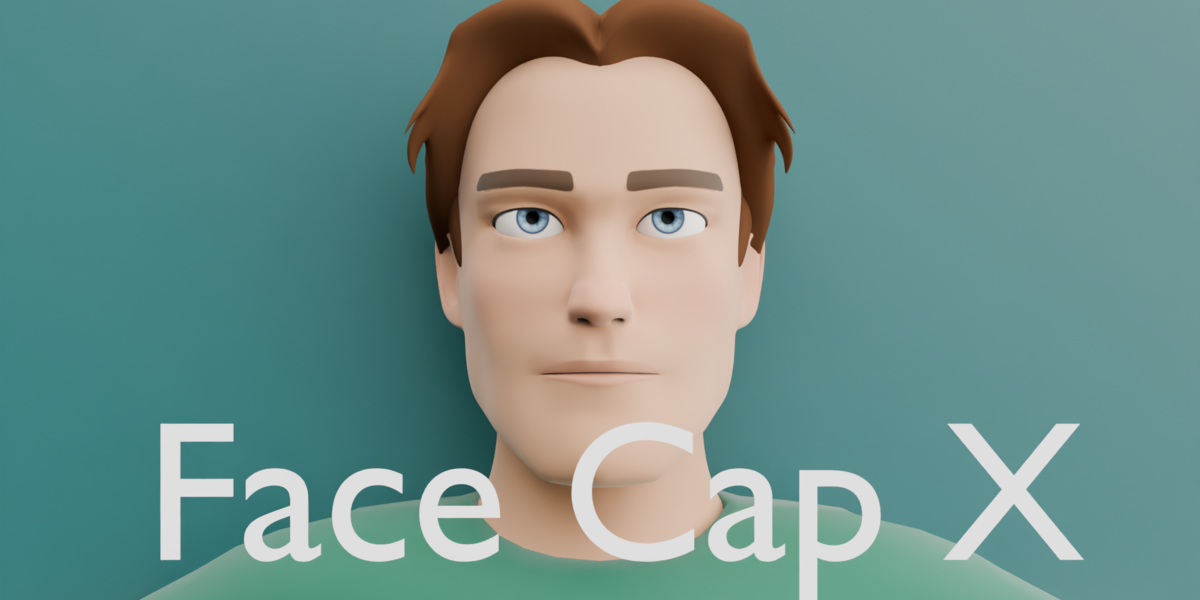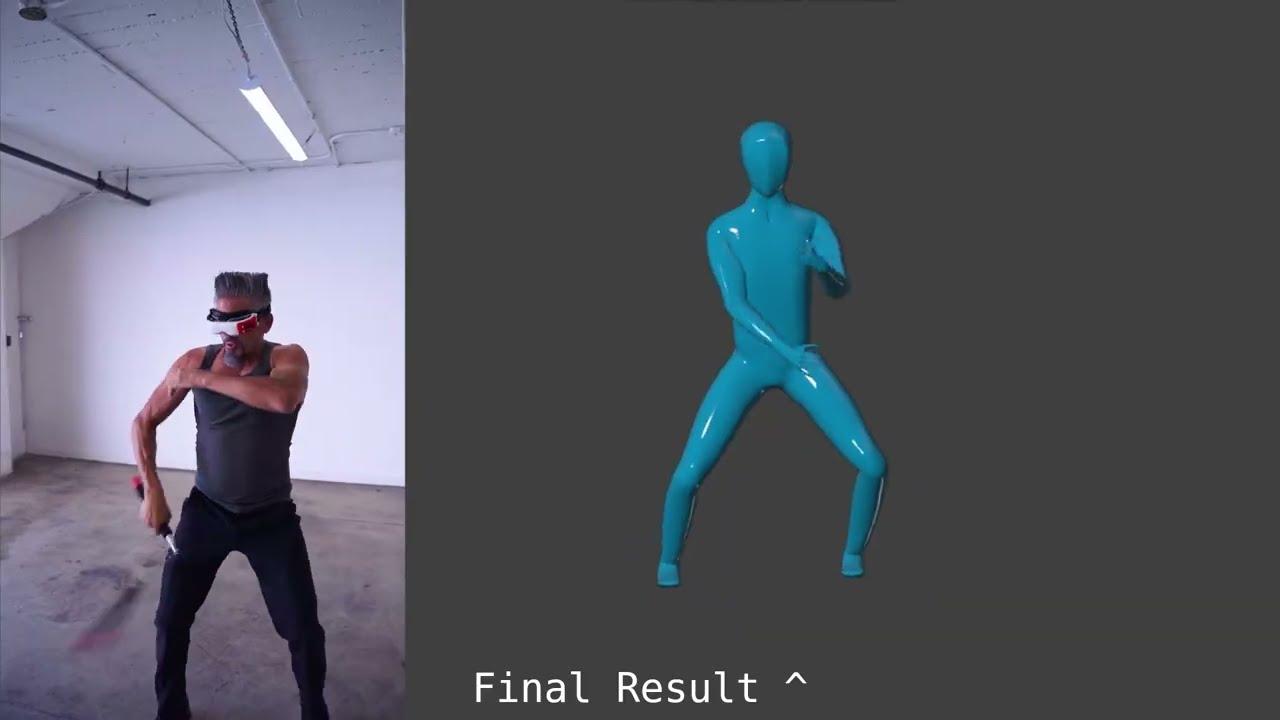
Mocap Lite by Stellart is a Blender add-on for capturing body, facial or finger motion from a video or image source. It includes retargeting and motion transfer, and version 1.2.0 adds live facial capture from a webcam. The developer’s documentation describes the capture steps and version details.
How motion capture works
On Windows, make sure Blender’s installation folder is writable before data setup; restricted access can prevent installation. Use Check Mocap System to confirm that the data was fetched successfully, and run Data Setup if it was not. Then open the BML panel in Blender’s N-panel, enter the path to a video or image, select body, facial or finger motion, and click Is Image when using a still. Start the capture with Motion Capture!. For webcam facial capture, use the live option included in v1.2.0.
If a result needs adjustment, Stellart’s documentation points to Model Accuracy, Source Tracking Accuracy and Source Detection Accuracy. Z Offset Exaggeration can be changed when the captured depth looks wrong.
Tools for managing animation work
Mocap Lite includes retargeting and transfer tools for applying captured motion to a character rig. Its Assets Management system can save and load assets and open asset windows. Add & Apply keyframes applies the current pose until the action ends, while saved preference configurations let you reload settings.
Compared with Mocap Pro, the Lite version does not include the Auto-Rigger, FBX or GLTF export, or the utility tools. That distinction matters if your workflow depends on rig creation or exporting those formats.
Version and Blender compatibility
The catalog lists v1.2.0; Stellart specifies that release for Windows and Linux with Blender 4.5.x and 5.0.0. Stellart’s listing describes v1.3.0 for Windows with Blender 5.1.0 and 5.2.0. Its v1.3.1 changelog reports fixes to hand and face capture and accuracy improvements. A separate note on the listing says v1.2.0 is faster and more accurate than v1.3.x because changes in newer Blender versions had broken things; it recommends v1.2.0 with Blender 5.0.0 when speed and accuracy matter. Check the developer’s version notes and match the download to your Blender version and operating system before installing.
Installation notes
If the add-on throws errors on first opening in Windows, the listing says the developer recommends installing the latest VC_redist from Microsoft. On Linux, the documentation says a small message about “self” may appear after data setup but has no effect on the add-on.