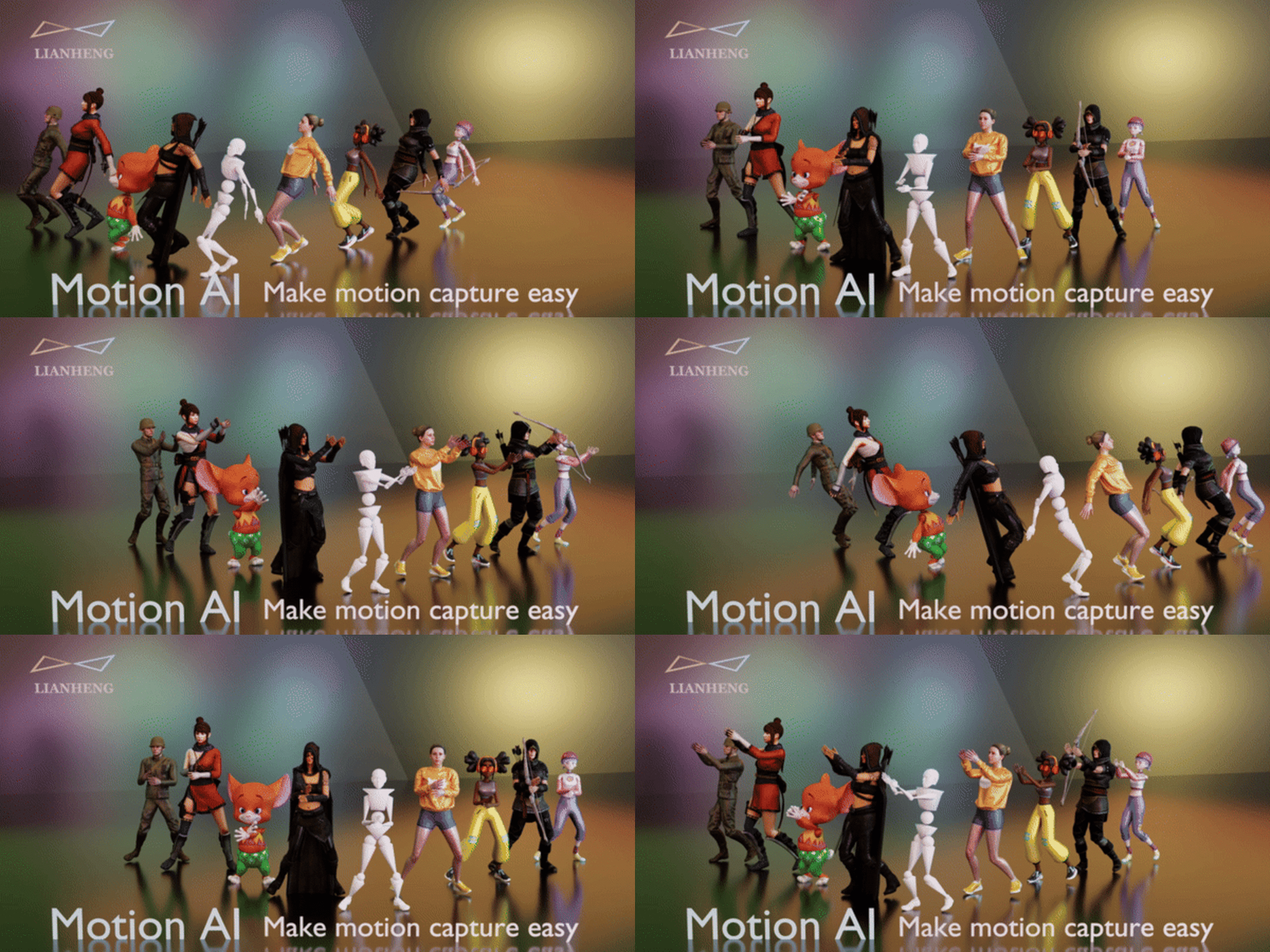
Motion AI by Lianheng Tech is a Blender add-on for capturing and editing character motion. It supports pose capture on a human raw armature in a T-pose or A-pose and face capture for the ARKit standard, edits results with IK/FK, bakes animation for sharing, and remaps motion from other sources to your models. LH II adds spine and neck capture when the armature contains the corresponding bones; algorithms and system requirements vary by edition.
Capture, modify, and remap motion
Capture
The developer describes pose capture for a human raw armature in a T-pose or A-pose, plus face capture for the ARKit standard. The developer's Motion AI product page lists these capture details.
Modify
Motion AI uses an inverse and forward kinematics system, or IK/FK, to edit capture results. The developer also documents animation baking, which lets you share baked motion capture results with collaborators.
Remap
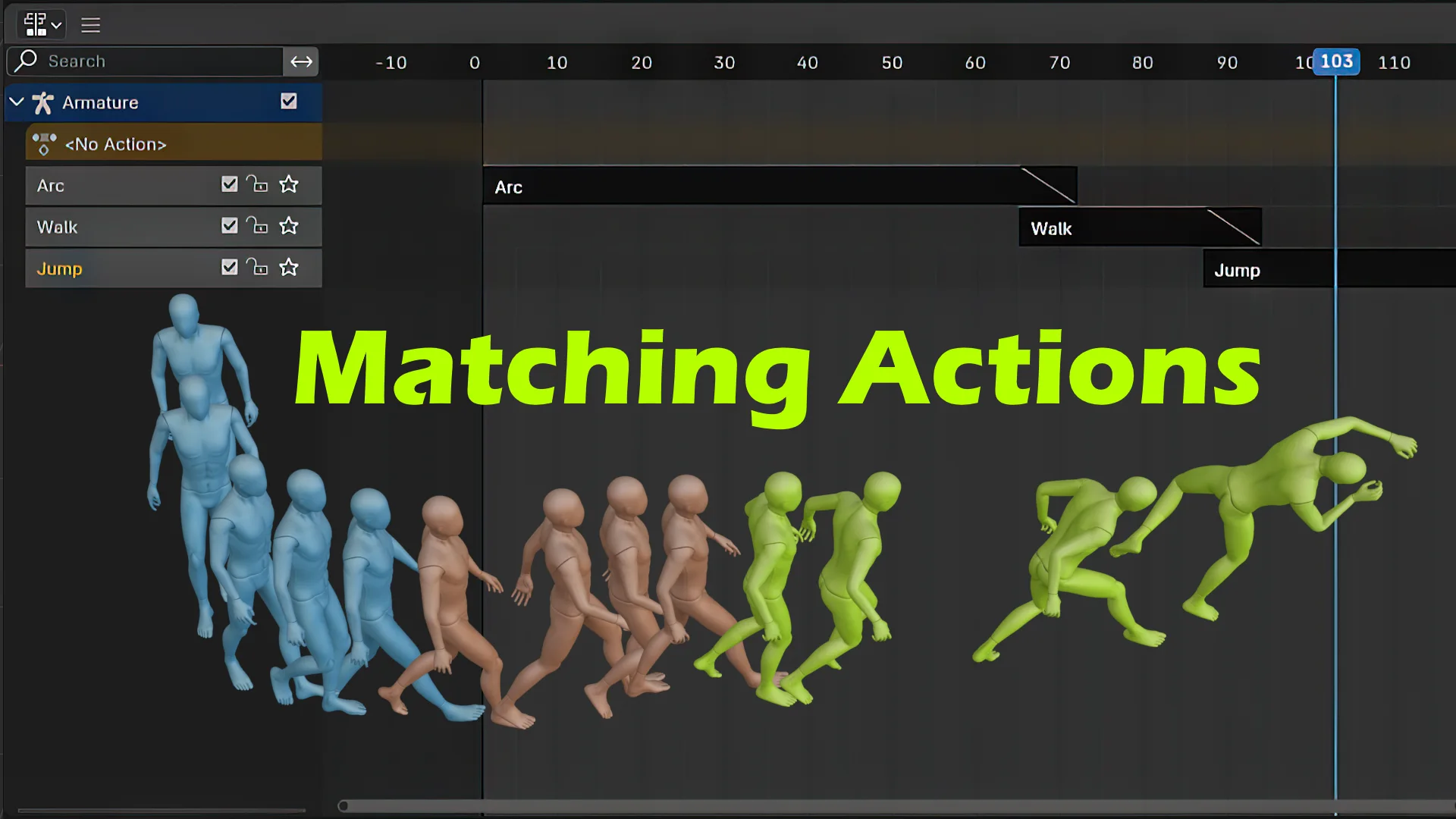
The Remap workflow transfers animation from other sources to your own models. The developer describes it as a way to reuse motion on a different model.
Algorithms and editions
The developer says Motion AI Pro V2 includes the LH II algorithm, which adds support for capturing spine and neck movement. The target armature needs the corresponding bones for those movements. On November 26, 2026, Superhive listed Base with the LH I algorithm, Pro with LH I and LH II, and Ultimate with both algorithms plus one year of professional team support for motion capture.
On November 26, 2026, the Superhive listing displayed Base at $29.90, Pro at $79.90, and Ultimate at $699.90. These are listed prices and may change, so check the current listing before choosing an edition.
Blender and computer requirements
On November 26, 2026, Superhive marked Motion AI as Blender Extension Compatible and listed Blender 4.2 and 4.3. If you use another Blender release, check the current listing for compatibility before installing.
The developer lists Base for Windows x64 and Mac, with a CPU requirement. Pro is listed for Windows x64 and requires an Nvidia GPU with at least 8 GB of VRAM and the latest driver. Check these requirements against your computer before selecting an edition.
License
Superhive lists the add-on under the GPL license. Review the listing's license details for the terms that apply to your use. The developer's product page has the workflow and system information, while Superhive provides the edition listing and Blender compatibility details.