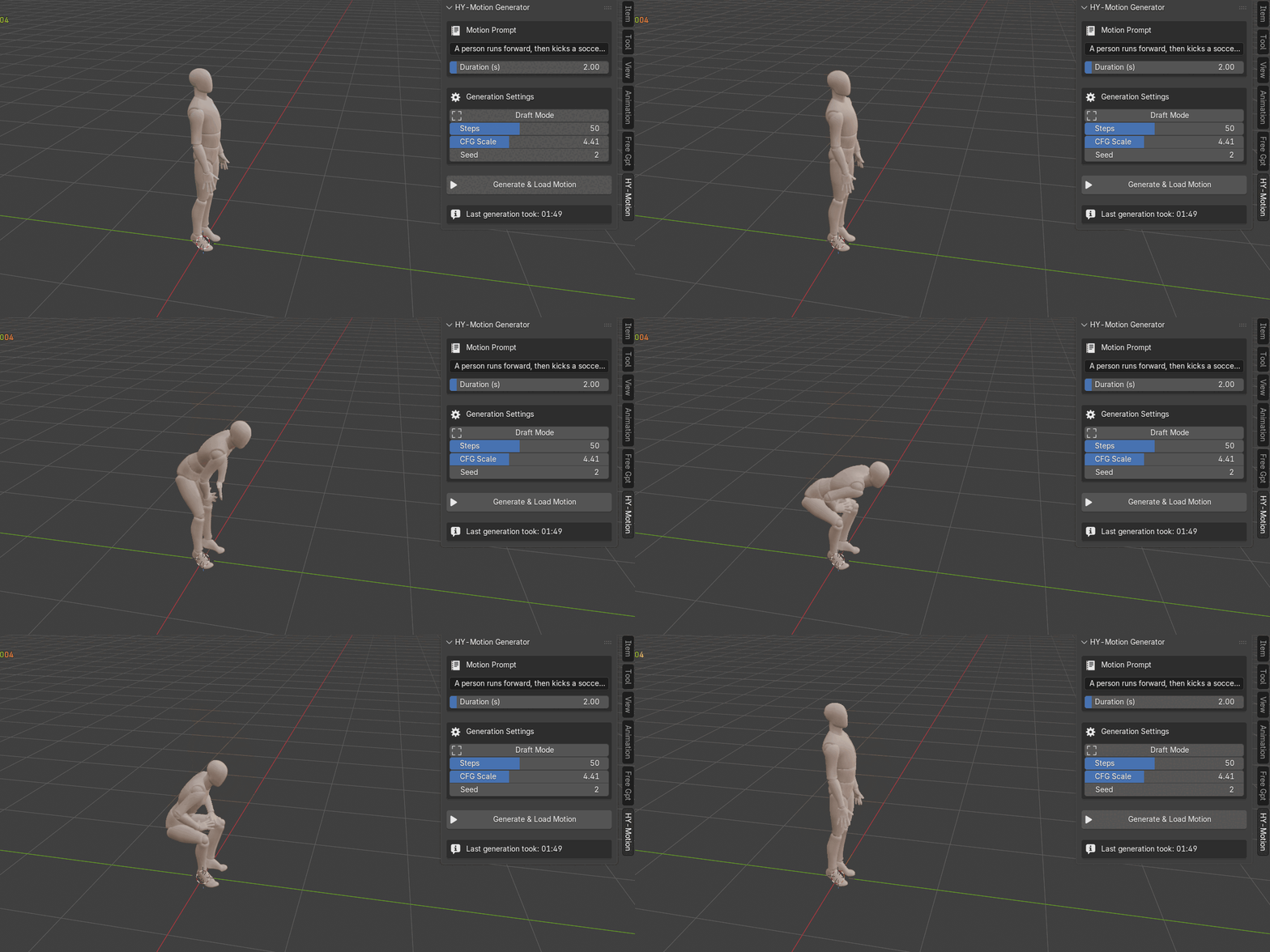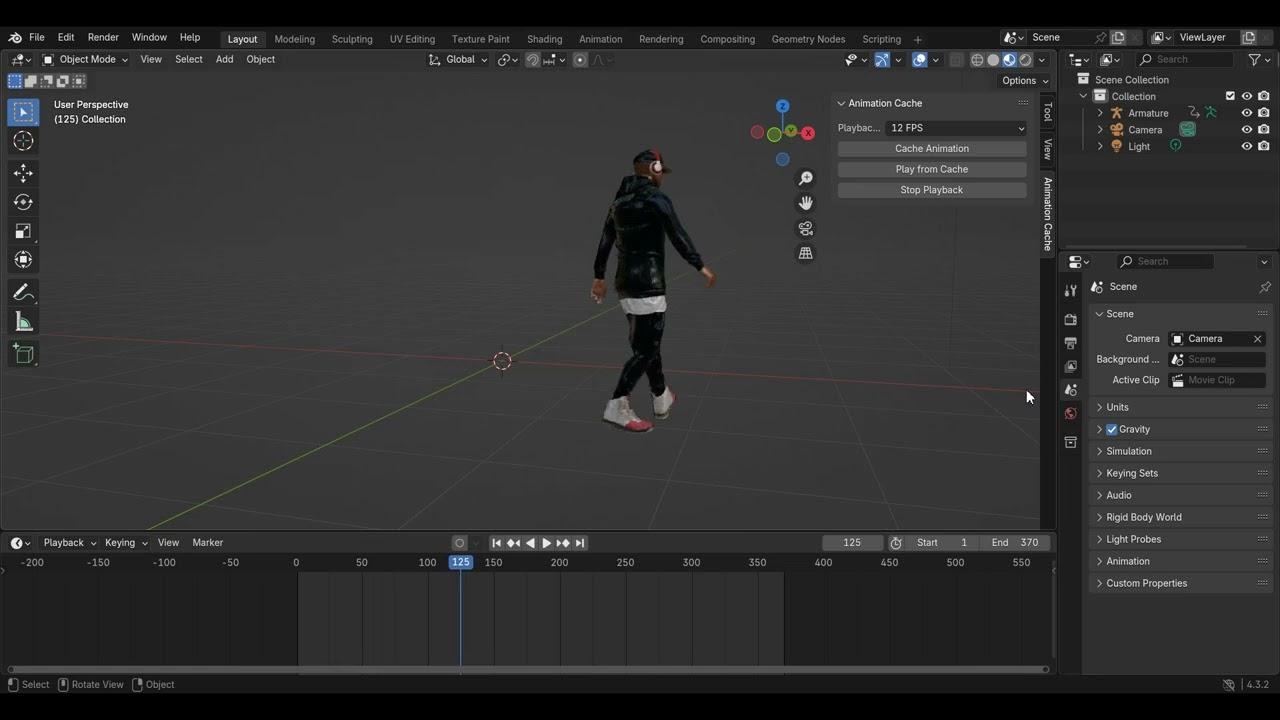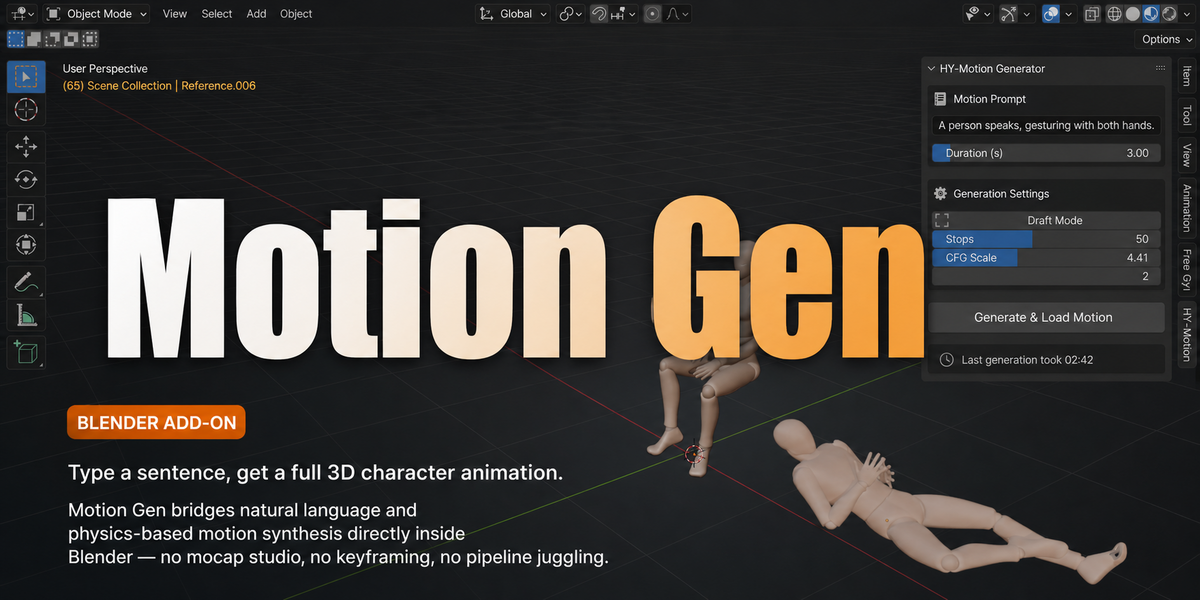
Motion Gen is a Blender add-on by Haseeb Ahmed that turns English text prompts into keyframed humanoid animation. It applies the generated movement to a bundled SMPL-X armature and loads the character into the scene. The product listing describes the result as ready to render, refine or retarget.
How Motion Gen creates an animation
The Motion Gen documentation describes a pipeline in which Qwen 3-8B interprets the prompt, a CLIP encoder aligns its meaning, and Tencent HY-Motion 1.0 synthesizes joint rotations and root movement frame by frame. Prompts should be in English, under 60 words, and describe concrete physical actions. The docs give standing up from a chair and stretching as an example.
Controls include animation duration, diffusion steps, CFG scale and seed. Draft Mode uses 20 steps; the documentation suggests 50 to 60 steps for production. A fixed seed can help reproduce an animation on the same hardware, though results may vary between CPU and GPU architectures.
Supported motion and retargeting
Motion Gen targets a single humanoid on its SMPL-X armature. Its documentation lists quadrupeds, facial or hand animation, interactions between multiple characters, environmental scenes, props, camera setups, seamless loops and in-place walks as unsupported. It also notes that motion accuracy degrades after about 10 seconds.
To use the animation with a custom character, the documented workflow uses Auto-Rig Pro's Remap tool. Auto-Rig Pro is a separate prerequisite. The retargeting instructions cover assigning source and target rigs, mapping bones and matching rest poses.
Setup, hardware and compatibility
Initial setup needs an internet connection to install a standalone Python 3.11 runtime and download model weights and libraries. The instructions list a 1.8 GB HY-Motion checkpoint and a 5.8 GB Qwen model, and recommend 15 to 20 GB of free storage. Users must agree to the Tencent Community License and Qwen License in Blender before downloading or using those models.
The vendor says that, after setup, generation runs locally and prompts and generated data stay on the machine. Hardware guidance recommends 8 GB of NVIDIA VRAM on Windows or 16 GB of unified memory on Apple Silicon. The CPU fallback lists 32 GB of RAM as its minimum and is much slower. The documentation lists about 15 to 30 seconds for a standard GPU animation. Its three-second example compares about 15 seconds on GPU with 10 to 15 minutes on CPU; actual times depend on hardware and settings.
Platform support depends on installation path and testing. The documentation lists Windows 10/11 and Apple Silicon macOS for its automated one-click installer, with Linux and Intel Mac requiring manual setup; the product FAQ says macOS and Linux are technically supported but have only been tested on Windows. The documentation also lists Apple Silicon Metal/MPS acceleration, and the vendor FAQ says AMD and Intel GPUs are not currently supported for acceleration because the diffusion pipeline requires CUDA; AMD users should enable Force CPU. Blender compatibility is presented differently: the marketplace listing specifies Blender 4.2 to 5.2, while the v1.0 documentation lists Blender 3.0 or higher in its requirements and recommends Blender 4.2 or higher in its installation steps.