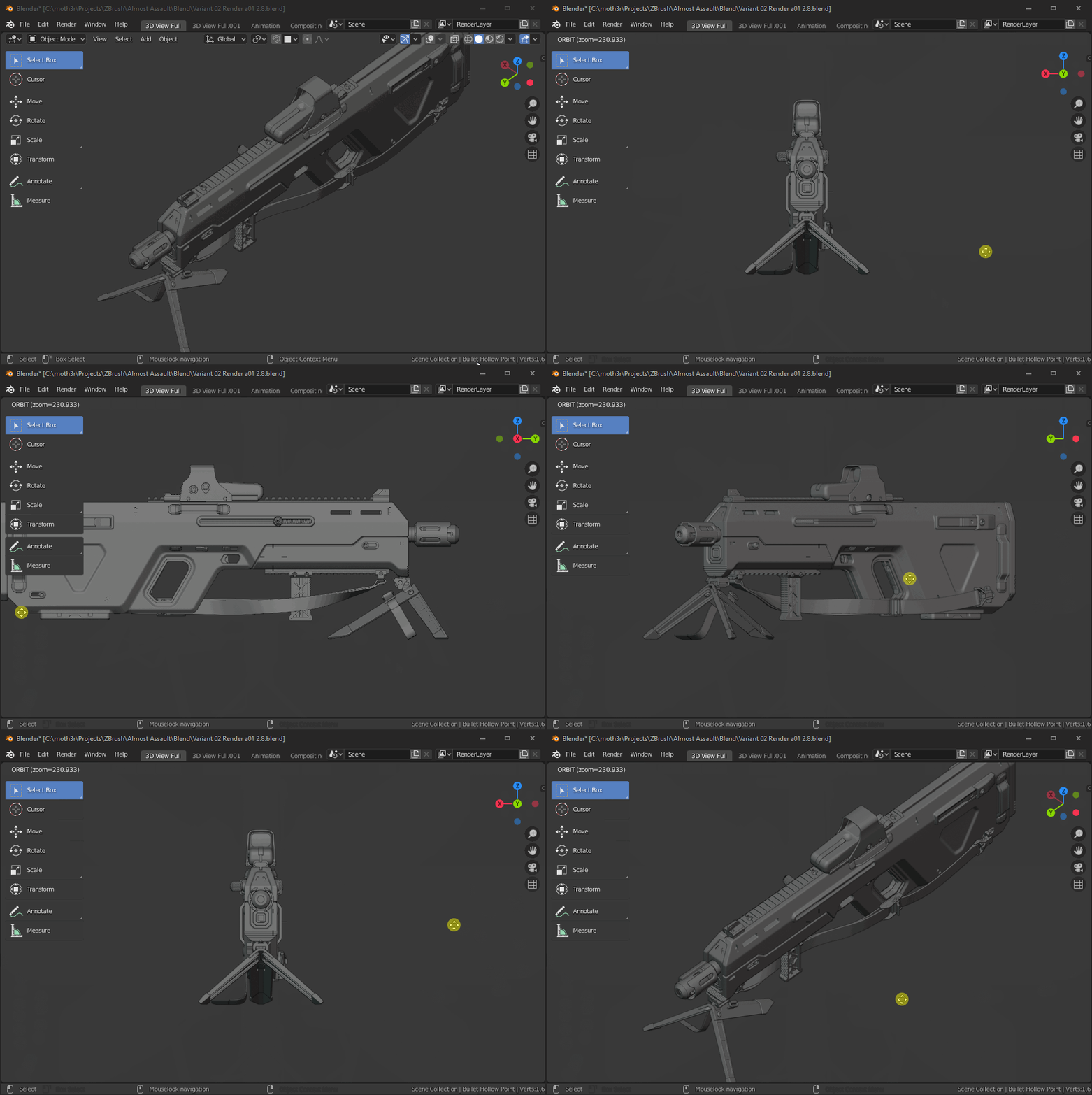
Mouse-Look Navigation™ Addon gives Blender users alternatives to the default orbit, pan, zoom, dolly, fly and walk controls. It includes ZBrush-style navigation, FPS-like movement and isometric view snapping with Alt+LMB drag. The Superhive listing identifies it as a GPL add-on and lists Blender versions 3.6 through 5.1.
ZBrush mode for tablet users
ZBrush mode lets the same mouse button handle painting or sculpting and navigation. What it does depends on whether you click on geometry or in the background. The developer describes this mode as mostly useful for tablet users who want that shared control.
Change navigation without leaving the operator
You can cancel viewport changes from any mode. FPS-like movement is available across the modes. The add-on also includes different turntable and trackball algorithms, along with different fly modes. Its crosshair stays visible in each mode and changes appearance when obscured. An option makes it easier to prevent accidental viewport rotation in Ortho projection.
Choose a preset or define your own
During installation, choose a Blender or ZBrush preset, or define a navigation setup in the add-on preferences. This gives you a familiar starting point while leaving room to adjust how the viewport behaves.
Documentation and compatibility
Superhive marks the add-on as Blender Extension compatible. Check the product listing for the latest compatibility details before installing it. The listing's Documentation page points to MOTH3R's online documentation; the product page also links a quick video tutorial.