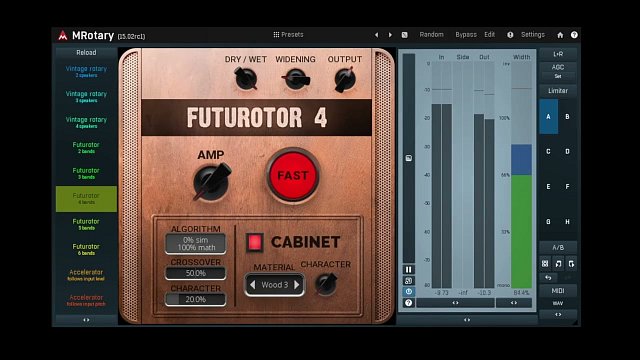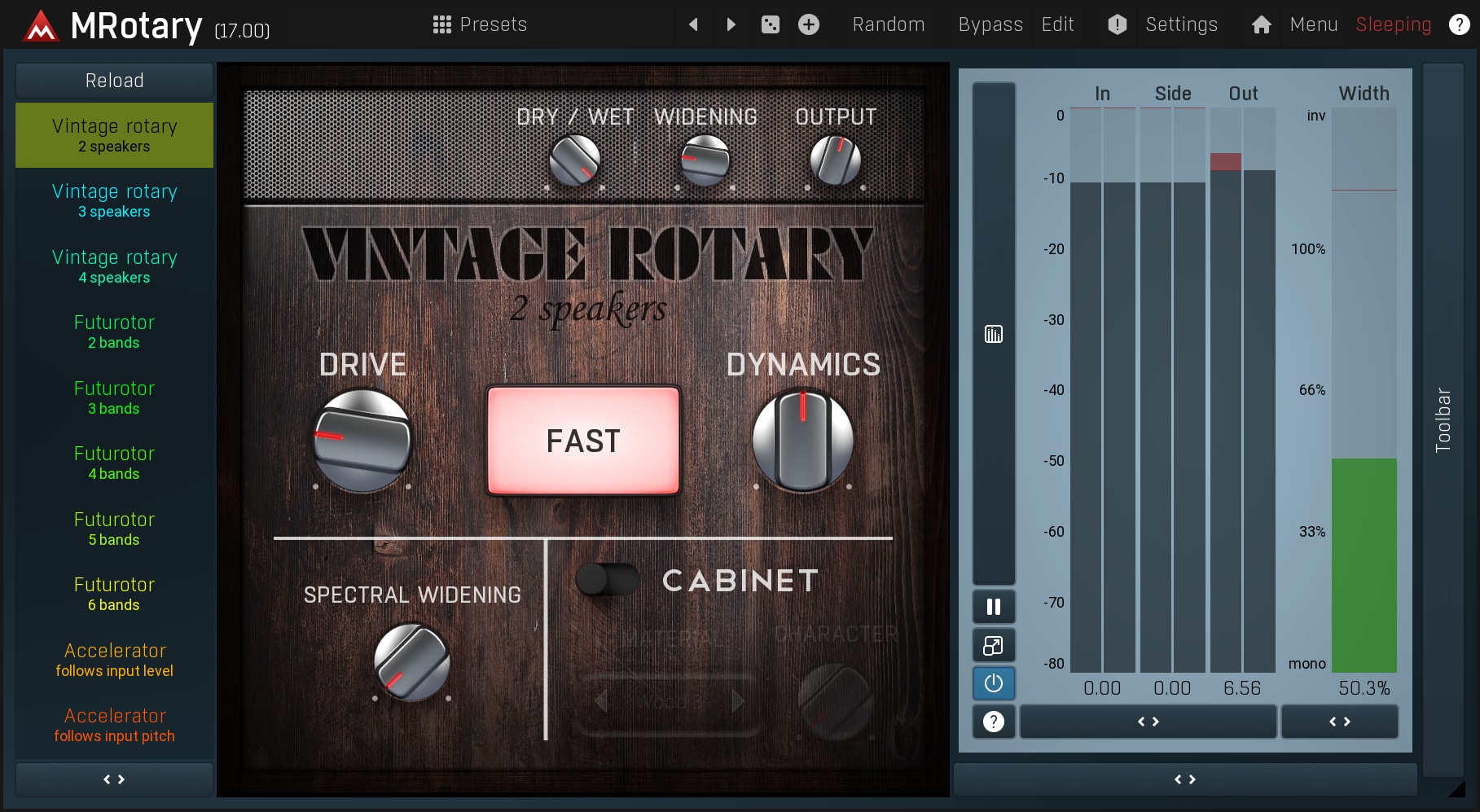
MRotary is a rotary speaker and cabinet simulator for shaping the movement, tone and spatial character of a rotating speaker effect. Its two algorithms cover a Leslie-style simulation and a mathematical model of a virtual cabinet. You can blend them, use a different balance for each speaker, and build a cabinet with up to six speakers. MRotary's mathematical algorithm can produce futuristic sounds alongside the Leslie-style simulation.
Choose an algorithm and shape the cabinet
The simulator algorithm models the behavior of Leslie cabinets. The mathematical algorithm uses the properties of a virtual cabinet, so more of the cabinet geometry affects the result. Blending the algorithms gives you sounds between those approaches.
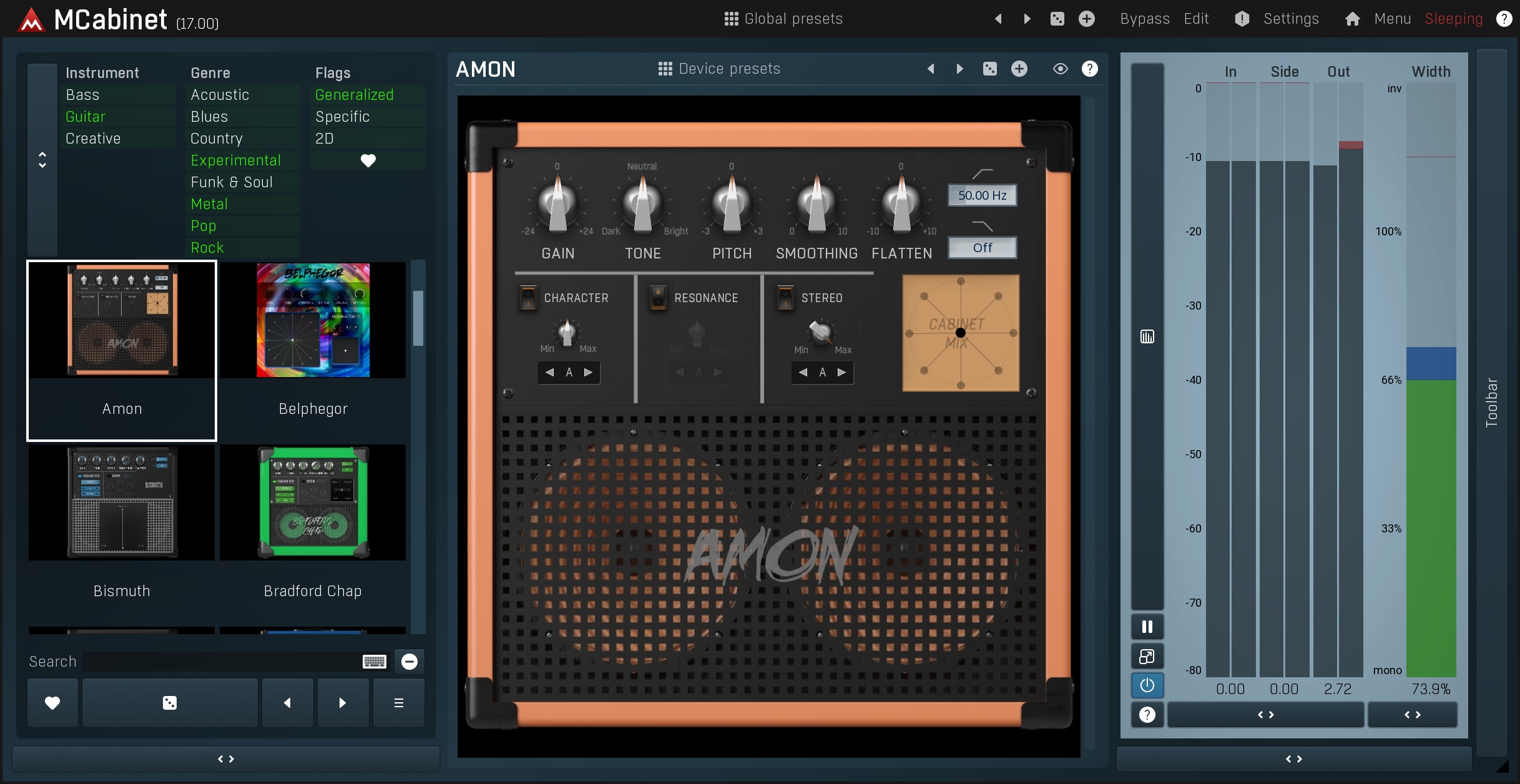
Cabinet controls cover material, dimensions, microphone distance and spacing, reflections, absorption and ambience. Materials can be blended to create a cabinet with different properties across its structure. These controls let you adjust the sound's resonance and sense of space alongside the speaker movement. Only microphone distance and width from the Geometry panel affect the simulator algorithm; all of its settings apply in the mathematical mode.
Control movement across speakers
A crossover divides the signal into speaker bands. MRotary can use one to six speakers, with separate speed, acceleration and other settings for each. A conventional rotary cabinet usually has two speakers; the extra bands let you distribute more frequency ranges across independently configured speakers.
Set slow and fast rotation rates and the time it takes to change between them. Those rates and the acceleration time can sync to the host tempo. MIDI mapping can assign a modulation wheel or sustain pedal to the slow/fast switch. Four modulators can also control parameters using sources such as an LFO, input level, MIDI or audio triggers, random values, pitch detection or the sidechain.
Shape the tone and compare settings
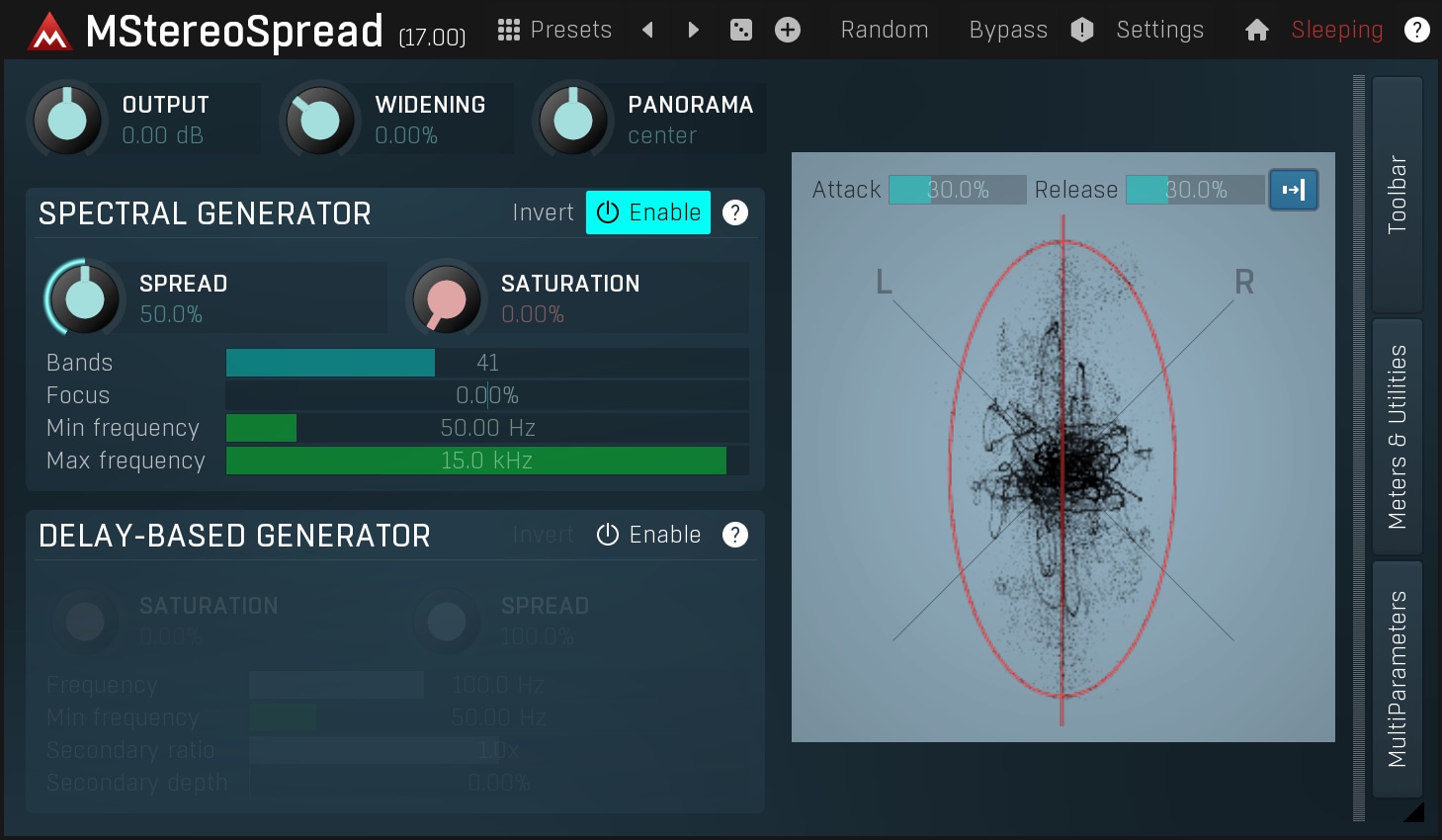
The processing includes an amp simulator for distortion, an equalizer with dynamic bands, and stereo widening controls. The dynamic equalizer changes its gain in response to the input level. Automatic gain compensation helps keep the output level close to the input while you adjust settings or browse presets. A brickwall limiter is included to keep the output below 0 dB.
Start with a preset, then adjust cabinet or movement settings to create variations for comparison. MRotary's A-to-H switching and X-Y morphing support comparison across up to eight settings, with morphing limited to the first four.
Workflow, compatibility and licensing
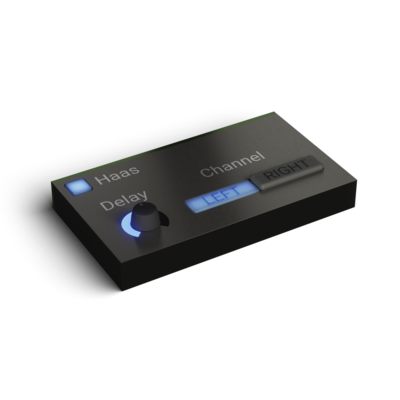
The easy screen presents devices with controls for common tasks; the Edit button opens the full parameter set.
The system and host requirements include Windows 10 and 11 (64-bit), with VST, VST3 and AAX hosts, and macOS 10.14 or newer (64-bit), with VST, VST3, AU and AAX hosts. MRotary requires an Intel or AMD processor with SSE2 on Windows; its macOS requirements include Intel, AMD or Apple Silicon processors. Linux is not directly supported; MeldaProduction says Wine may work, with Microsoft True Type Fonts required in .wine/drive_c/windows/Fonts/ before installation.
Activation uses licence files and does not require a dongle or internet access. The licence is personal to the user and can be used on that user's computers. A trial lets you check MRotary in your host before purchasing.