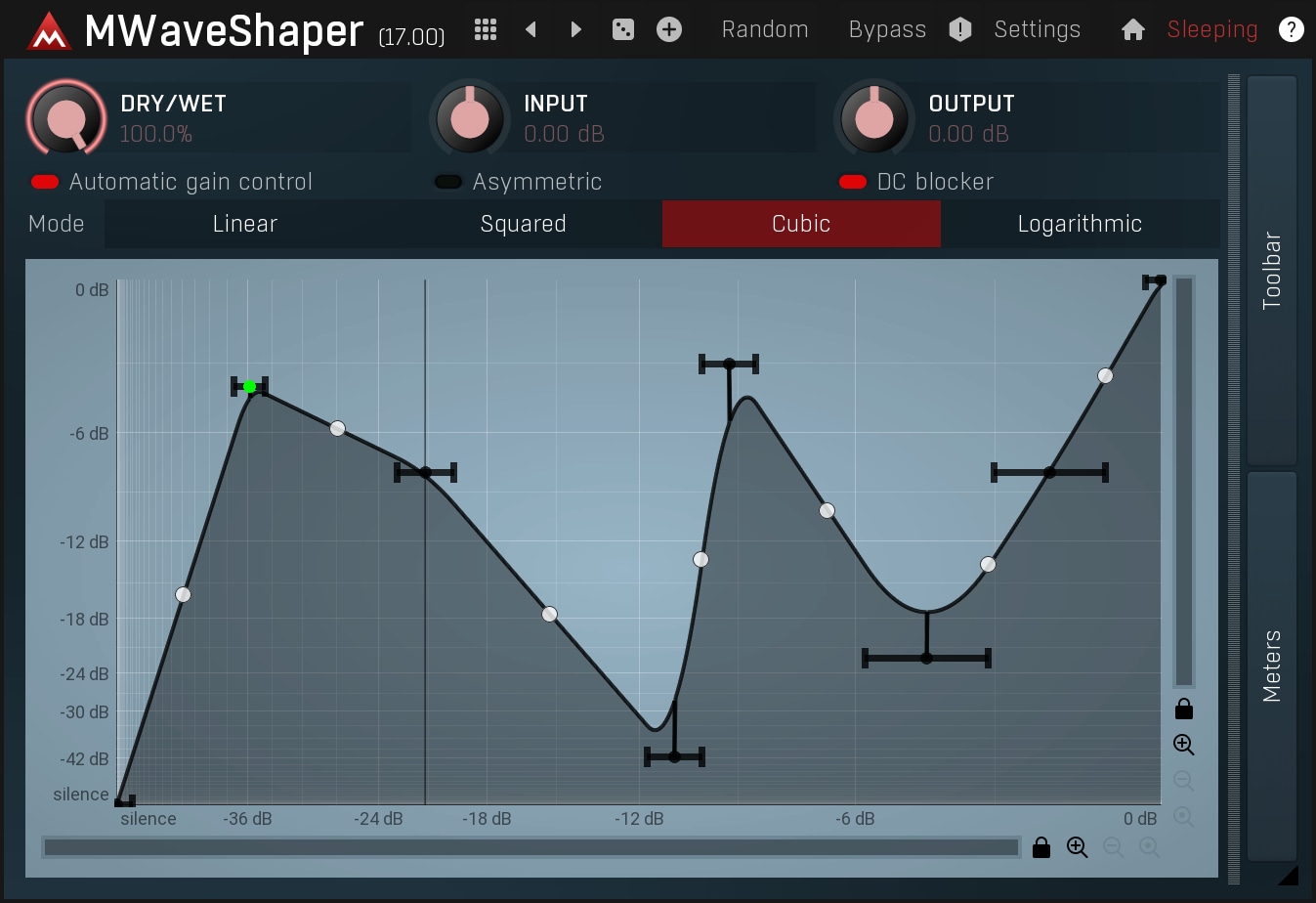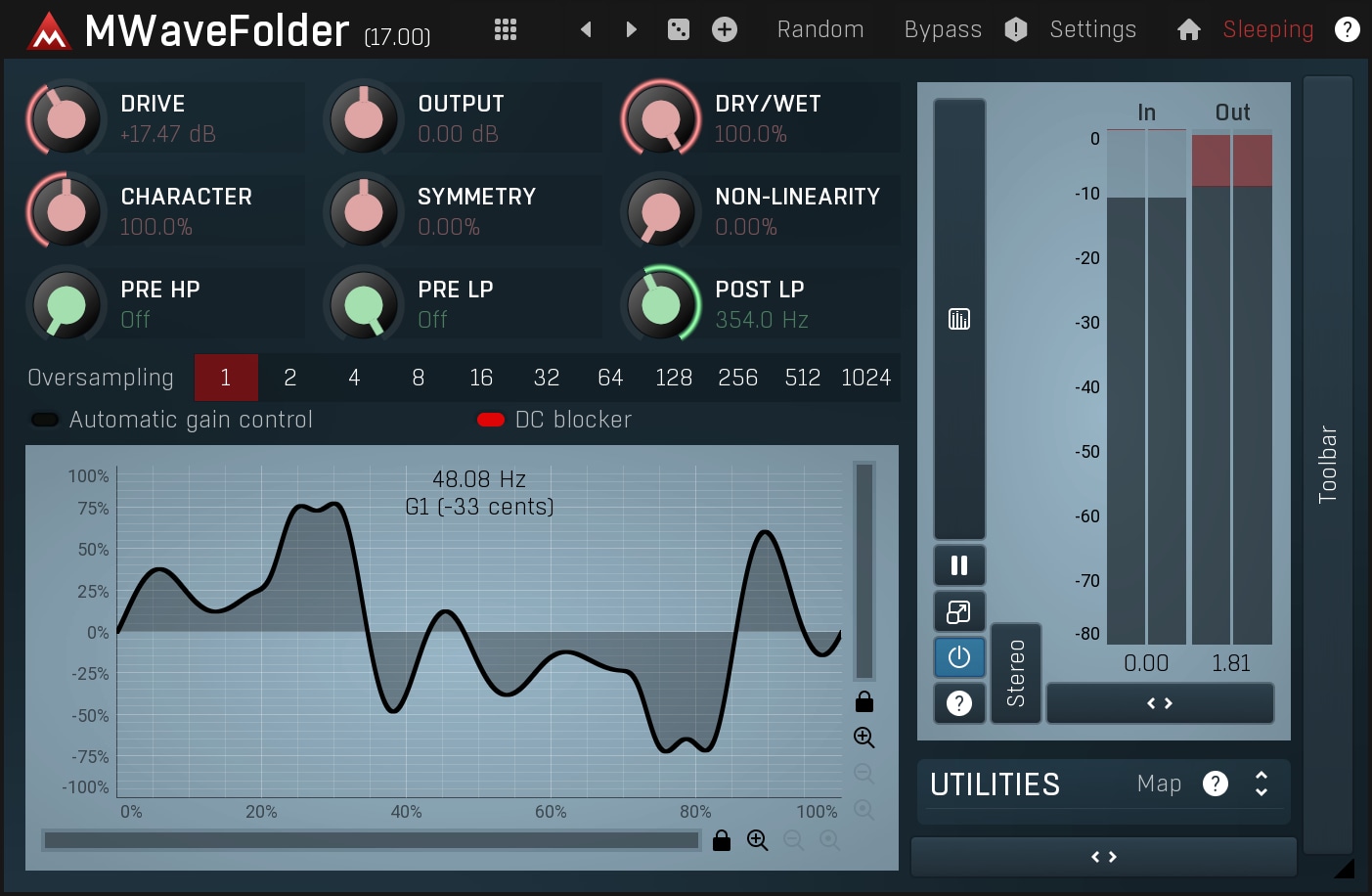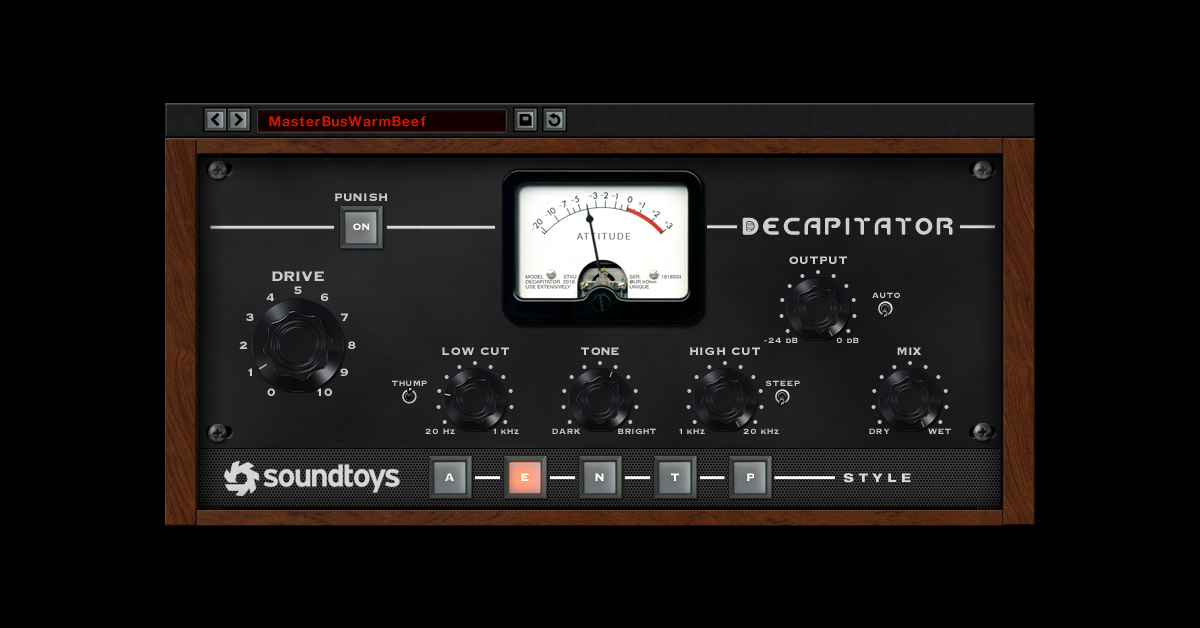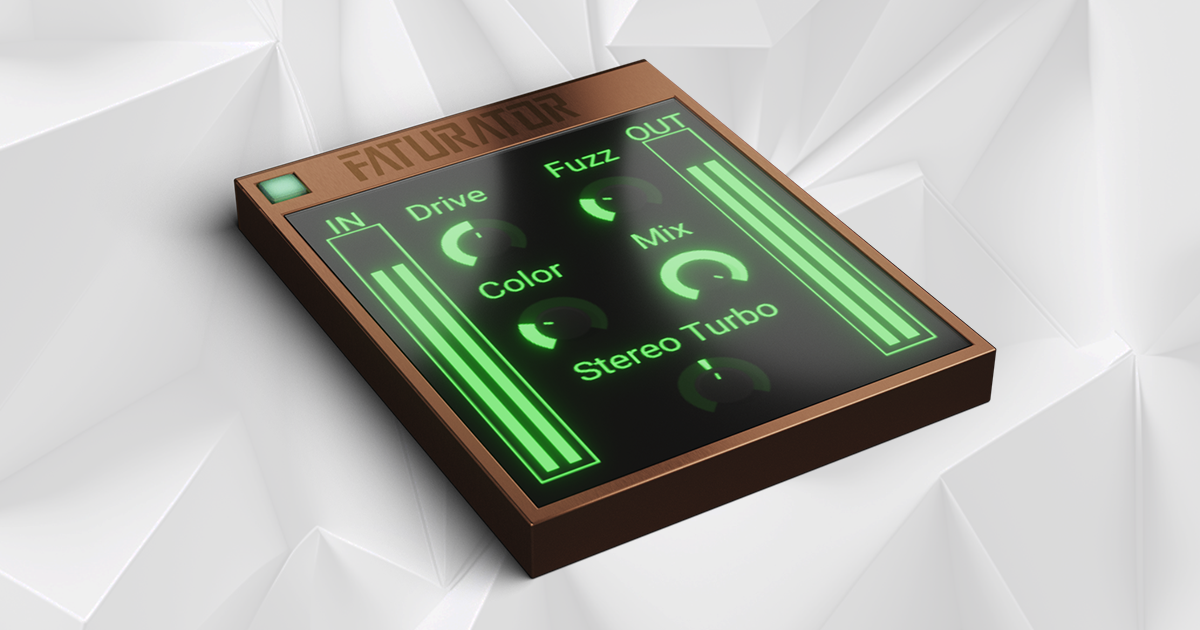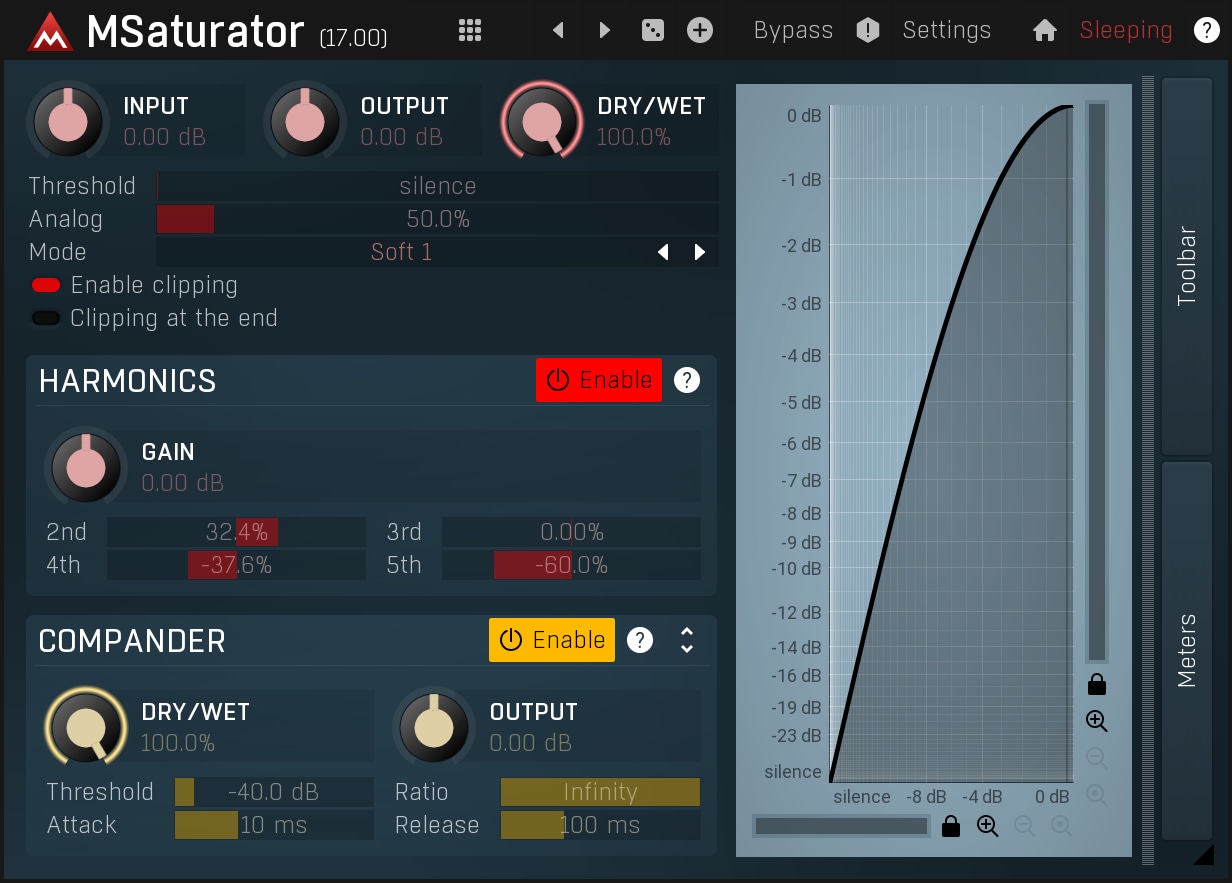
MSaturator is MeldaProduction's saturation effect for adding harmonics and distortion. The developer describes its main saturation as tube-like and says it can also work as a distortion module for guitars and other instruments. Black Sun Empire's testimonial says MSaturator adds subtle saturation to buses and works on a full mix. Its signal path has separate controls for saturation, extra harmonics, compander dynamics and clipping.
Shape saturation and harmonics
The Threshold sets the level above which saturation starts; lowering it increases loudness and distortion. Analog adds even harmonics whose amount follows the saturation signal. The separate Harmonics panel works after saturation and controls the 2nd, 3rd, 4th and 5th harmonics individually. You can disable the main saturation unit and use the harmonic generator on its own. An optional clipper can run after saturation or at the end of the chain.
For a track or bus, set Threshold for the desired drive, blend with Dry/Wet, then use Analog or the individual harmonic controls to adjust the tone. The Compander panel compresses the signal before saturation and reverses that compression afterward. Its threshold, ratio, attack, release and dry/wet controls shape the compression; output gain mainly adjusts the amount of saturation.
Compare settings at matched loudness
Automatic gain compensation adjusts output loudness to match the input, which can help when comparing settings. With a 400 ms response, it can counter slow level changes; when a compressor's attack and release times are both above 100 ms, the interaction can cause severe pumping. Turn it off if that changes the dynamics you want. A/B switches between the active and previously active presets, which need not be the A and B slots. The A-H bank stores up to eight sets of settings, but excludes channel mode and oversampling; other global controls may also be excluded. The X/Y morph control blends A-D. Morphing writes to the selected slot, so use an unused slot to preserve the original settings.
Oversampling and peak control
MSaturator offers 1x to 1024x upsampling, with minimum-phase and linear-phase options. Saturation can create harmonics above the Nyquist frequency, which fold back as aliasing; oversampling can reduce those artifacts. It also uses more CPU, can add latency and may change the sound. The manual recommends using it when you can hear a difference. An integrated antialiasing option reduces aliasing without oversampling.
An optional safety limiter can keep output below 0 dB. The manual cautions that it changes the signal and uses more processing, so enable it when you need that peak control.
Channel modes and compatibility
For stereo material, MSaturator can process left/right, mid, side or mid+side signals. It also supports up to 8-channel surround and 64-channel, 7th-order ambisonics when the host supplies the appropriate track format. The manual says VST2 surround requires enabling a global surround option and restarting the host; VST3, AU and AAX do not need that step. Ambisonics support is uncommon in DAWs; the manual says to enable it globally, restart the host, then place MSaturator on an ambisonics track and select Ambisonics mode.
MeldaProduction lists 64-bit VST, VST3 and AAX versions for Windows 10/11 on Intel or AMD processors with SSE2, and 64-bit VST, VST3, AU and AAX versions for macOS 10.14 or later on Intel, AMD or Apple Silicon CPUs. The vendor calls MSaturator a free effect and links it with MFreeFXBundle. For licensed installations, Melda describes licenses as belonging to one person, who may use the software on their own computers; facilities can request a specialized license. The feature page says activation does not require a dongle or internet access. See the support page for system details and the feature list.