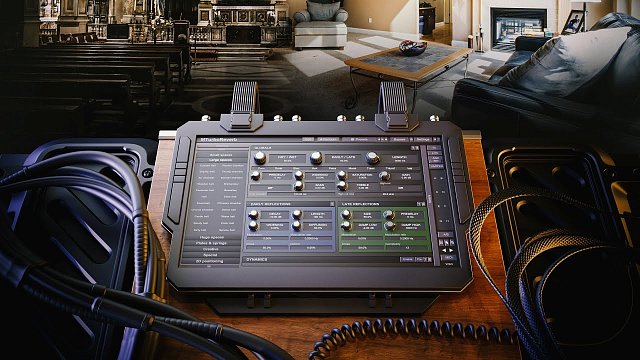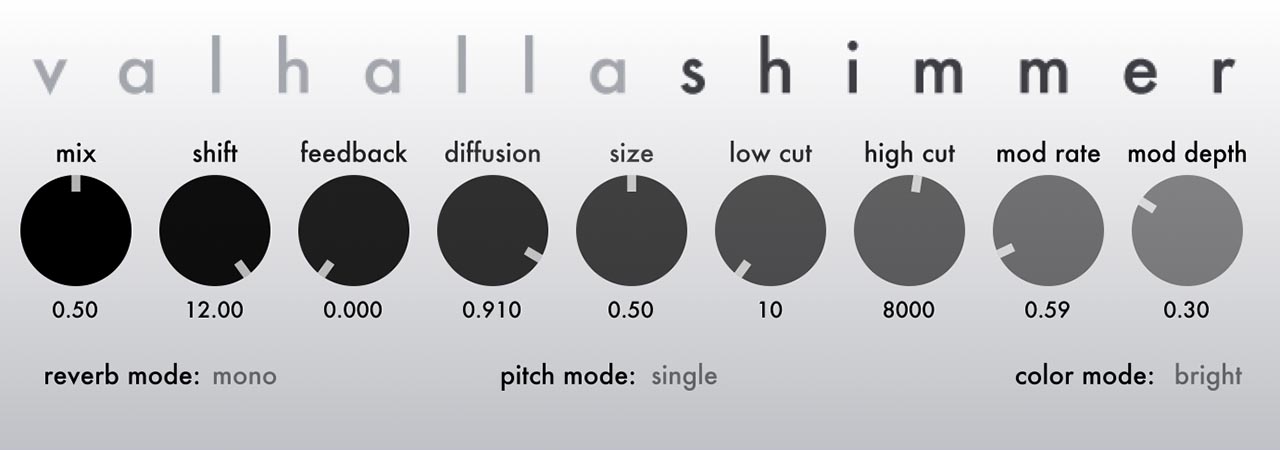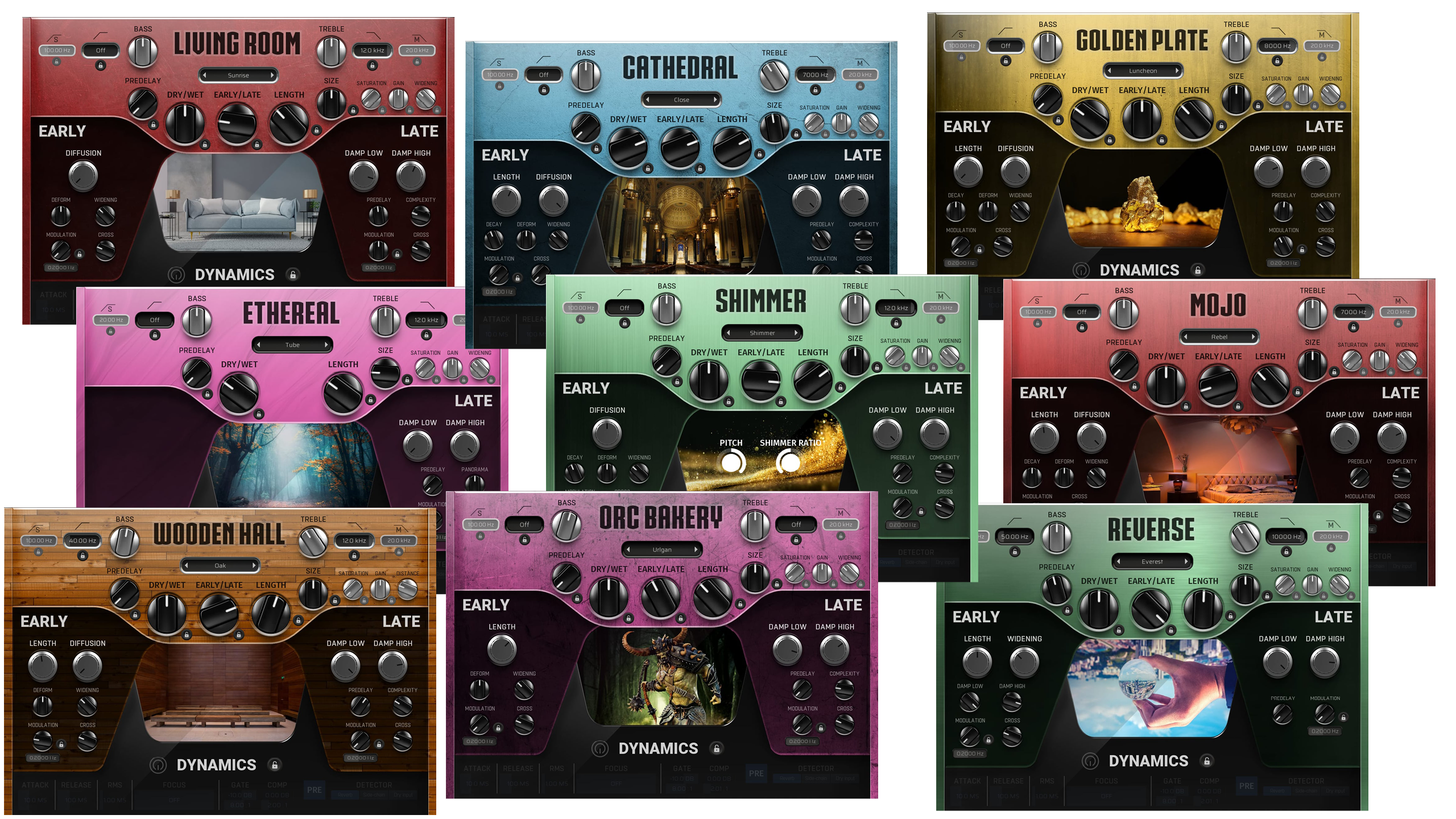
MTurboReverb is an algorithmic reverb with about 100 ready-made designs, from rooms, halls and plates to shimmering and 2D-positioning effects. Its shared Easy screen makes it practical to browse and shape those designs; the Edit screen opens up custom reverb construction for sound designers and engineers who want control over the underlying algorithms.
Shape a reverb for a mix
For an insert, use Dry/Wet to balance the direct signal and reverb. On a send bus, set Dry/Wet to 100% and control the amount from the tracks sending to that bus. You can lock controls such as Dry/Wet while browsing designs, so the setting stays fixed as you switch between them. A-H slots let you keep and switch among up to eight settings, while the X-Y pad can morph among the first four.
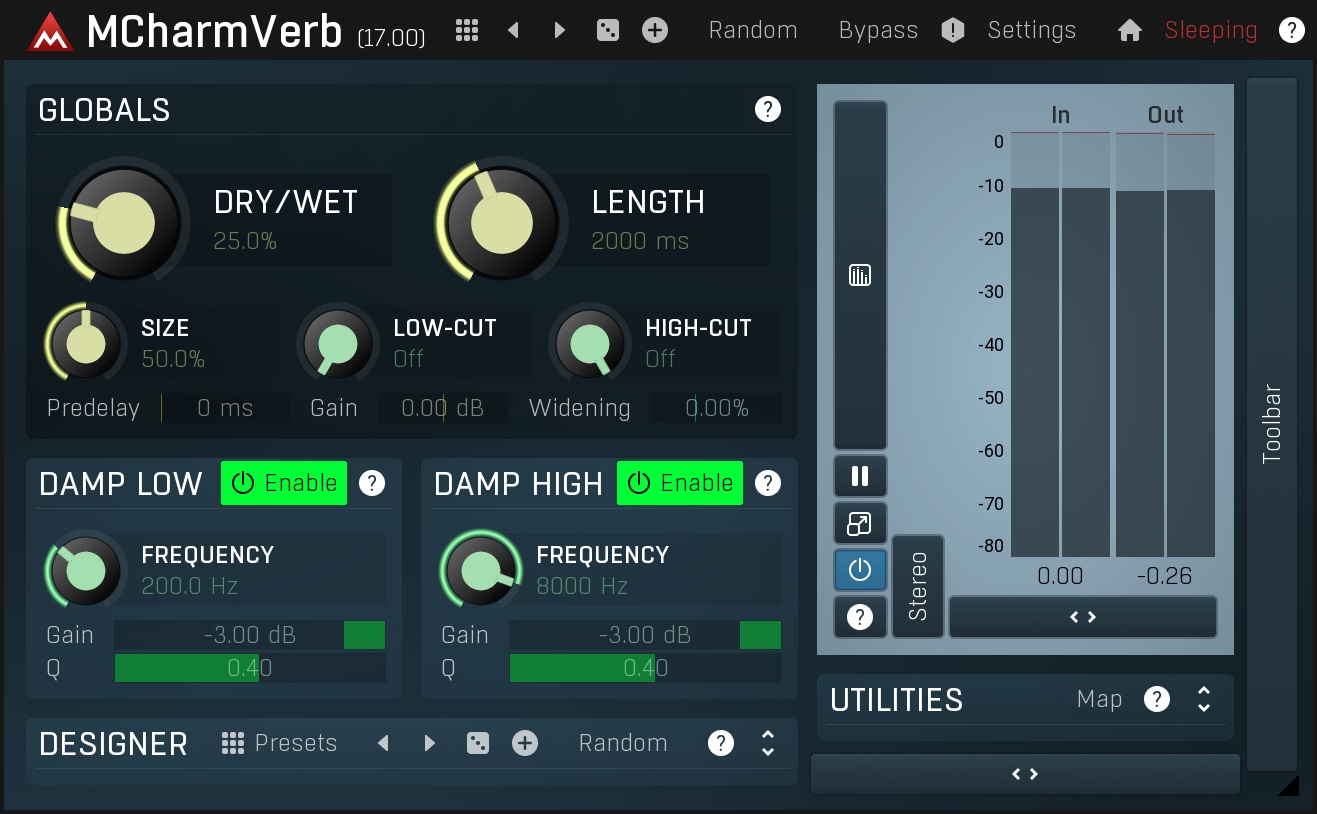
Early reflections shape the initial sense of space and source position; late reflections create the denser tail. MTurboReverb keeps reverb length and virtual room size as separate controls, so a large-sounding space can have a shorter decay. Predelay can separate the start of the reverb from the dry sound. For a snare, the dynamics section can gate the input to create a gated tail, or gate the reverb output to shorten a lingering decay. Filtering and modulation provide further ways to fit the tail into a mix.
Build or explore custom algorithms
The Edit screen has four graphical early-reflection generators and six late-reflection generators. Each late-reflection algorithm is defined with a line of module syntax, with building blocks that can be arranged in series or in parallel. This level of editing suits users who want to design a particular reverb structure; the prepared designs remain available for those who prefer to work from controls and presets. The manual recommends enabling the safety limiter for custom algorithm design because infinite feedback is common in complex feedback systems.
The Smart Seed Generator can analyze and rank algorithm seeds using selected factors such as resonance and echo density, helping narrow a search. Its scores are estimates based on impulse-response analysis, so listen to the candidates before choosing one. MTurboReverb also supports mid/side and separate-channel processing, up to eight-channel surround, and up to 64-channel, seventh-order ambisonics, which can suit spatial audio work in film, games or VR. See the official feature list for the documented processing options.
Edition and compatibility
The full MTurboReverb license includes the Edit screen and access to the multiband version, MTurboReverbMB. MTurboReverbLE includes the ready-made Easy-screen designs but omits the Edit screen and multiband version. MeldaProduction describes its licenses as personal: one user can use a license on their own computers. MeldaProduction says activation requires neither a dongle nor internet access.
The plugin supports 64-bit hosts. Melda lists VST, VST3 and AAX for Windows, and VST, VST3, AU and AAX for macOS. The stated minimums are Windows 10 or 11 and macOS 10.14 or newer, though Melda says its plugins may work below them and suggests checking during the trial. Linux is not directly supported; Melda says Wine may work if Microsoft TrueType fonts are present in .wine/drive_c/windows/Fonts/. Check the current MTurboReverb support page and system requirements for host and installation details. The official quick-start guide explains the Easy and Edit screens and the reverb controls.