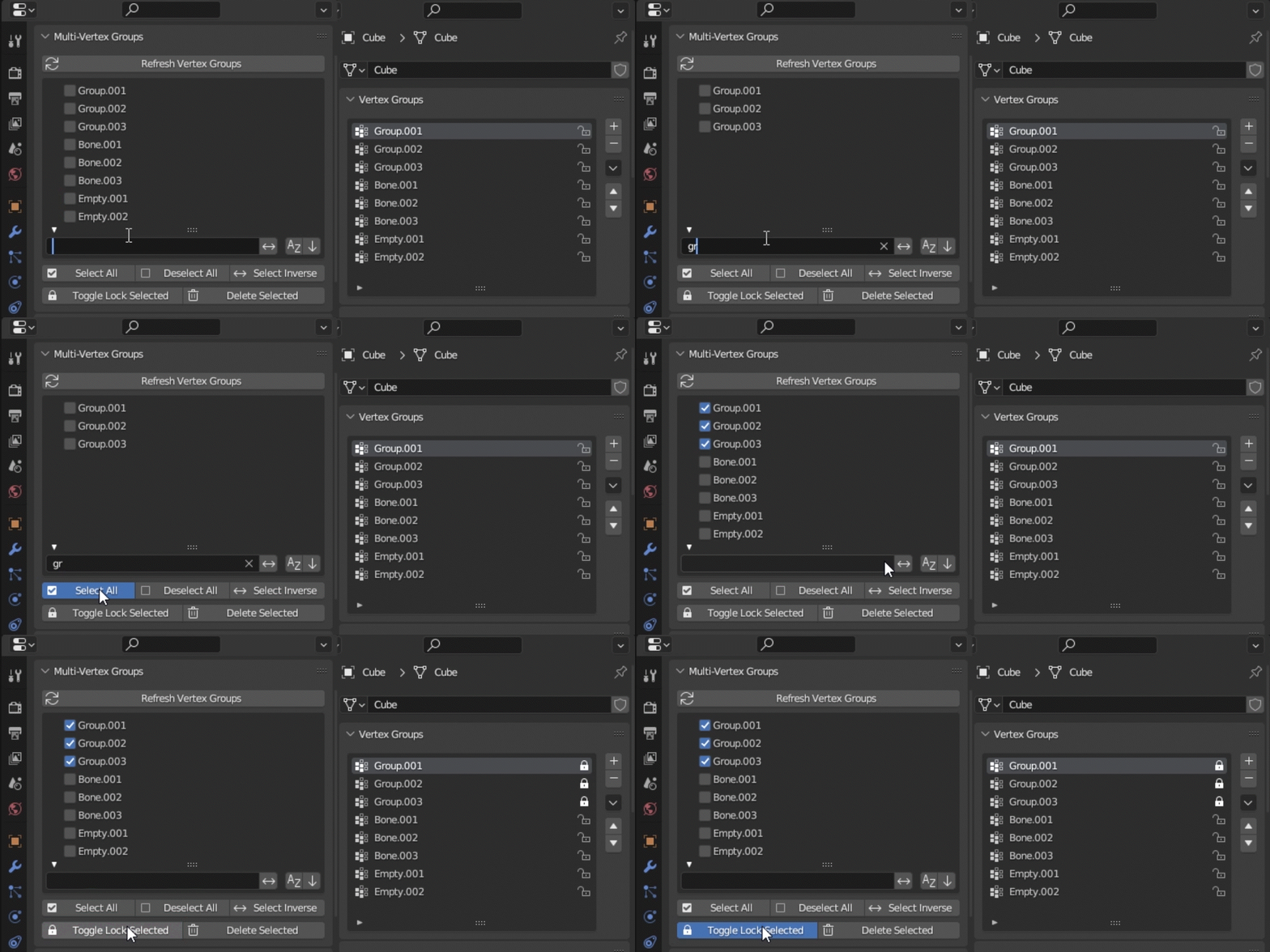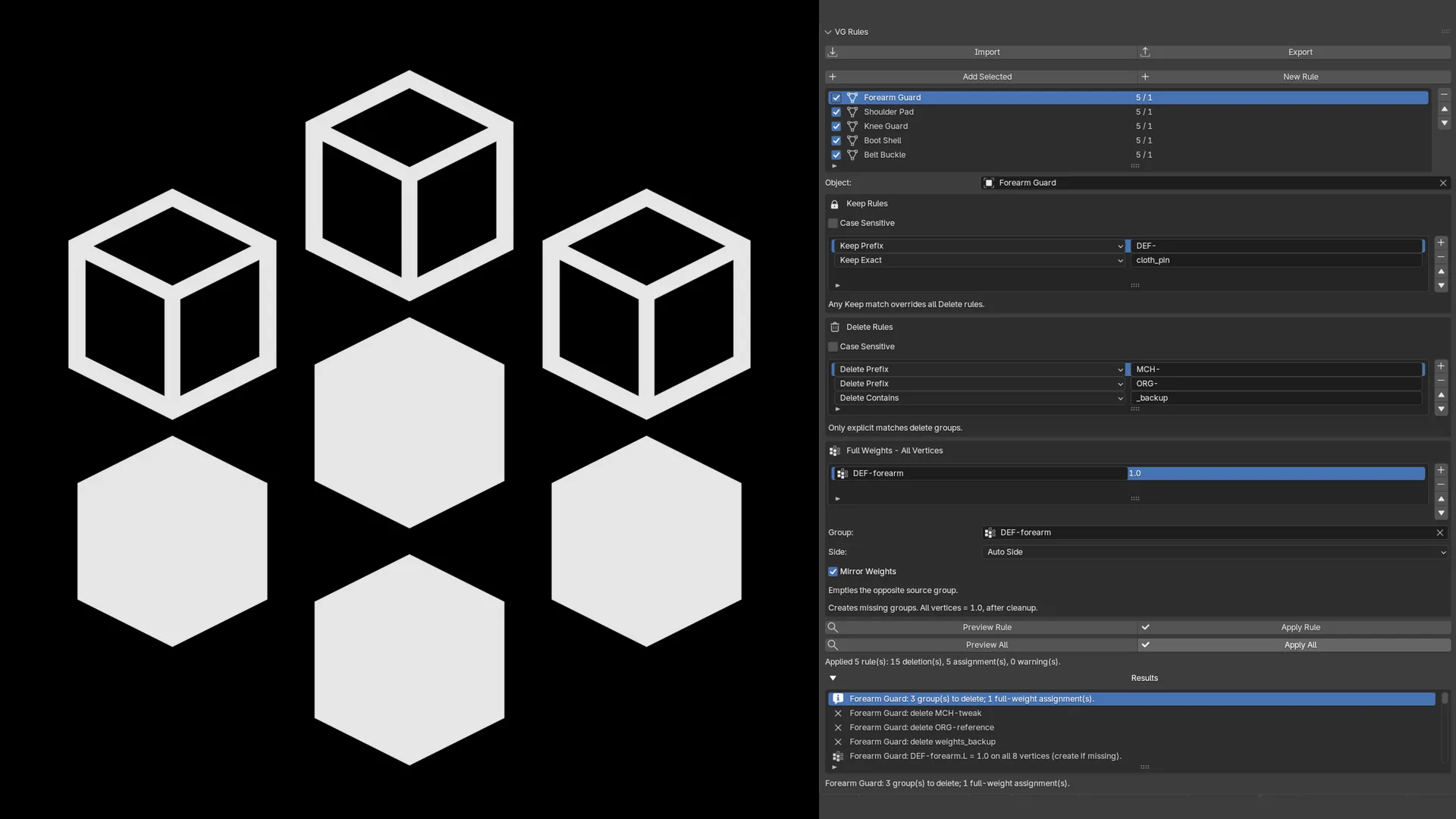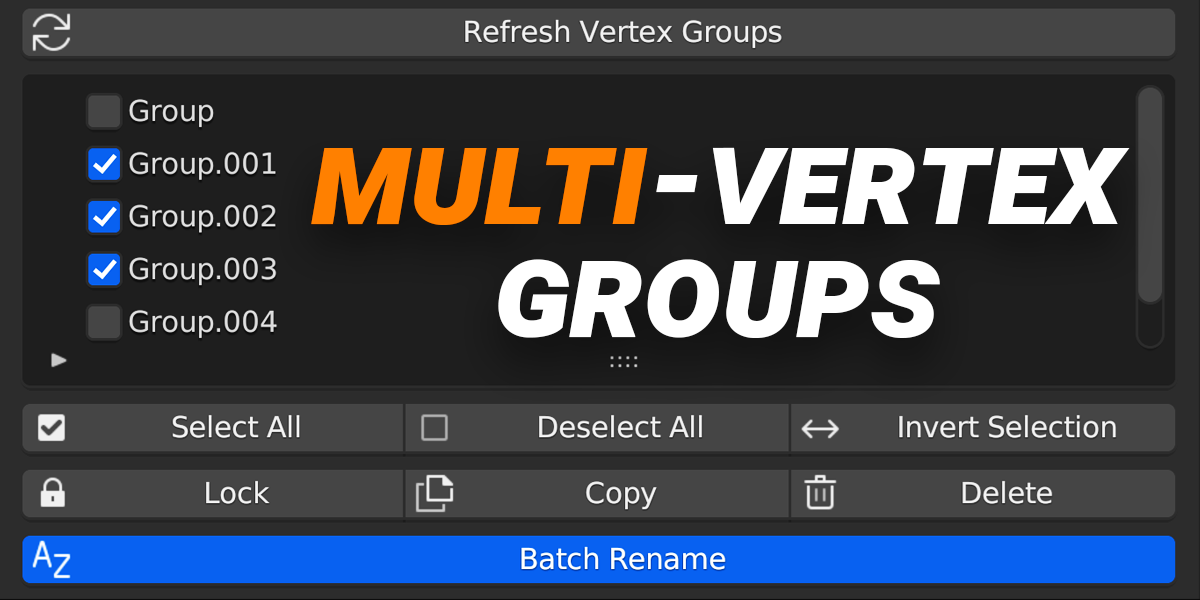
Multi-Vertex Groups is a Blender add-on for filtering and managing vertex groups on the active mesh object. From Blender’s Properties > Object Data panel, you can select groups in bulk, lock or unlock them, and delete selected groups.
Filter and select vertex groups
Open the Multi-Vertex Groups panel and press Refresh to load the current groups. The panel uses Blender’s built-in UIList search field to filter names. You can then use Select All, Deselect All or Select Inverse. These selection commands apply to groups visible in the filtered list, so check the filter before locking or deleting groups.
Apply changes to the active mesh
After selecting groups, use the lock, unlock or delete controls. The add-on is intended for tasks such as rig cleanup on meshes with many vertex groups. It operates on the active mesh object, so make the intended mesh active before applying changes.
Setup and limits
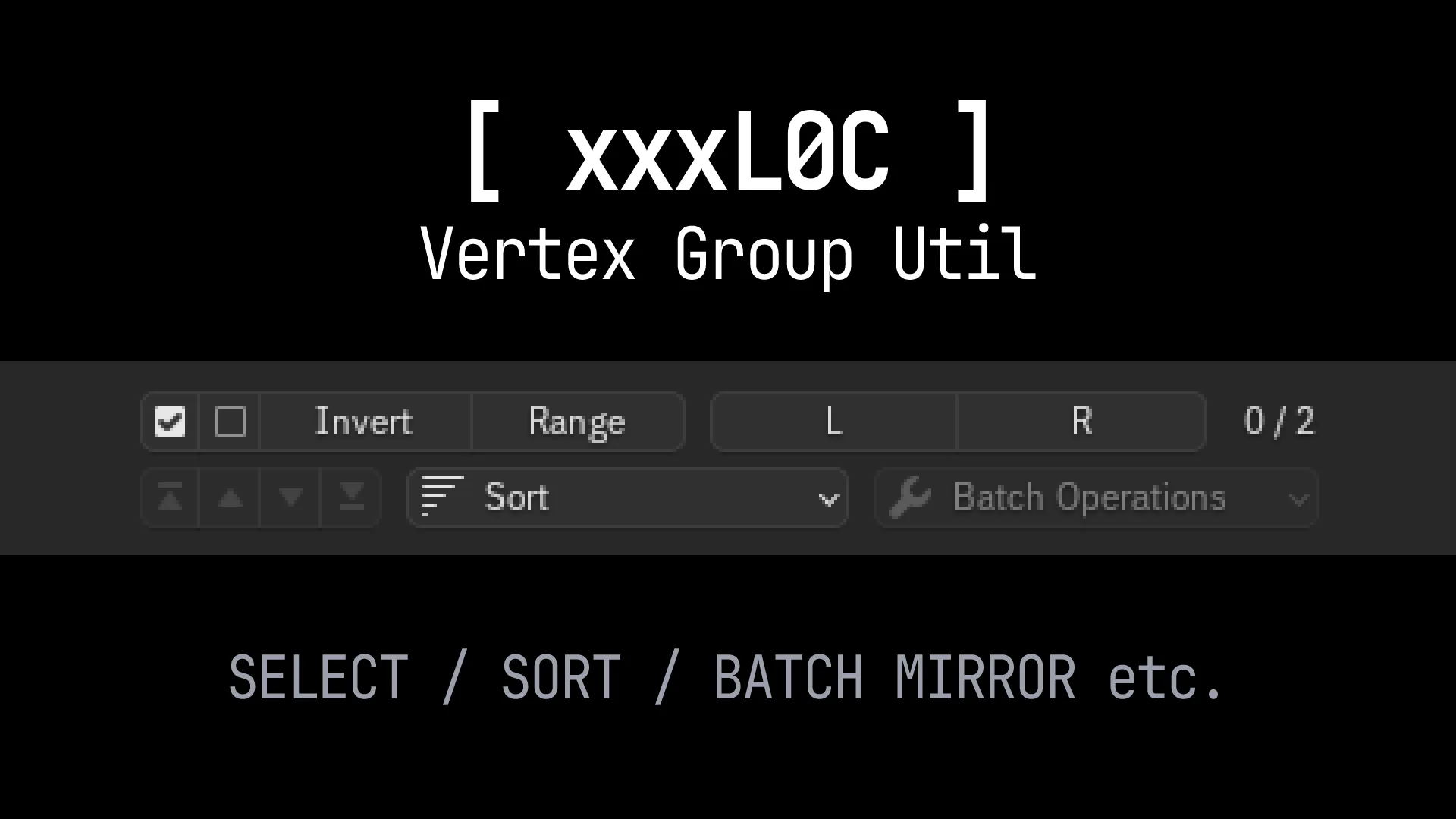
Install the add-on through Blender’s Preferences > Add-ons > Install, enable it, then open Properties > Object Data and find the panel. Press Refresh again after adding or renaming groups outside the panel. Sorting changes only how the list appears; it does not change the underlying group order. The Superhive listing identifies Blender versions 3.0 through 5.0 and a GPL license. Check the listing for current release details.