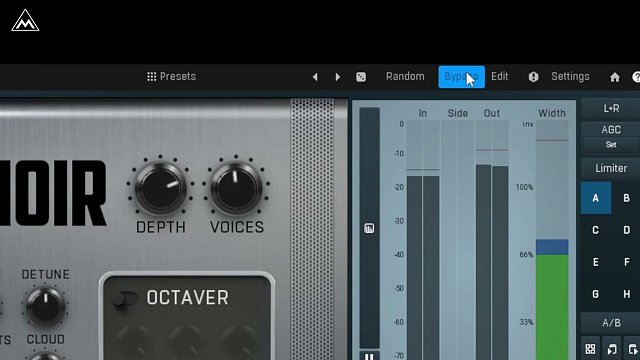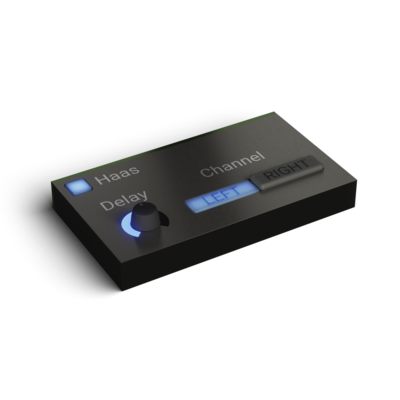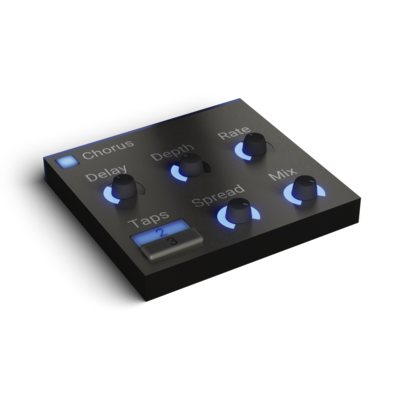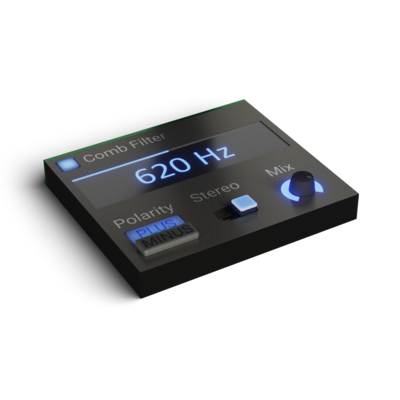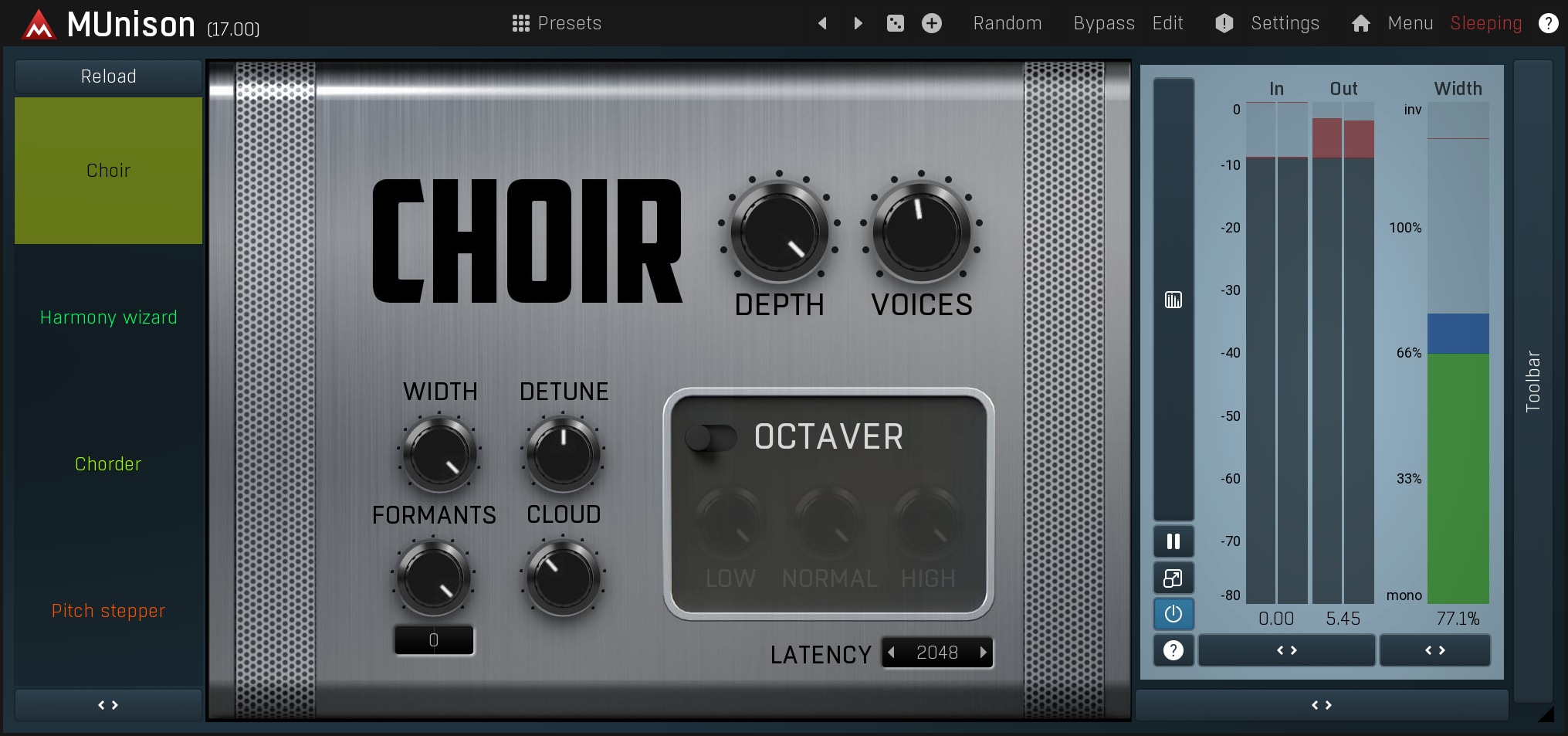
MUnison is a MeldaProduction audio effect that generates up to 50 additional voices from an audio input. Use it to thicken vocals or instruments with variations in pitch, timing, formants, and stereo position, or create scale-based harmonies from a melody.
Build doubles, harmonies, or crowd textures
In unison mode, MUnison creates voices around the source pitch. Adjust the voice count and how much each voice varies in pitch, timing, tone, and stereo placement. The Keep formants control can help preserve the source's tonal character as pitch changes; formant shifting can make the voices sound more distinct. The product page includes examples for vocals, guitars, drums, brass, and crowd effects.
For harmonies, choose a scale and set the intervals for the generated voices. MIDI and automation can control the scale and requested harmonies, including for live use. This mode relies on pitch detection and works properly with monophonic input, such as a single vocal or melodic line. Chords and full mixes do not meet that condition.
Modulation, editing and multichannel processing
Four modulators can act as LFOs, level followers, ADSR envelopes, randomizers, or pitch detectors, and can respond to a sidechain. Oscillators and modulators can synchronize to the host tempo. The Easy screen gives access to simplified controls for factory devices; the Edit screen exposes the full parameter set for further adjustment.
For multichannel sessions, MUnison supports mid/side processing, up to 8-channel surround, and up to 64-channel ambisonics. Adding voices uses more CPU as the voice count rises.
Compatibility and licensing
- Windows: 64-bit Windows 10 or 11 with a VST, VST3, or AAX host and an Intel or AMD processor with SSE2 support.
- macOS: 64-bit macOS 10.14 Mojave or later with a VST, VST3, AU, or AAX host. Intel, AMD, and Apple Silicon processors are listed as supported.
- Linux: Not directly supported. MeldaProduction says it may work through Wine; its requirements page notes that Wine needs Microsoft TrueType fonts in its Windows fonts directory.
Activation uses license files and does not require a dongle or internet access. The license is assigned to a person and can be used on that user's computers. MeldaProduction lists free updates for life and offers a free trial. Check the system requirements and supported hosts before installing, and consult the MUnison quick start guide for controls and setup details.