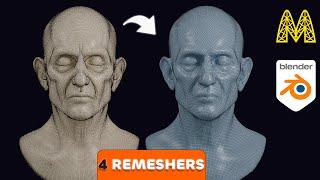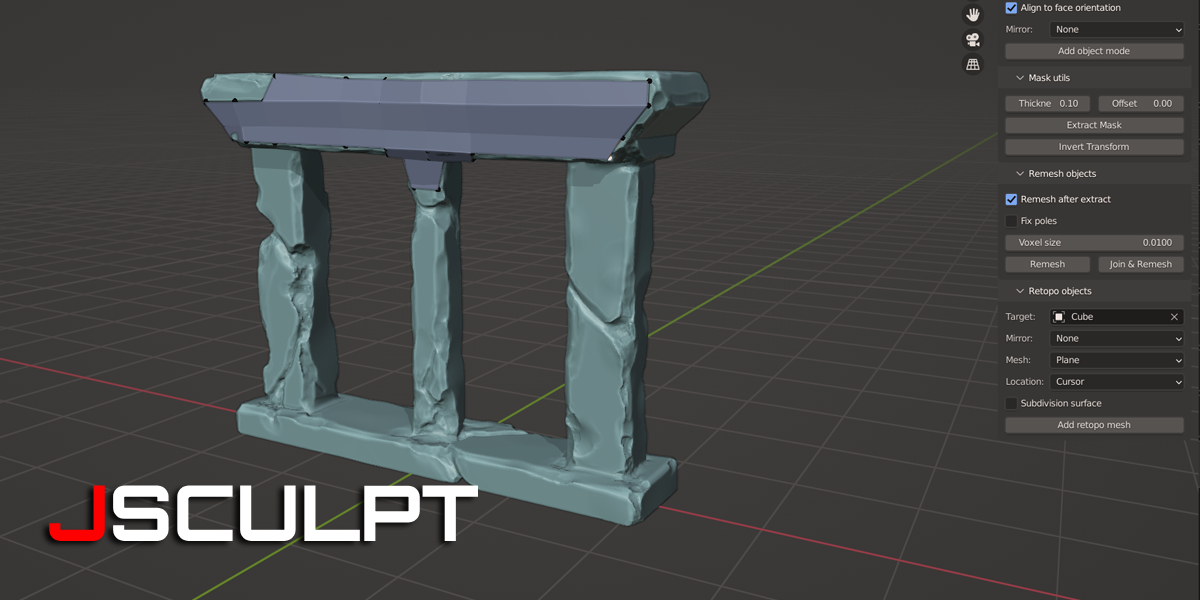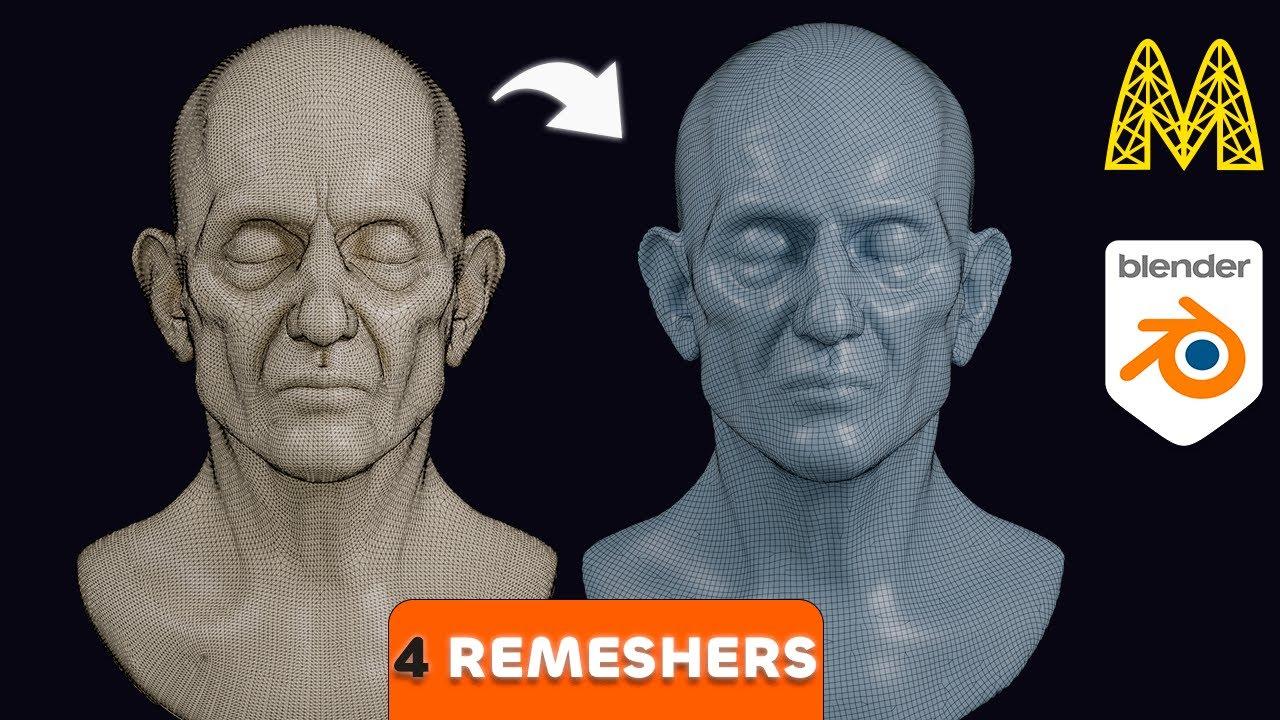
Mutamesh | 4 Remeshers In One is a Blender add-on that brings four mesh-processing tools into one interface: Instant Meshes, QuadWild, CWF, and AdapTropic. They produce different kinds of topology, so the right choice depends on whether you need quads, a simpler triangle mesh, or triangles with density adapted to surface curvature.
What each remesher does
- Instant Meshes creates triangle or quad-dominant meshes. The documentation recommends it as a general starting point for hard-surface models and large inputs. Its quad-dominant result can include triangles; an optional post-process can produce pure quads.
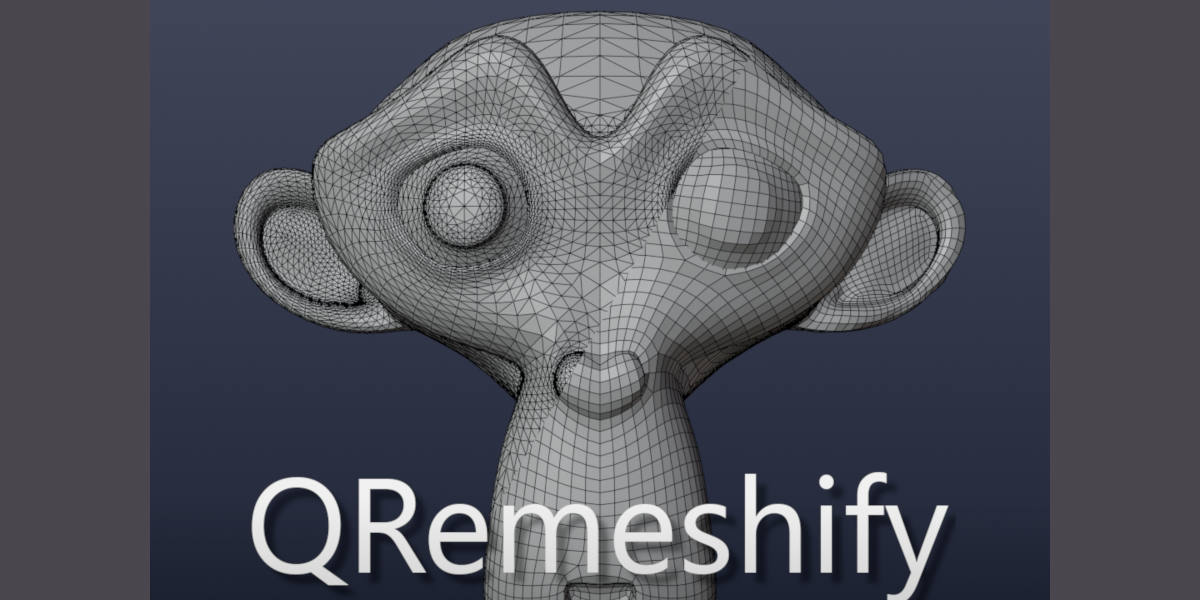
- QuadWild generates pure quadrilateral meshes and is aimed at workflows where feature lines and quad topology matter. It expects triangular input. If the input has quads, the documentation says to enable preprocessing so Mutamesh converts them to triangles first.
- CWF simplifies triangular meshes while working to retain and consolidate visible and subtle surface features. It outputs triangles, so it is a choice for reducing mesh complexity rather than converting a model to quads.
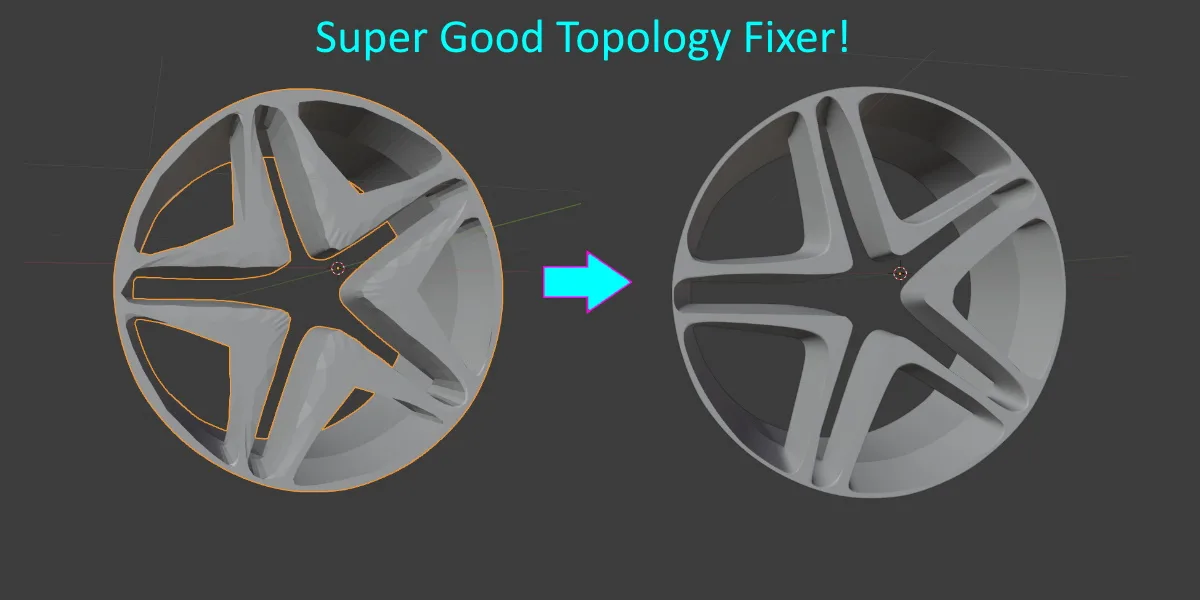
- AdapTropic improves triangle quality and can vary triangle density with surface curvature. It also outputs triangles. The documentation warns that results may have holes, non-manifold geometry, or incorrect normals that need inspection and cleanup.
Choosing a starting point
For a pure-quad result, start with QuadWild; enable preprocessing if the input contains quads. For a quicker general remesh, try Instant Meshes and inspect its edge flow and output type. Use CWF when the task is simplifying a triangular mesh. AdapTropic is intended for curvature-sensitive triangle sizing, but its documented failure modes make a backup and a careful mesh check sensible before relying on the result.
Workflow and practical limits
The documentation describes a workflow of selecting a mesh, opening the Mutamesh panel in the 3D Viewport sidebar, choosing a tool, adjusting its parameters, and running Remesh. It recommends checking input geometry and keeping a copy of important work. CWF can become extremely slow on triangular meshes above one million faces; the documentation recommends reducing dense meshes before using it.
Compatibility details need confirmation. The Superhive listing names Blender 5.1. The documentation header identifies version 1.0.2 with Blender 5.1.1+, while its installation section says Blender 4.2 or newer. It also lists Windows 11 x64 as the required operating system. Check the current product listing and documentation before installing. The listing records a GPL license; the documentation advises checking the licenses of the included algorithms as well.