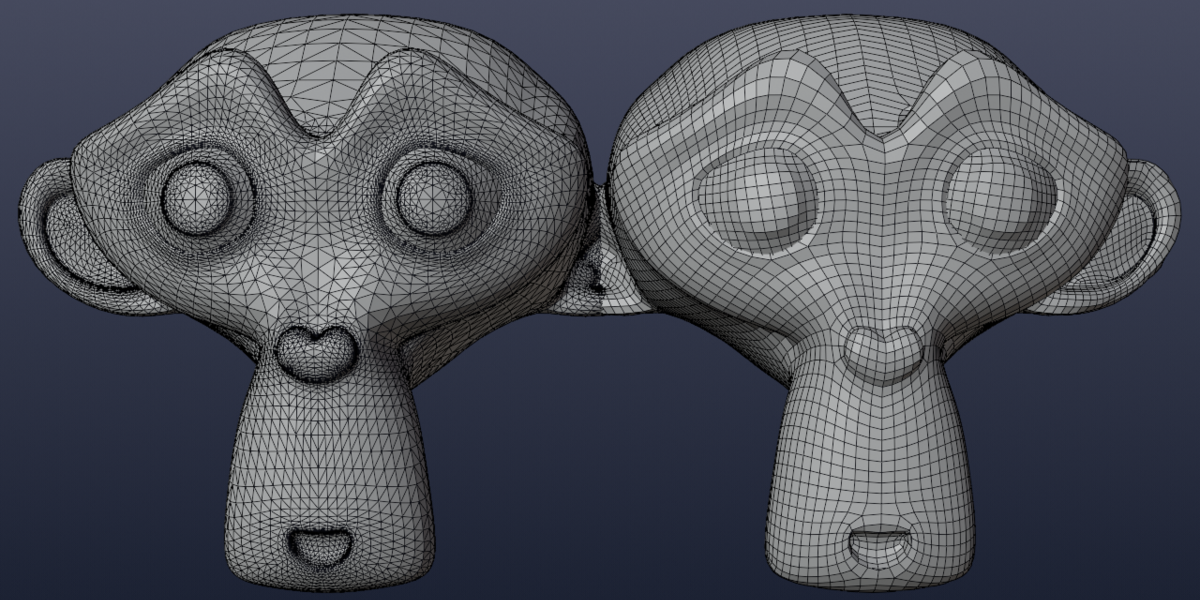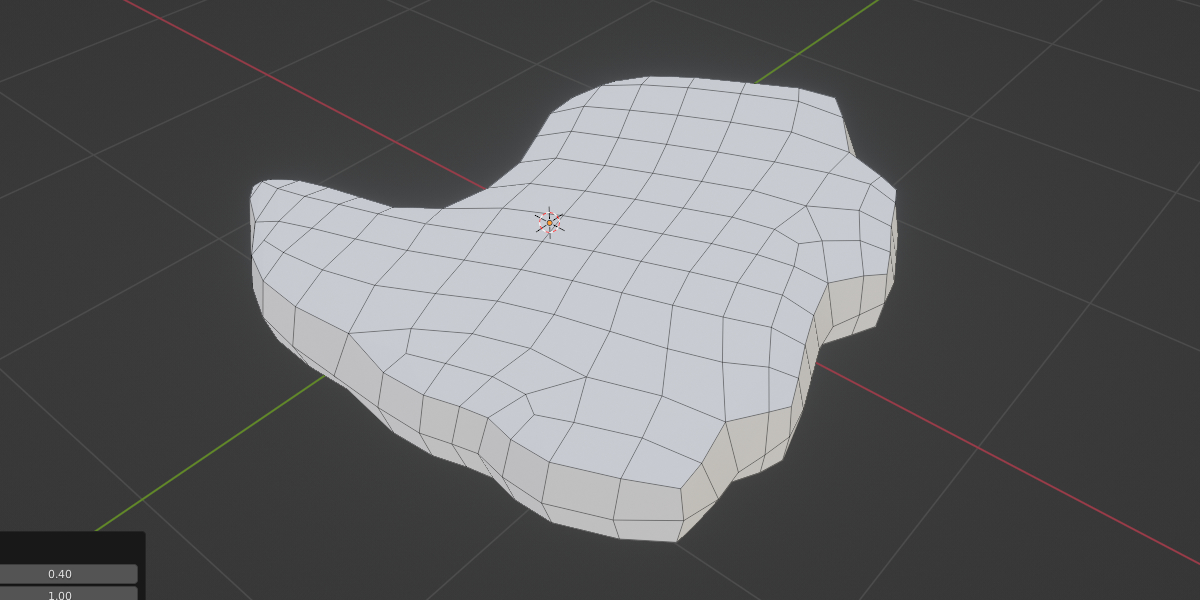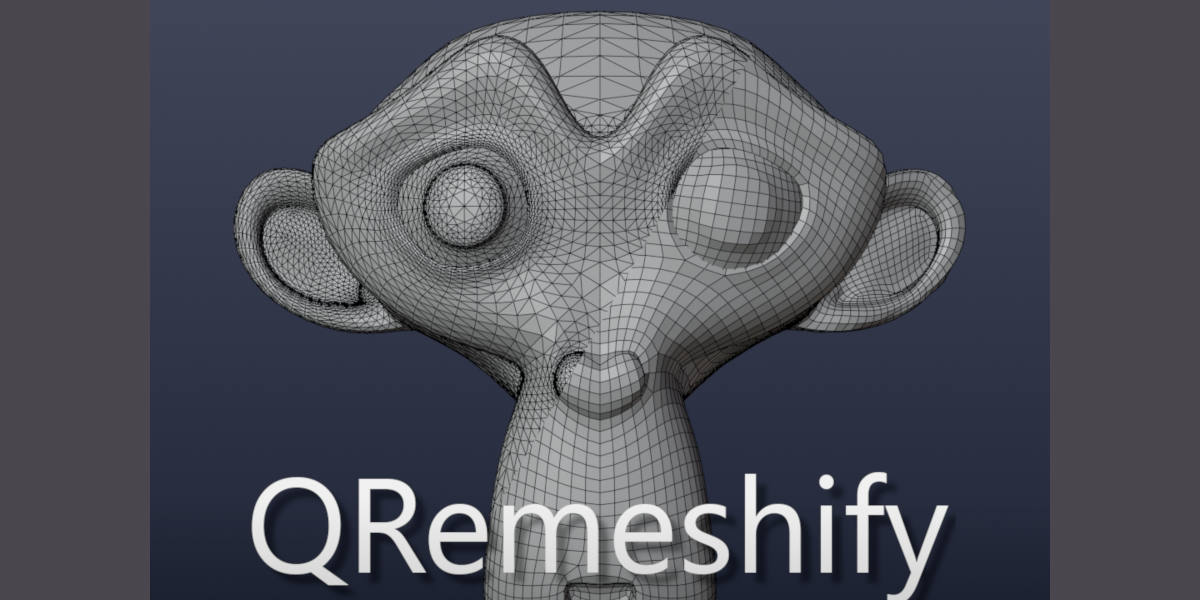
Qremeshify is a Blender extension for remeshing models into quad topology. It supports symmetry and edge-flow guidance and is based on the QuadWild with Bi-MDF solver, which builds on QuadWild. It requires Blender 4.2 or later on Windows, Linux, and macOS.
Guide edge flow and tune density
Qremeshify can use edges marked as seams or sharp to guide edge flow. It can also use material boundaries or face set boundaries. Fine-tune the remesh with the available options. The v1.1.0 changelog specifically mentions a scale factor (density) option; the product page does not give a target face count or density-to-polygon formula.
Symmetry is supported, but the product details do not describe its controls.
Install and open Qremeshify
- Download the Qremeshify ZIP file from its product page.
- In Blender 4.2 or later, open Edit > Preferences > Add-ons. Use the arrow at the upper right, choose Install from disk..., and select the ZIP file. Tick the checkbox to enable the extension.
- Switch to Object mode in the 3D View and press N to open the sidebar. Qremeshify is available in that panel.
Qremeshify does not require external programs to download or run. Remeshing time depends on several factors and can take longer than expected, so save often. No standard processing-time estimate is listed.
When it may fit a modeling workflow
Qremeshify is relevant when you need to remesh a model into quad topology and want to guide edge flow with marked edges or boundaries. Basic use can produce good-quality quad topology, with advanced fine-tuning options available. Review the resulting mesh against your model's needs before using it in later stages of a project.