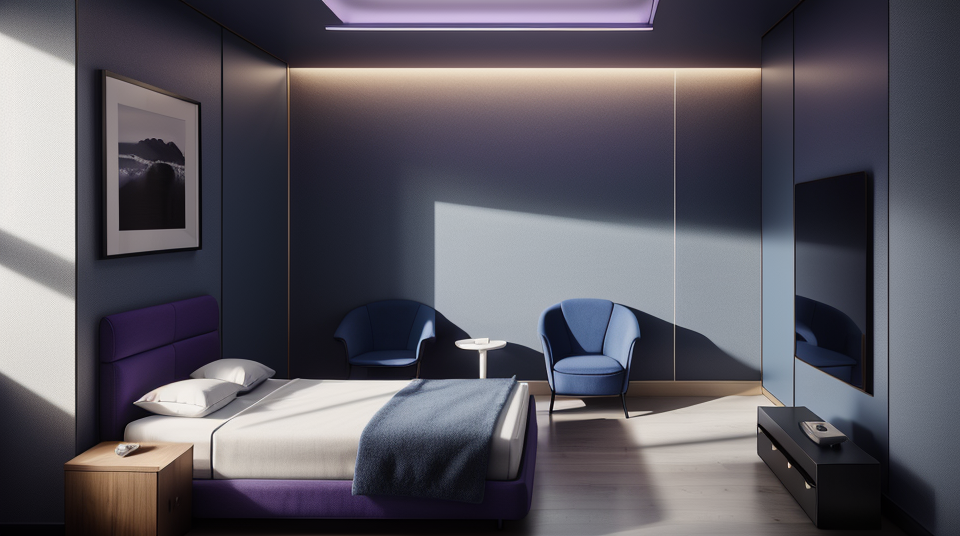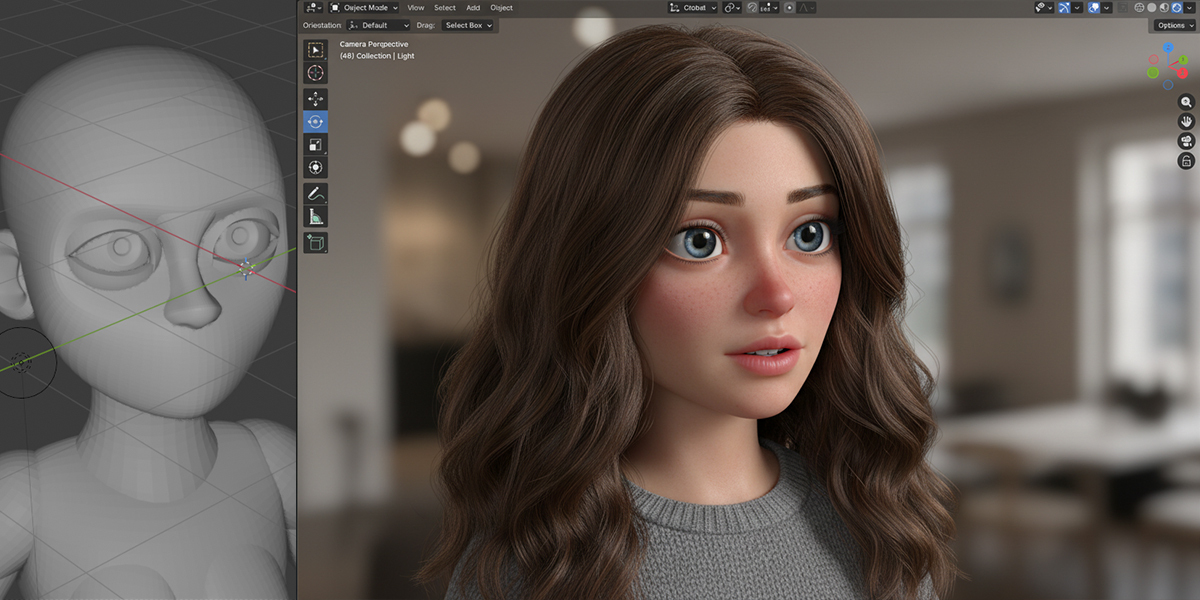
Nano Banana Studio is a Blender add-on for making AI-assisted variations of finished renders and other images. From Blender's Rendering tab, it sends a selected image to a Google Gemini image model and applies a prompt, preset or visual style. The result is a new image variation intended to retain the source composition, objects and camera framing, so artists can try a different look after rendering a scene.
Work with a rendered image
Image processing requires an internet connection and either a billing-enabled Gemini API key through Google AI Studio or a Google Cloud project with local Application Default Credentials for Vertex AI. The Nano Banana panel is in the Rendering tab's N-panel; it lets artists choose an image source and mode or preset, adjust the prompt and process the image. Supported sources include regular images, Render Result or Compositor output, and the current frame from a Movie or Sequence, according to the product documentation.
Blender handles scene setup and rendering before Nano Banana Studio generates image variations.
Styles, presets and panel controls
The add-on includes 12 Visual Styles. Each uses a reference image and text prompt to guide the look. Examples include Blender Classic for a clean photorealistic render, Arcviz Daylight for warm architectural sunlight, Anime Soul and Noir Portrait. A No Style option lets the text prompt guide the result without a style reference.
Preset modes cover Render, Retouch, Color, Roles, Action and BG Fix. Search works within each tab, and a preset can be appended to the current prompt. Artists can save and delete their own presets locally. The Bonus Presets option reveals extra curated prompts. The listing also includes Gemstone & Jewelry presets for diamond renders with caustics and light dispersion effects. The panel sections collapse to save space, while the selected mode, visual style and panel states persist to disk. An expanded style section also shows a panoramic preview of the selected reference.
Models and output sizes
The product documentation lists Nano Banana 2.1, Nano Banana, Nano Banana 2 Lite, Nano Banana Pro and Nano Banana 2. It shows different connection options by model: 2.1, Standard and 2 Lite are listed for both Google AI Studio and Vertex AI; Pro and Nano Banana 2 are listed for AI Studio. Output controls range from 512 px through 1K and 2K to 4K, depending on the model.
Requirements, access and costs
Nano Banana Studio requires Blender 4.2 or later; the product listing confirms testing with Blender 5.1 and 5.2. The model-specific connection options are listed in the current product documentation.
Google API usage is billed directly by Google, and the product does not support free or unbilled API access. ATDIGIT says requests connect from the workstation directly to Google's endpoints, without a third-party proxy, and says the add-on does not store or share the user's work. Its statement about prompts and images not being used for training depends on the billing-enabled Google or Vertex setup. Check Google's current terms for your account before sending sensitive project material. The product listing includes the seller's current requirements and data-handling details.