Image Generator 2 brings AI image generation and editing into Blender’s 3D Viewport N-panel. The current Superhive listing describes version 2.5.0, including a material-first workflow for turning clay renders into product images and visual directions.
Edit a render or start from a prompt
In Edit Render mode, the add-on uses Blender’s current Render Result as the starting image. Its v2.5.0 prompt engine treats a grey clay surface as unfinished material: it identifies visible product parts, assigns PBR-style material directions and then adds studio lighting. Preservation controls can guide the selected provider to retain details such as the camera, shape, logos or label text, though the result depends on the provider.
Text to Image creates an image from a prompt without using a render as the base. Product, lifestyle, concept, vivid and night templates help set a direction. You can add up to five reference images to guide material, palette, finish or mood; they are intended to guide the look rather than reproduce the reference subject or composition.
Make local edits and review results
For a localized change, use Mask a region in Edit Render mode, choose Prep & Paint, and mark the area with Blender’s Annotate tool before running IMAGINE - Masked Region. OpenAI uses native mask support where available; Gemini uses add-on-side compositing to keep changes within the painted area.
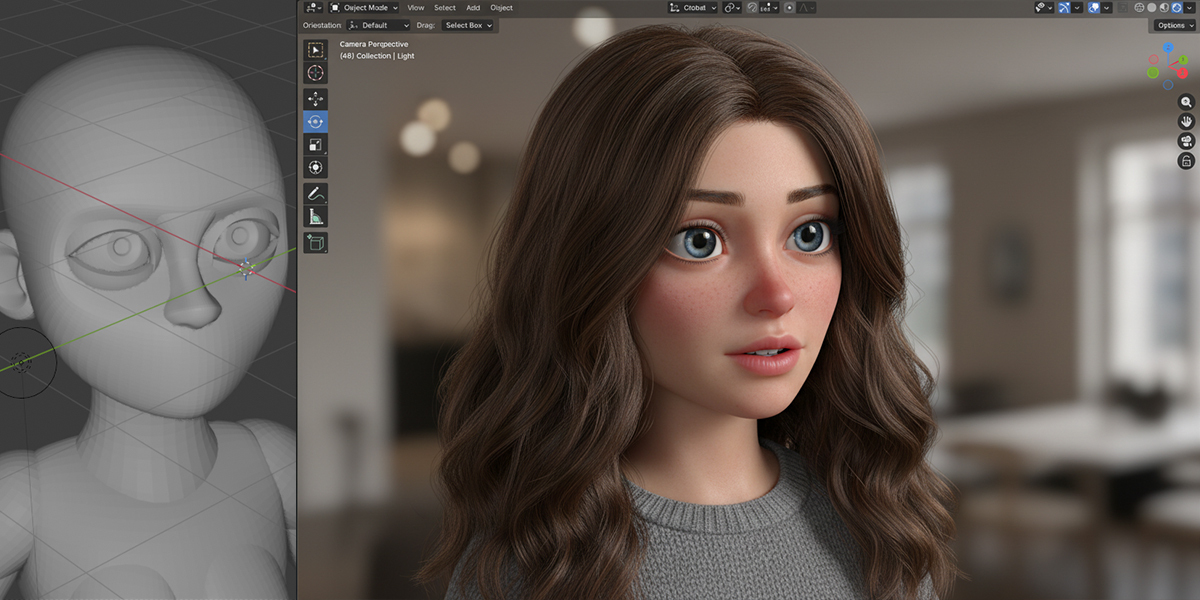
Results appear in the add-on’s History, where you can revisit images, reuse prompts, compare with the render, save files, open the output folder or upscale a result. A split view can show the generated image in an Image Editor beside the 3D Viewport. For setup and control details, see the Image Generator 2 documentation.
Keep a product consistent across camera angles
Keep Maintain Consistency can feed a previous result back as a reference when you generate from another camera angle. It is designed to help retain product identity, materials, colors and branding across views; consistency is guided, not guaranteed to be pixel-identical. IMAGINE also tracks the camera, camera transform, lens and resolution, refreshing the render when one of those changes.
Check the API and Blender requirements
The listing declares Blender 4.0 or newer and lists a Blender version range of 4.0–5.3. The documentation says package registration was tested on Blender 5.1; Blender 4.0 was not tested directly. Generation requires an internet connection and either a Google Gemini API key or an OpenAI API key for the selected provider. The add-on purchase does not include API usage. Billing, model access, quota, moderation, latency and available resolutions depend on the provider and account. The panel offers 1K, 2K and 4K choices, but support varies by model. See the product FAQ for provider and output details.
Who may find it useful
Image Generator 2 is suited to Blender artists who want to explore product materials and lighting from a render, create concept directions from a block-out, or make localized edits without leaving the viewport workflow. Archviz artists can explore atmosphere, staging, foliage, weathering and finish from clean renders; generalists can prompt, mask, edit and review images within the viewport.