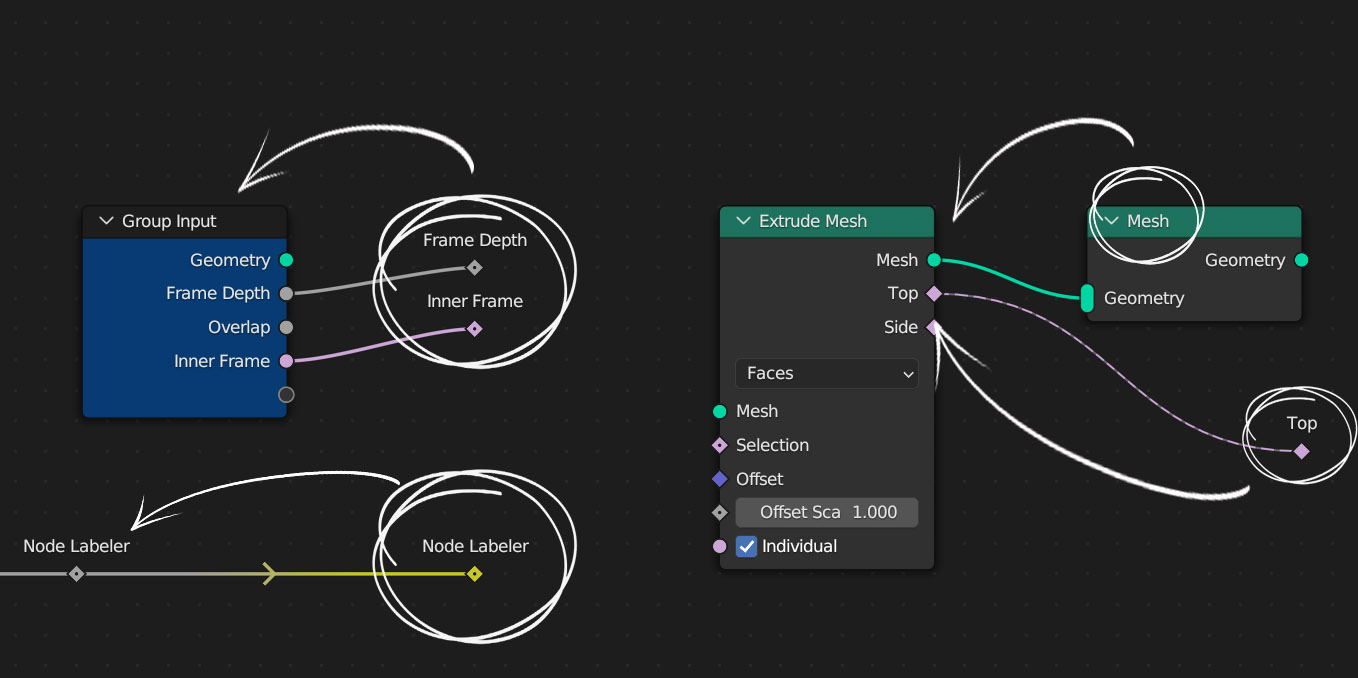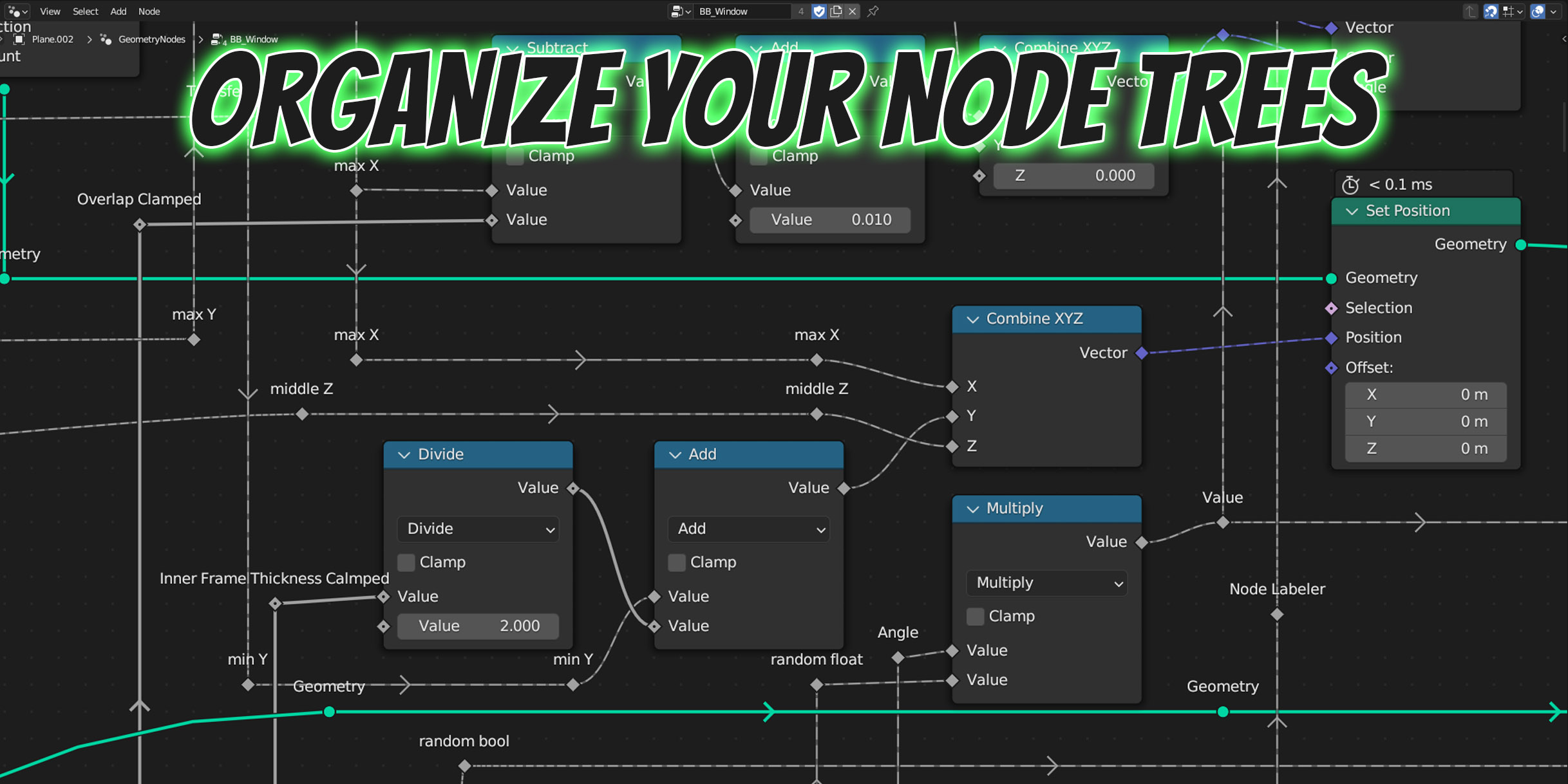
Node Labeler Add-On by Blender Bash is a Blender add-on for managing labels on Geometry Nodes and working with Reroutes. Its four actions use shortcut keys you can set in the add-on preferences.
Four actions for Geometry Nodes
- Automatic labeling names selected nodes or Reroutes after the socket each connection comes from. The default shortcut is Y.
- Manual labeling opens a popup for entering a node label. The default shortcut is Ctrl + Y.
- Batch clearing removes labels from all selected nodes and Reroutes. The default shortcut is Ctrl + Shift + Y.
- Reroute extrusion creates a Reroute from every output socket on a selected node. The default shortcut is Ctrl + E.
Choosing a tool
Use automatic labeling for socket-based names; use the popup to enter a label yourself.
Node Wrangler requirement
Reroute extrusion runs a Node Wrangler operator and will not work while Node Wrangler is disabled. Blender Bash includes the operator so users can assign it a custom shortcut. The listing says Node Wrangler has no custom shortcut setting for it and describes its default key as unintuitive.
Compatibility and documentation
Superhive's product details list Blender 5.2 and a GPL license. Check the product listing to confirm compatibility with your Blender release and review the license terms. The documentation page links to the instruction manual.