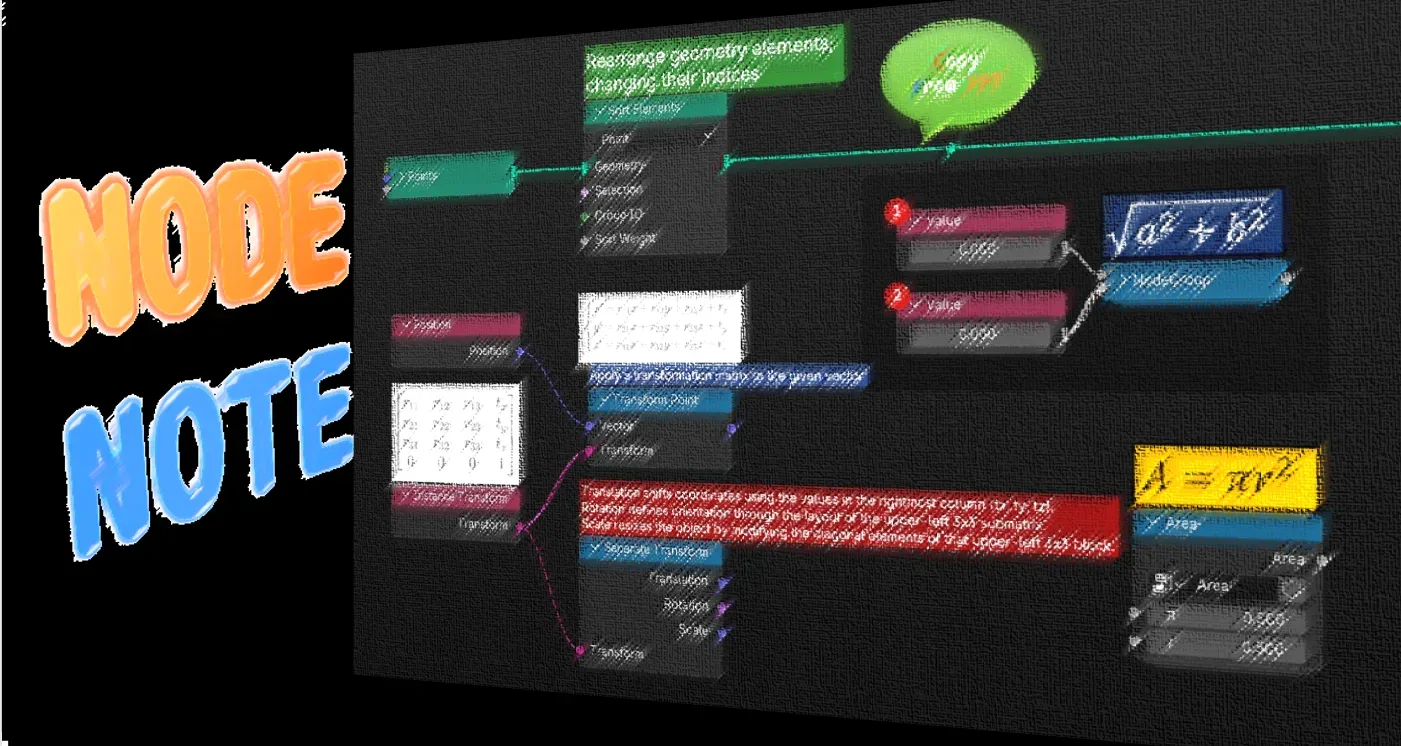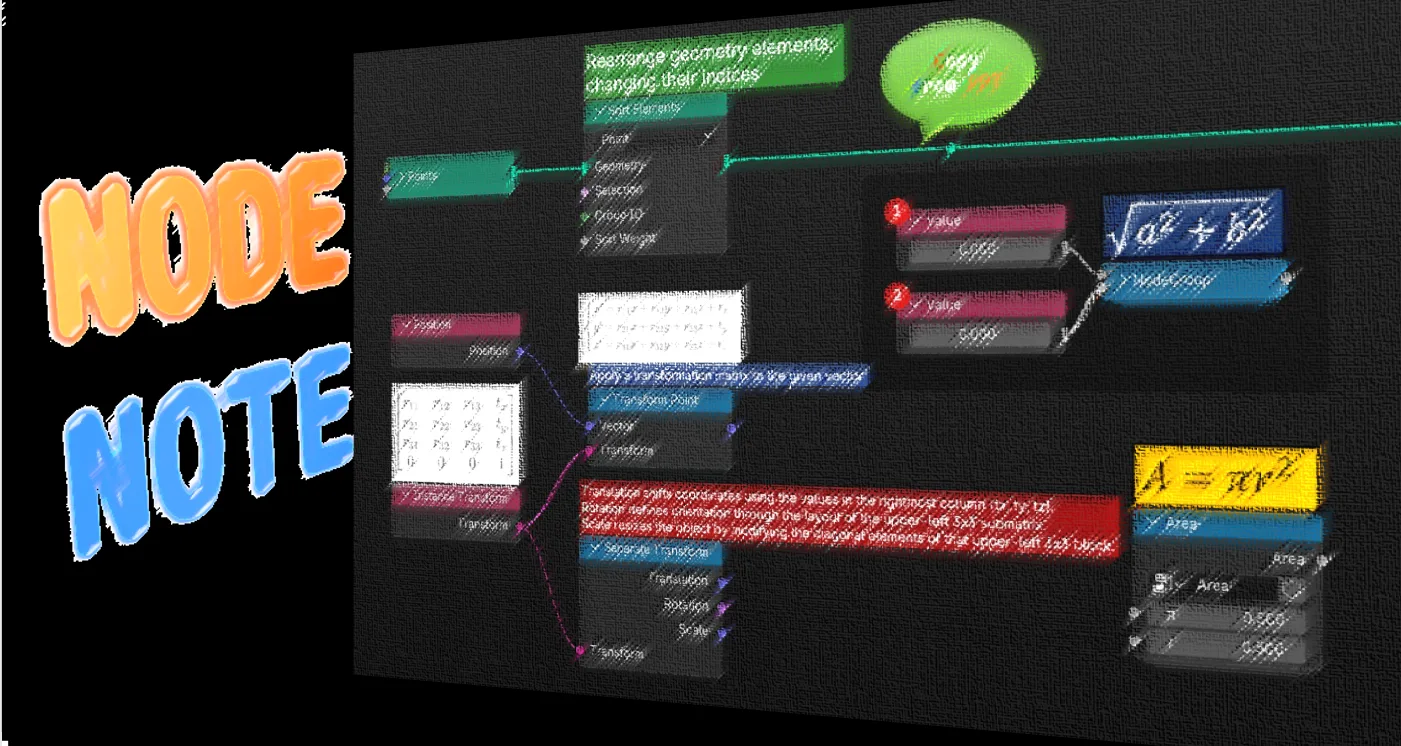
Node Note/节点随记 is a Blender add-on for placing text notes, reference images, and numbered badges directly on nodes. It helps keep explanations and visual references beside the parts of a node setup they describe. The Blender Extensions catalog lists version 1.3.1 with Blender 4.2.0 as its minimum version.
Add text and image notes
Text notes support adjustable font size and colors, background styling, alignment, positioning, and offset adjustments. Open the controls from the node editor's right-click menu or the N-panel under Node > Node Notes.
Image notes can be pasted from the clipboard, resized by changing their width, and repositioned. Pack and unpack options support moving image references with a project. Notes can also be attached to node group assets and appear when those assets are used in other files.
Identify nodes with numbered badges
In interactive numbering mode, click nodes to assign badges. You can customize badge colors and navigate between numbered nodes, which helps when you need to return to specific parts of a larger setup.
Compatibility and permissions
The Blender Extensions listing identifies version 1.3.1 and a Blender minimum of 4.2.0. It declares Files permission for importing images or using fonts from disk, and Clipboard permission for pasting text or images and copying text to the clipboard.
For installation, see Blender's Install from Disk instructions. The add-on is released under GPL-3.0-or-later. Its GitHub project provides the source code and issue tracker.