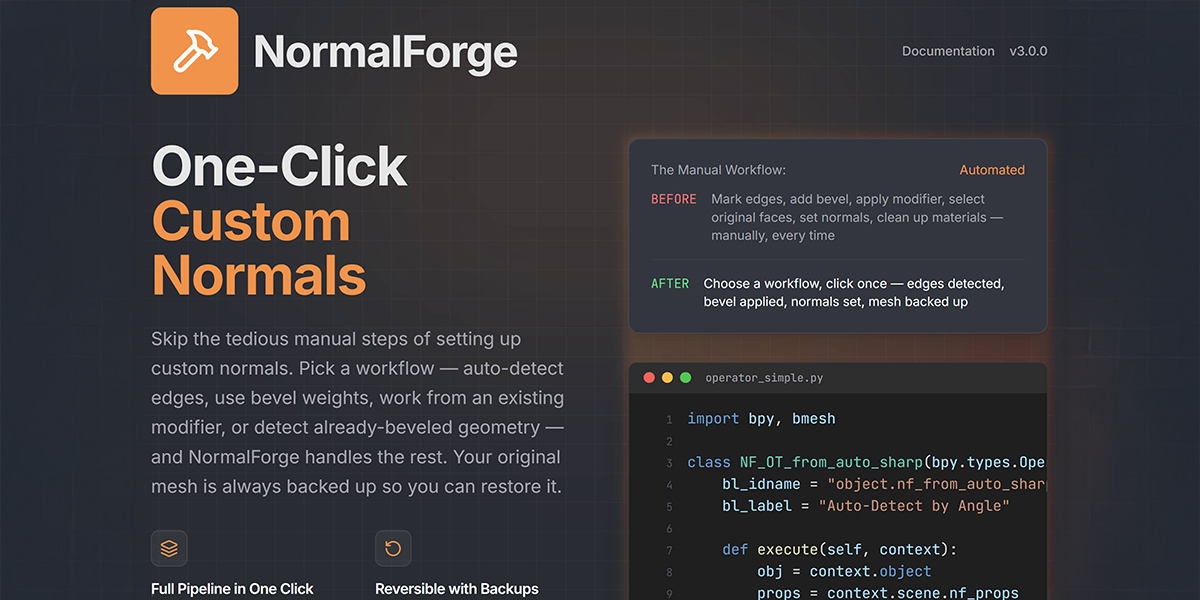
NormalForge is a Blender add-on for preparing mesh shading with bevels and custom normals. It is aimed primarily at game artists working with Nanite in Unreal Engine: Nanite handles mesh density, while custom normals help keep light transitions smooth across beveled edges. The add-on groups the setup into four workflows for different starting points.
Choose a workflow for the mesh
- Auto-Detect by Angle finds edges above a configurable angle threshold, adds and applies a bevel, then sets custom normals on the original faces.
- From Bevel Weights uses existing edge bevel weights. If it finds none, it falls back to angle detection.
- From Existing Bevel Modifier applies the bevel modifier you select and sets the normals. Other modifier types, such as arrays, mirrors, and subdivisions, stay on the stack.
- From Existing Geometry works on an already-beveled mesh. It compares face areas with the median and uses face relationships to identify bevel strips, then sets normals without adding geometry. A detection-ratio setting adjusts how aggressively small faces are classified.
Mesh changes and recovery
Workflows that apply a bevel modifier change mesh geometry; From Existing Geometry sets normals on an already-beveled mesh without adding geometry. Before each operation, it saves a mesh backup. Use Restore Original Mesh to return to the backed-up geometry, or Clear Custom Normals to remove the custom normals while leaving the bevel geometry in place. The backup panel lists objects with saved backups and an individual restore control for each. The documentation says backups persist when the Blender file is saved and reopened.
Bevel controls and cleanup
A collapsible options panel exposes bevel width, segments, profile, offset type, clamp overlap, loop slide, miter patterns, intersection method, and face strength. NormalForge also detects n-gons created by beveling, triangulates them, and attempts to convert triangles back to quads where the topology allows. Temporary material tags used to identify bevel and original faces are removed during cleanup.
Compatibility and export checks
The documentation specifies Blender 4.0 and newer; the product listing specifies Blender 4.0 to 5.0. Each operation runs on one object at a time. After applying normals, inspect the result in the viewport and check that your chosen exporter and game-engine import settings preserve custom normals. See the NormalForge product page and documentation for the available workflows, settings, and installation details.