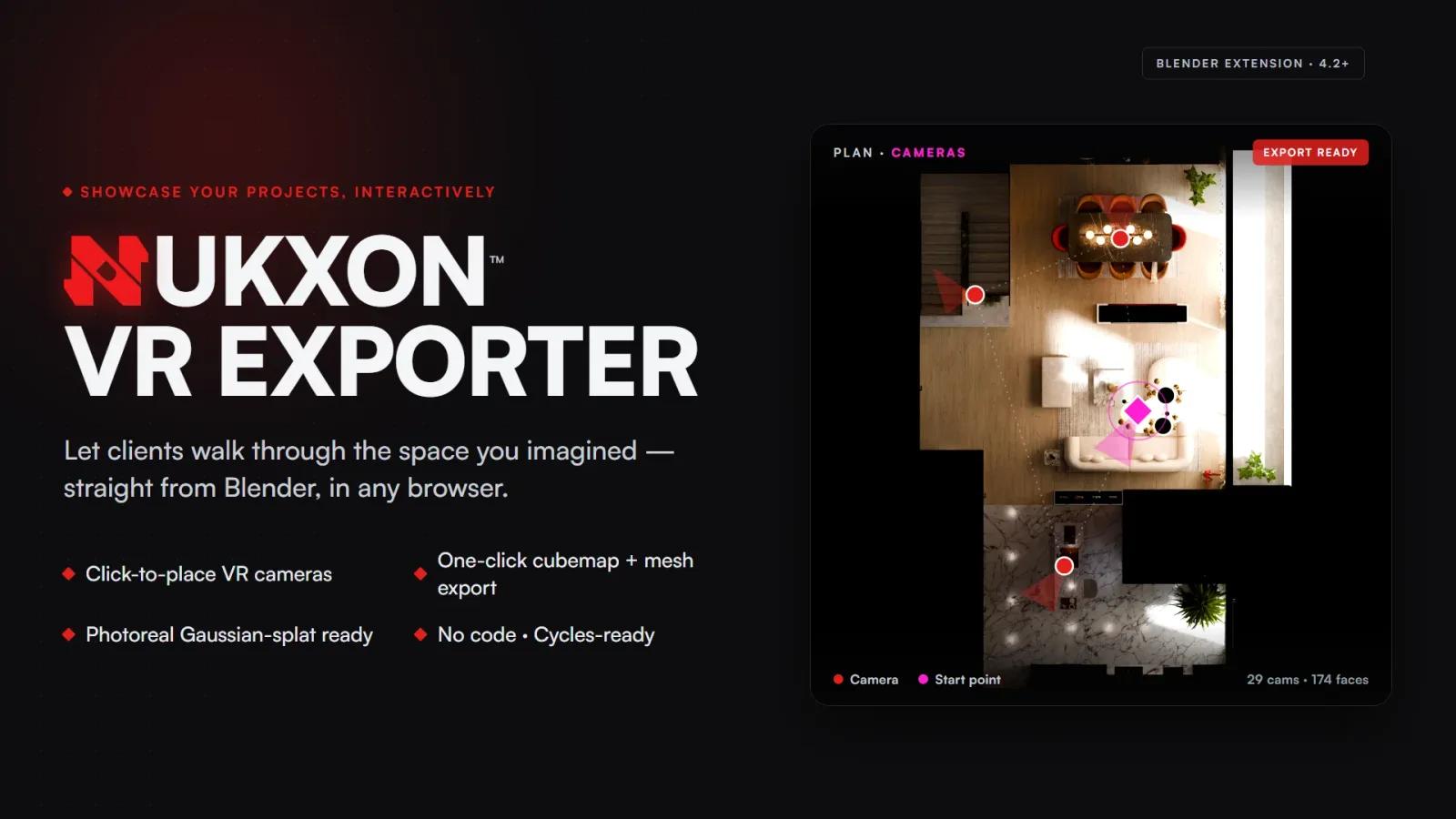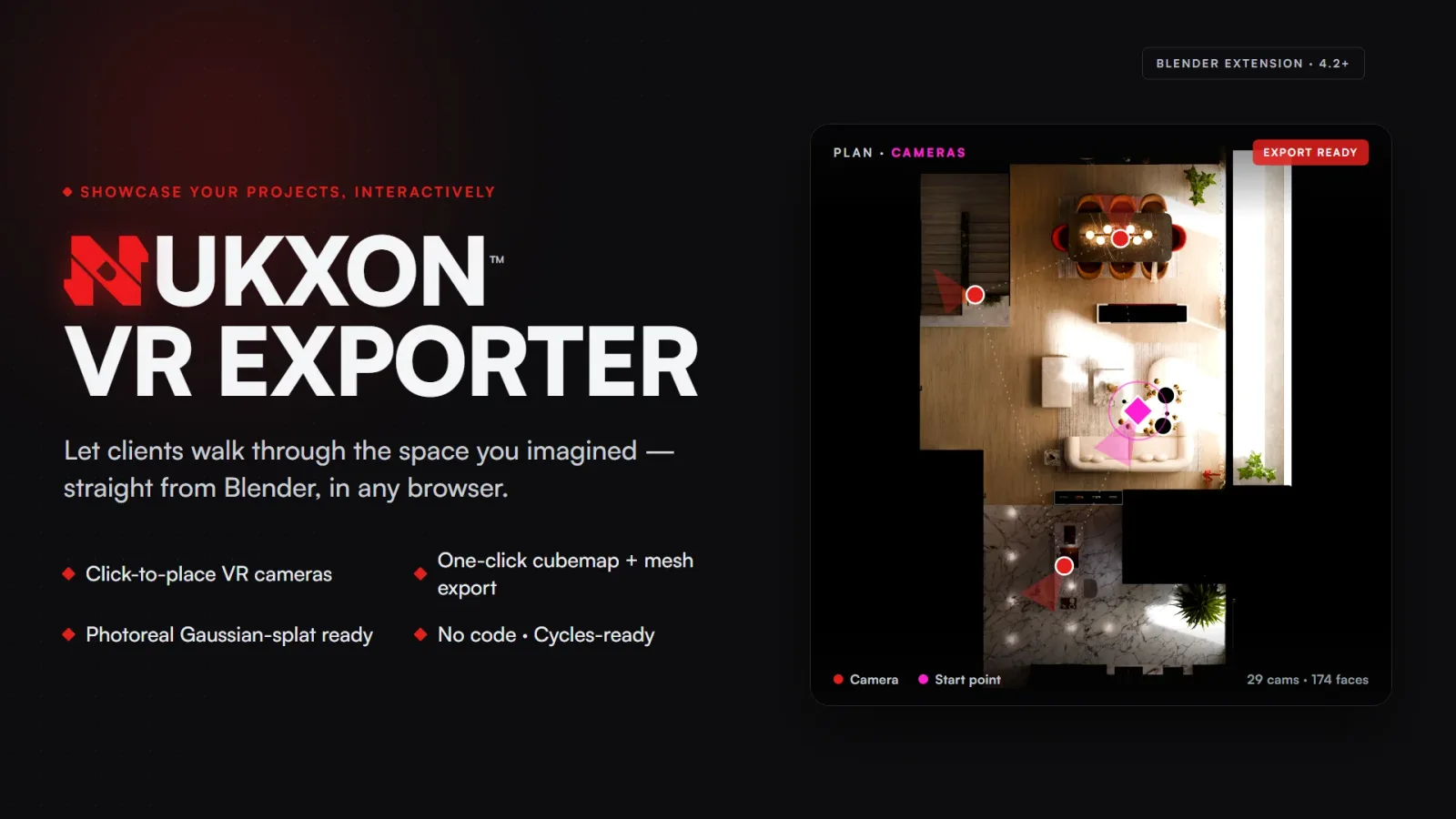
Nukxon VR Exporter is a Blender add-on for turning architectural visualization scenes into walkable VR tours. Place cameras on scene surfaces, render a cubemap panorama from each camera, then export the scene mesh and bundle the results in a single .nukxon package for the Nukxon web viewer. It is aimed at archviz studios and independent designers who want an interactive way to present a project.
How the export workflow works
Open the Nukxon panel in Blender from View3D → N sidebar → Nukxon. Click to place VR cameras, using snap guides for rows, columns and intersections. A camera spacing graph helps review coverage, and you can choose a starting camera for the tour.
Each camera renders a six-face cubemap panorama at 1024² or 2048². The add-on exports the scene mesh as Draco-compressed, Y-up glTF and packages it with the panoramas. Optional tools include an OIDN denoiser and an optimized Cycles preset. Teleport points help visitors move between rooms, and project links can be included in a multi-room tour.
Blender support and rendering
Nukxon VR Exporter supports Blender 4.2 LTS and newer. It is designed to work with different render engines, while Cycles is the tested and recommended choice for photoreal output. The Blender Extensions changelog for version 1.2.1 (June 23, 2026) says the add-on no longer generates the floor plan; the Nukxon web viewer creates the top-down minimap automatically. The update also adds a glass collection for glass and transmissive surfaces and fixes an export cleanup crash.
Install and share a tour
Install it through Blender’s Extensions platform by opening Edit → Preferences → Get Extensions, searching for Nukxon VR Exporter and selecting Install. You can also install the add-on from its source repository. See the Blender Extensions listing and the Nukxon repository for the current installation instructions and license.
After exporting, upload the .nukxon package to nukxon.com to share a browser-based tour. The exporter itself is listed as free, and the developer says no account is required to use it. Its source is licensed under GPL-3.0-or-later; that license covers the code, not the Nukxon name or logo.