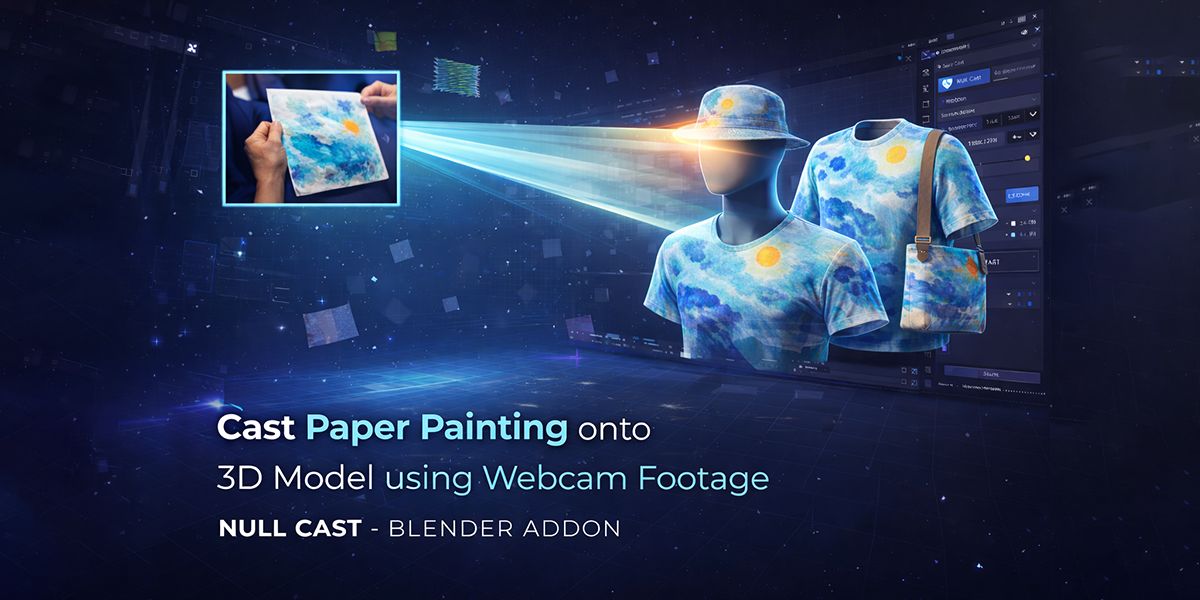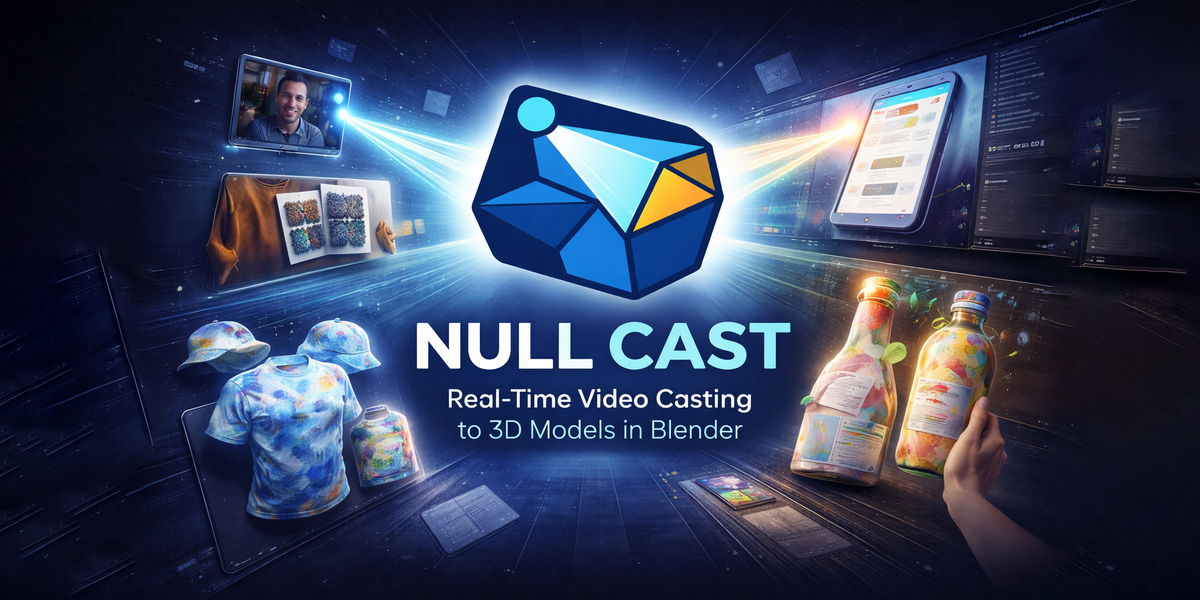
Null Cast is a Blender add-on by Null Station that projects live webcam or screen feeds onto mesh objects. Artists can preview a camera image or desktop content on a surface while arranging a scene, including screen visuals for motion design, VFX, and architectural visualization work.
Capture a camera or screen feed
Webcam Mode accepts a connected USB camera or capture device. The product listing describes multiple input indices from 0 to 10 and resolutions from 320×240 to 1920×1080. Its documentation also gives a target frame-rate range of 1 to 60 FPS.
Screen Mode can mirror the full desktop, a selected monitor, or a defined screen region onto a texture. This is useful when a scene needs to show a desktop or a selected area as it changes, without first making a separate image sequence.
Fit the image to the mesh
Image controls adjust brightness, contrast, gamma, hue, and saturation. For UV alignment, Null Cast provides horizontal and vertical flips, rotation from 0° to 360°, zoom, scale, and offset. Emission Strength can make the projected image appear self-illuminated in a dark scene.
Apply to Selected can send the same feed to multiple selected meshes. Auto-Viewport Configuration and Snapshot are included for viewport setup and capturing a still.
Adjust capture performance
Null Cast includes Quality, Balanced, and Performance modes, plus Skip Unchanged Frames to help reduce GPU work when a stream is static. Lowering capture resolution or the FPS limit can help if playback slows the viewport. The documentation notes that screen capture is generally more resource-intensive than webcam capture.
Install and start the add-on
- In Blender, open Edit > Preferences > Add-ons, choose Install, and select the NullCast.zip file. Enable Object: Null Cast, then restart Blender to finish installation.
- In the add-on preferences, use the provided Install buttons for the OpenCV and MSS dependencies.
- Select a mesh in the 3D Viewport, open the sidebar with N, and choose the Null Cast tab.
- Select Webcam or Screen mode and click Start Webcam or Start Screen. Use Texture or Material Preview shading to see the feed; the add-on also includes a Viewport Mode button to configure this.
The product documentation provides the installation and quick-start steps. The product FAQ covers capture behavior and troubleshooting.
Compatibility and license
The listing identifies Null Cast as compatible with Windows, macOS, and Linux, marks it as Blender Extension compatible, and lists the license as GPL. The overview lists Blender 4.0–5.0+, and the product FAQ says 4.0 through 5.0 and newer; the details panel lists 4.0–5.0. If you use a Blender release newer than 5.0, check the current listing because its details panel stops at 5.0.