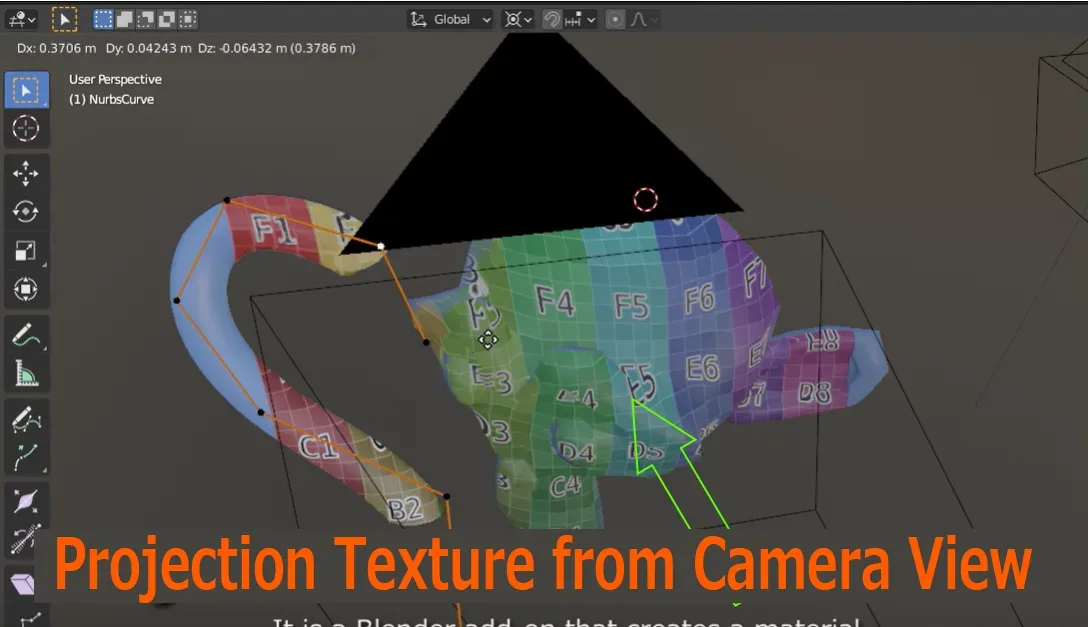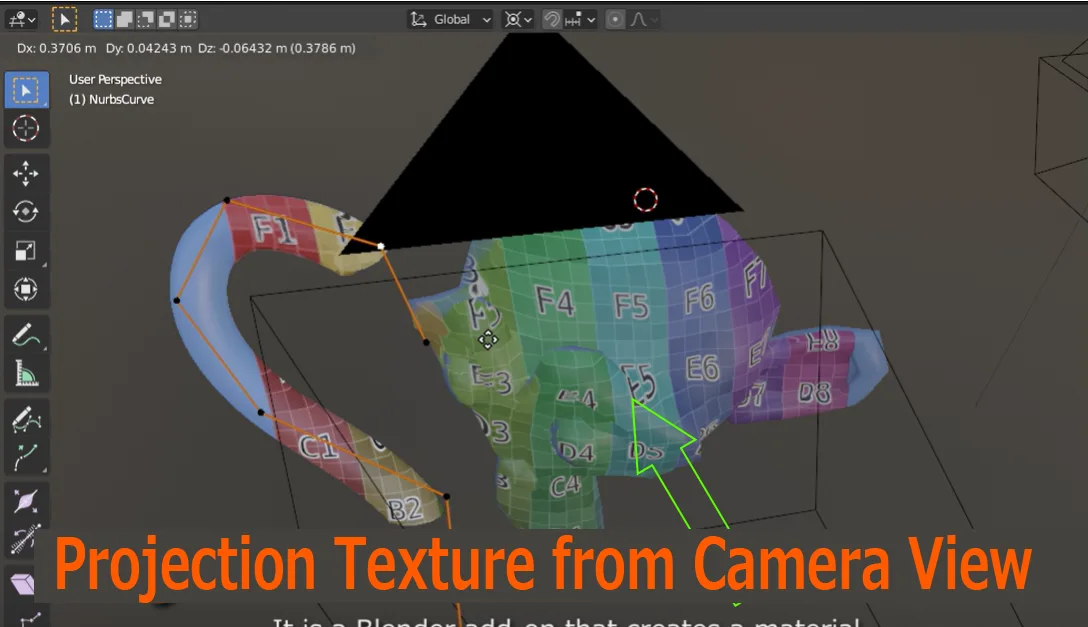
ProjectionNode from Camera is a Blender add-on by Yukimituki that builds a shader node group from an image assigned to a camera background. Add the group to a material and connect its color output to a shader's color input to project the image onto geometry. The Blender Extensions catalog lists version 1.3.0 and Blender 4.2.0 as the minimum version.
Set up a camera projection
In the Shader Editor, open the sidebar's node tab and choose a camera, then select one of that camera's background images. If the camera has no background image, the background choices are hidden. Press Make CameraProjection Nodes to create a node group named from the camera and image, such as [camera name]_[image name]_Projection.
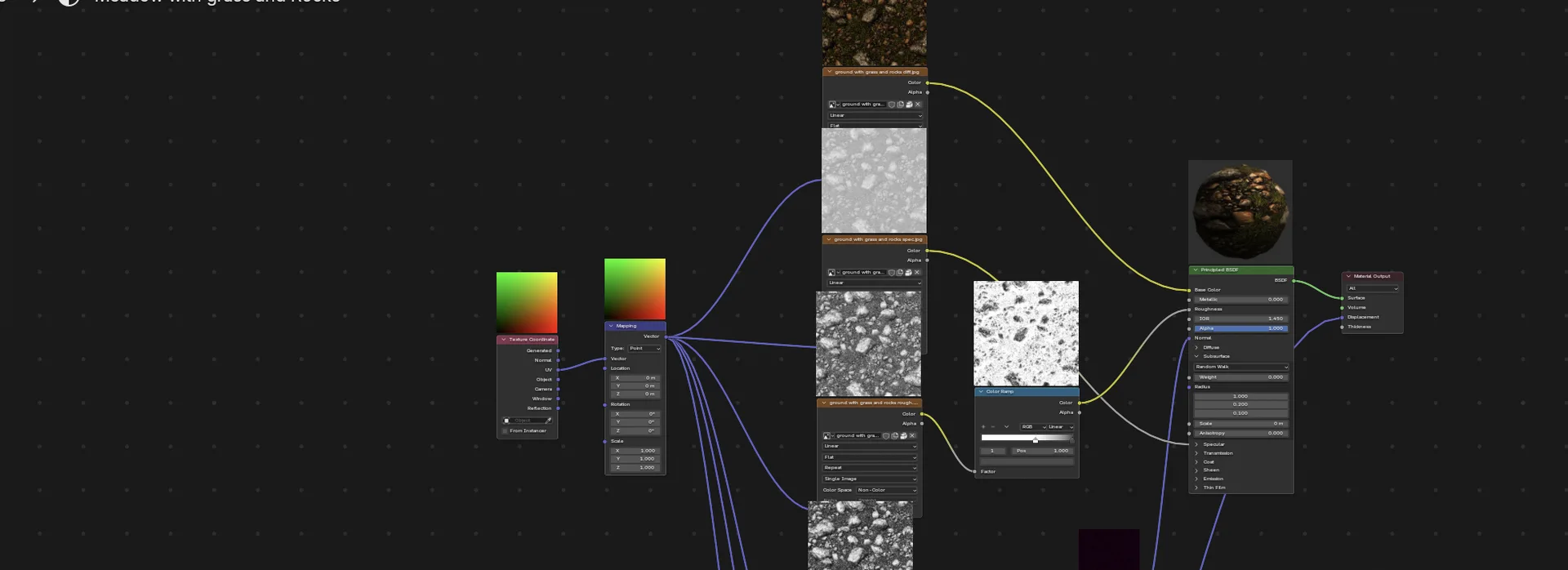
Add the group to the material shown in the Shader Editor, or find it among the node groups in the Add menu. Connect its color output to the shader color input to use the camera image on the material. The generated group can also be added to another material through the node group's Add menu entry.
Adjust the projection boundary
The node group includes a limit angle. When the angle between the camera and a projected surface exceeds that limit, the group uses the color input instead of the projected image. Its blur setting softens that boundary into a gradual transition. For images with alpha, the color input can supply the output color or combine with the image color.
These controls are useful when the image should appear on surfaces facing the camera while the material's color input takes over at steeper angles.
Compatibility and installation
ProjectionNode from Camera is listed for Blender 4.2.0 and newer under the GNU GPL version 2.0 or later. Check the Blender Extensions listing for the current release and compatibility details. Blender's Install from Disk instructions explain how to install an extension package.