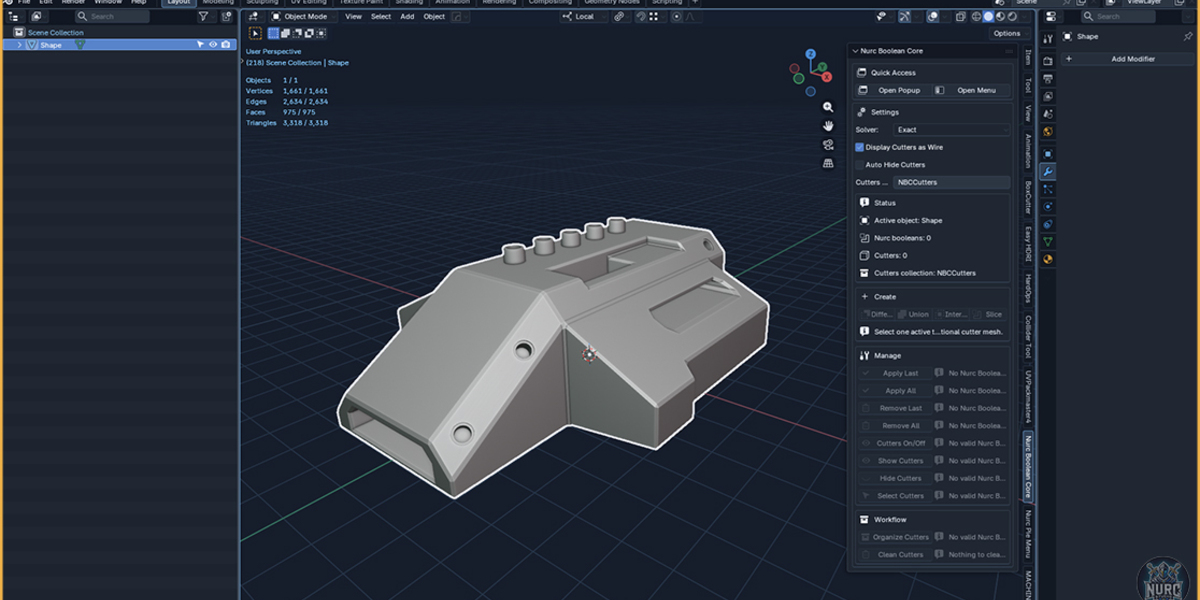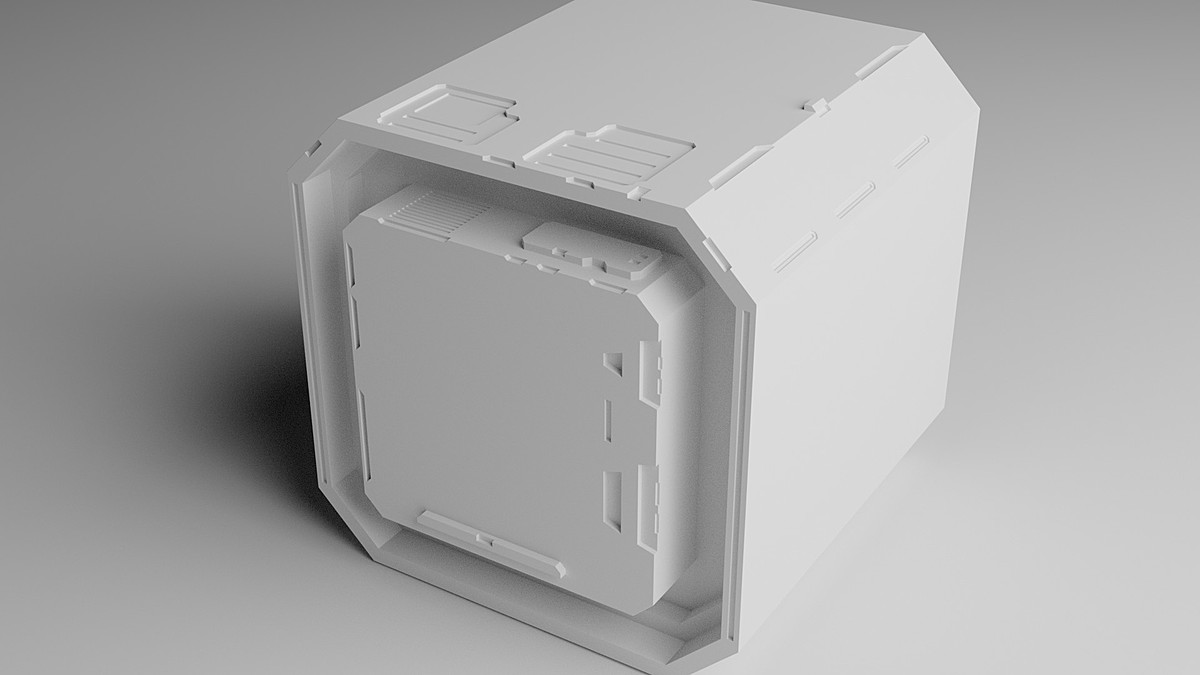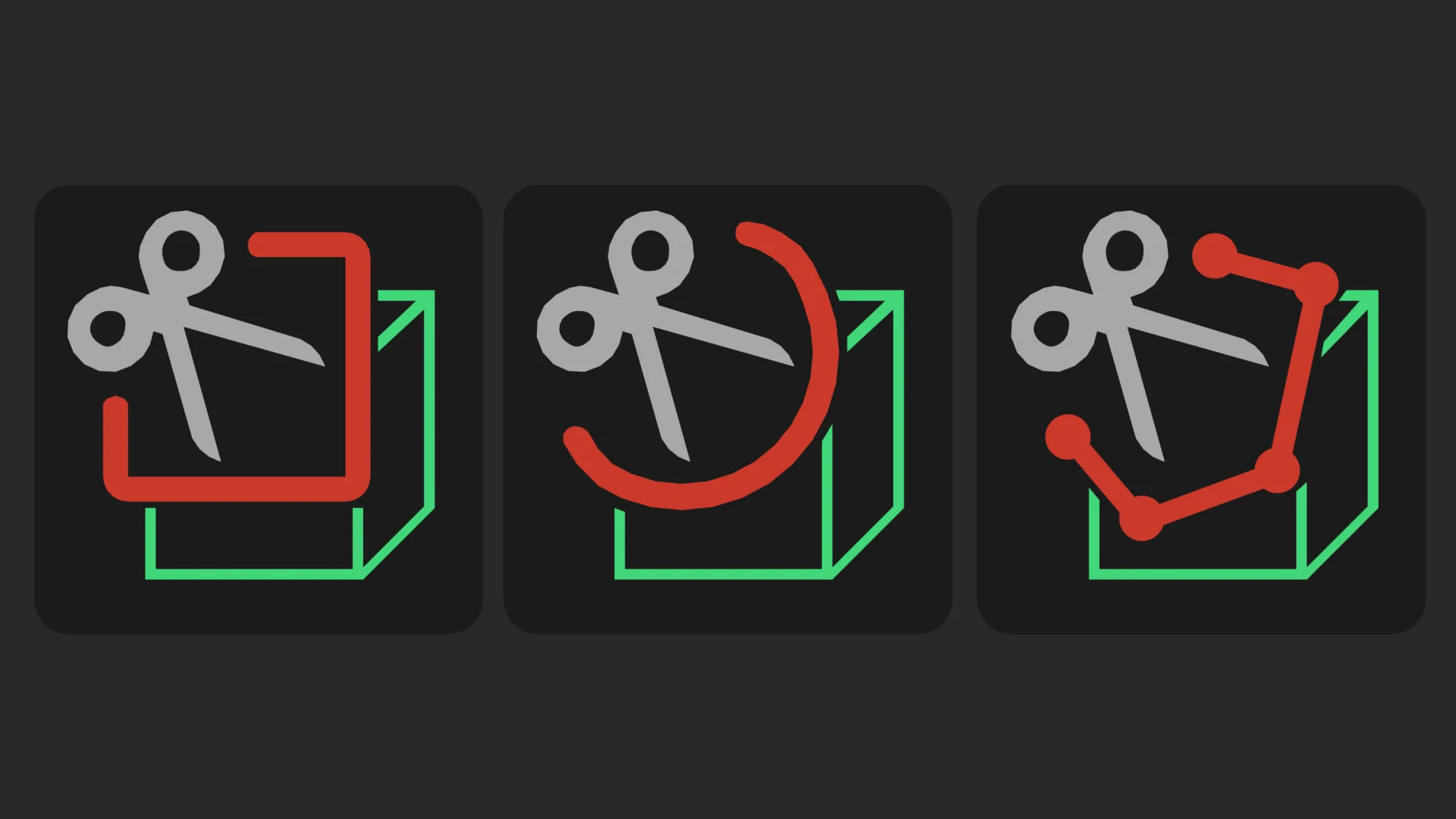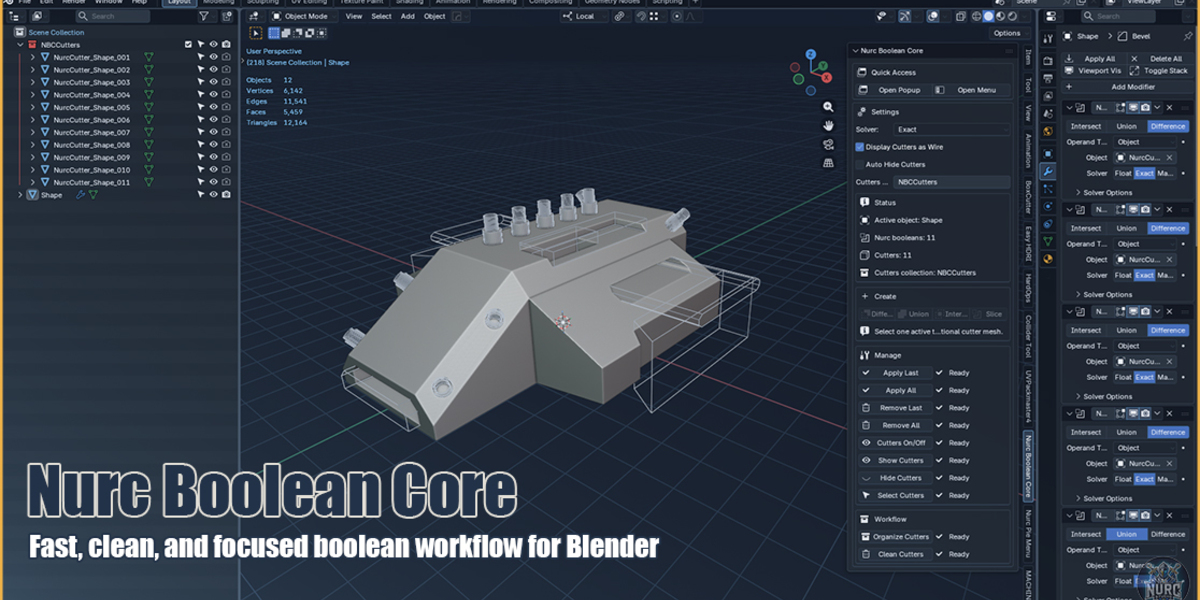
Nurc Boolean Core is a Blender add-on for creating and managing boolean operations and their cutter objects. It puts Difference, Union, Intersect, and Slice actions alongside tools for managing the boolean stack and keeping cutters organized. The product listing declares support for Blender 4.5 through 5.1. Its workflow is aimed at hard-surface modeling, blockouts, and iterative work on sci-fi or mechanical assets.
Create and manage boolean operations
Difference, Union, Intersect, and Slice use cutter objects to shape a target mesh. Apply Last and Apply All finalize managed booleans as geometry; Remove Last and Remove All remove them. The version 1.0.0 user guide requires an active mesh with existing Nurc Boolean modifiers for these actions. The add-on manages its own named boolean modifiers. The supplied user guide, labeled version 1.0.0, says it does not alter arbitrary Boolean modifiers created outside its workflow.
Slice has a specific result: the original target receives Difference, while a duplicate named _Slice receives Intersect, using the same cutters. This keeps both sides of the cut available for further modeling.
Choose between Exact and Fast Destructive
Exact keeps the boolean as an editable modifier and retains its cutter, which suits work where you may need to adjust the operation. Fast Destructive applies the boolean immediately and deletes the used cutter, which suits quick iterations when you do not need to preserve that cutter.
Keep cutters organized
Nurc Boolean Core can show, hide, select, organize, and clean cutters. It can place them in a dedicated collection with consistent naming, helping keep the scene easier to read as a boolean setup grows. The version 1.0.0 user guide describes Clean Cutters as removing modifiers, cutter objects, and the cutter collection. Version 1.0.1 added detection for cutters still referenced by modifiers, so Clean Cutters does not delete those cutters. The release also added Blender undo support to the main action operator.
Setup and compatibility
The version 1.0.0 user guide specifies an active mesh as the target and one or more additional selected mesh objects as cutters, with Blender in Object Mode. Access Nurc Boolean Core from the 3D View Sidebar, a popup, or a menu; the menu exposes only a subset of actions. In Blender's Extensions preferences, install it from the supplied ZIP or search for Nurc Boolean Core through the Online Service and install it; then enable the add-on. See the product listing for the declared Blender version range and current release details.