OBJSequence is a Blender extension for importing OBJ files as stop-motion animation. It updates a mesh sequence as you scrub or play the timeline and uses caching to load frames from disk. It suits animation, scan, or simulation workflows where each frame is stored as an OBJ file.
Import a single sequence or a folder
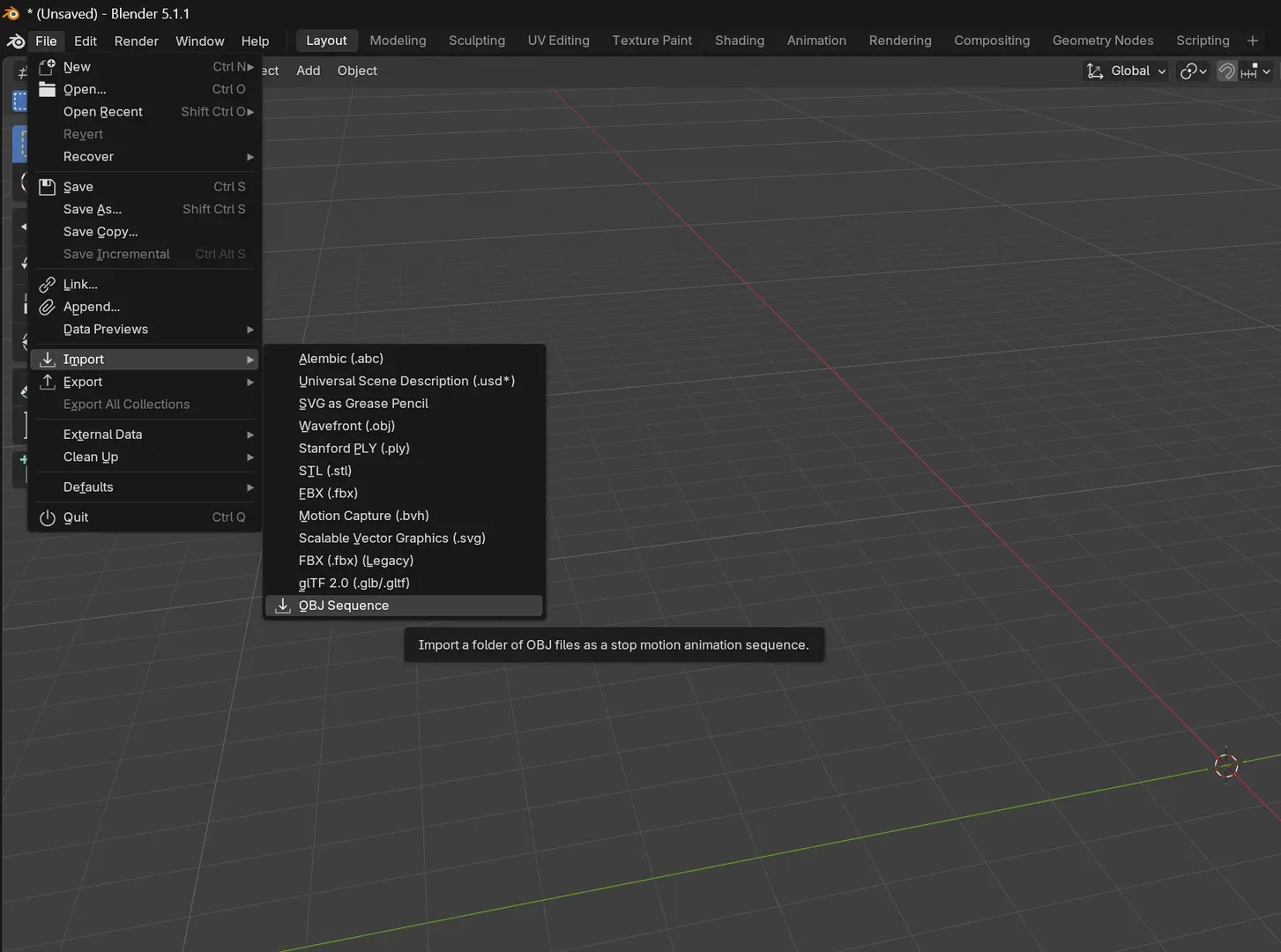
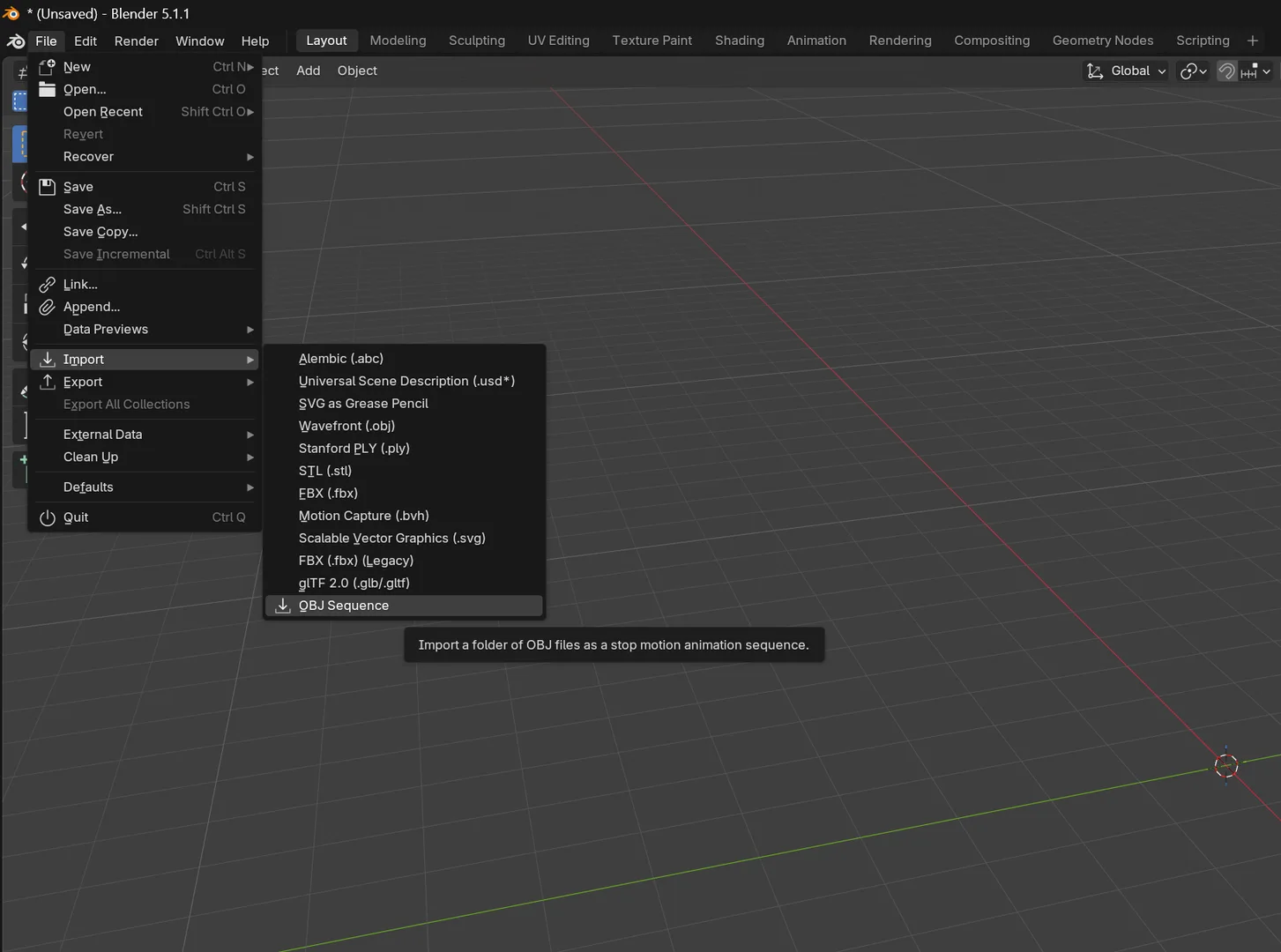
For one sequence, choose an OBJ file in the target folder from File > Import > OBJ Sequence. You can filter files by filename prefix, set the animation start frame, and control frame stepping. To import several sequences, use File > Import > OBJ Sequence Folder with a root folder containing sequence subfolders. The importer creates one sequence object per subfolder.
Manage sequences in Blender
After import, adjust a sequence from the Stop Motion tab in the 3D View sidebar. You can refresh it to reread files from disk or remove its setup from the object. The add-on streams frames from disk using a cache, which can help with larger sequences.
Requirements and file access
Version 1.0.5 lists Blender 4.2.0 as the minimum version. The extension requests read access to OBJ files in folders you choose. Blender Extensions lists Liam-Courtney as maintainer and GPL-3.0-or-later as the license. Check the official OBJSequence listing for release details and the download.