Stop-Motion Advanced Toolkit is a Blender add-on for building stepped animations, simulations, and per-frame textures from collections of objects. It combines frame playback and onion skinning with tools for converting existing animation, preparing UVs, and working with references inside Blender.
Build an animation from a collection
Select objects and use Make Collection to start an animation collection, or choose an existing collection and click Use Collection. Using an existing collection renames its objects for correct indexing, so check their names before clicking Use Collection. You can reorder or delete objects in the collection, move through frames with the arrow buttons, reverse the order, and clean suffixes such as .001. Tie Collections links collections so their frames stay synchronized.
Preview creates a temporary object for checking the animation. Press Preview again to delete it. Create Animation makes an animation object in its own collection; settings such as stepped interpolation and playback type are adjusted in the modifier panel. Playback modes include Ping-Pong, Reverse, One Shot, and Repeat. Probability and distribution controls, instancing options, and procedural wobble add variation across multiple instances.
Create stepped simulations or convert existing work
Create Simulation makes a simulation object in its own collection. The toolkit is described for effects such as rain, snow, insect swarms, and particle setups. Its simulation controls include Play on Hit and Freeze on Hit, along with playback, velocity, Brownian motion, and turbulence settings.
To reuse an existing animation, Play Stepped displays it in steps. Convert turns the animation into a collection with each frame represented by an object. Choose the time frame for conversion, then use that collection with the toolkit's animation or simulation tools.
Preview frames, textures, and references
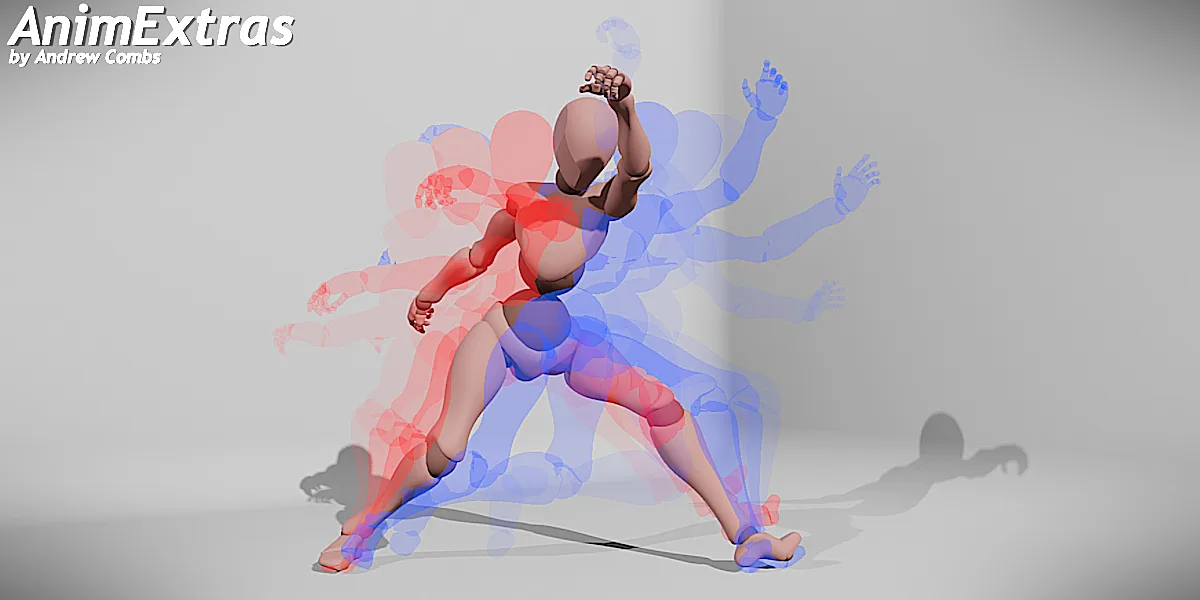
The Onion Skinning panel has Object mode for a classic view and Texture mode for previewing textures across frames. Tint colors and opacity are adjustable. The UV tools provide Simple and Complex unwrap options for the current object or a live-updating modifier for a collection. The product listing describes per-frame texturing through a UDIM workflow; the documentation also describes adding paint tiles and paint sets so objects can have separate textures.
The Reference panel accepts a video or image sequence. Interpolation and offset settings update with the selected object. For sculpting, Sculpt Helper can remove custom data, disable generative modifiers while in Sculpt mode, and enable collision settings for objects. The Blend tool supports building modular character features and reusable assets. For material blending, enable Blending for an animation object, select the target material, and open the Shader Editor before choosing Setup Blending; the controls appear in the Mixing Mask node.
Compatibility and documentation
The product listing specifies Blender Version 4.5, the Cycles and Eevee render engines, and a GPL license, but gives no compatibility range; check the current product listing for requirements before installing. The toolkit documentation covers the collection, playback, simulation, UV, onion skinning, reference, and sculpting panels.