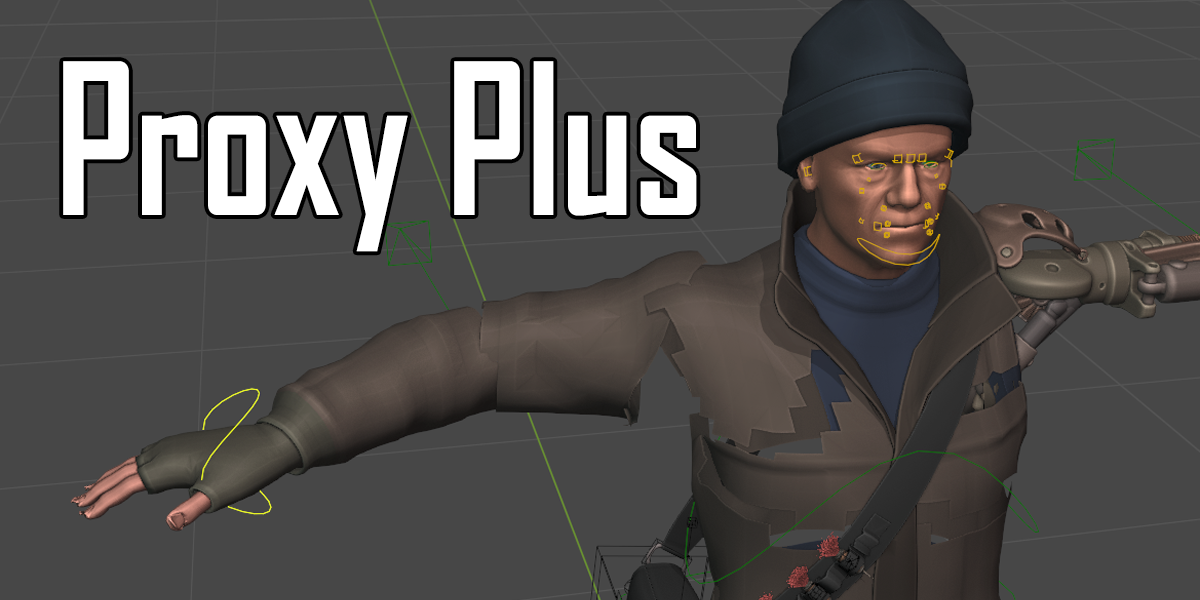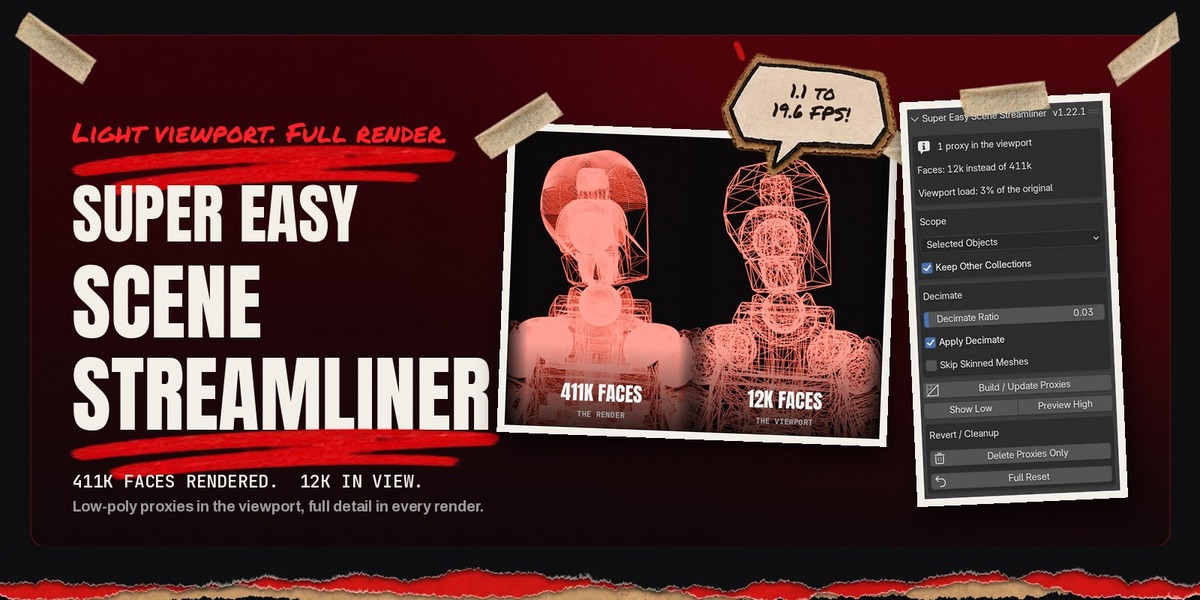
OCP "1-Click Proxy" is a Blender add-on by Mr. Steve 3D that creates lightweight proxy objects from high-poly meshes. It is designed to make viewport work easier while keeping the original models available for final renders.
Choose how proxies are made
Auto Scan + Face Count Logic finds high-poly objects and uses customizable thresholds to decide which ones to proxy. You can choose category presets, a Bounding Box, a Convex Hull, or a custom proxy that can be applied to multiple objects.
Smart Material Transfer carries materials onto proxy geometry, including Convex Hulls and custom proxies. This helps preserve the test-render look while you work with the lighter stand-ins.
Manage proxies in the 3D View
OCP's controls are in Blender's 3D View N-panel. Global controls apply or remove proxies across selected objects, and let you switch between high-resolution models and proxy views. The add-on also includes auto-smoothing and shading controls such as MatCap and In Front.
A separate Batch Decimation Panel reduces geometry across multiple objects with visual feedback and thresholds.
Keep proxy geometry out of final renders
The product listing says proxies never appear in final renders: Blender renders the original models instead.
Check the version before installing
The product details list Blender 3.3 through 5.2 support; a secondary catalog also reports Windows, macOS, and Linux support. The product FAQ specifically confirms Blender 5.2. A separate OCP Studio 5.3 documentation page shows a different compatibility range, so check the product listing for the exact add-on build you plan to use.
The listing's installation instructions say to open Edit, then Preferences, then Extensions, and choose Install from Zip. After installation, OCP appears in the N-panel. The developer's documentation describes version-specific features.