OEBS Icon Viewer is a Blender add-on for browsing and searching Blender's internal icon library. It helps add-on developers and script authors find an icon for a user interface and copy its Python identifier while writing code. The project README documents visual search, name and description searches, and one-click copying.
Find and copy Blender icons
Open an area as the Text Editor, press N to show its sidebar, then select the Icon Viewer tab. Search by a known name such as TRASH or a description such as delete. The README also gives visual search terms such as hand, eye, and sun, which can help when you know what an icon depicts but not its identifier.
Select an icon to copy its Python code name to the clipboard. The README gives ICON_FILE_FOLDER as an example. Paste the identifier into your Blender script, and use the add-on's link to Blender's online icon reference when you want to check the icon list.
Compatibility and installation
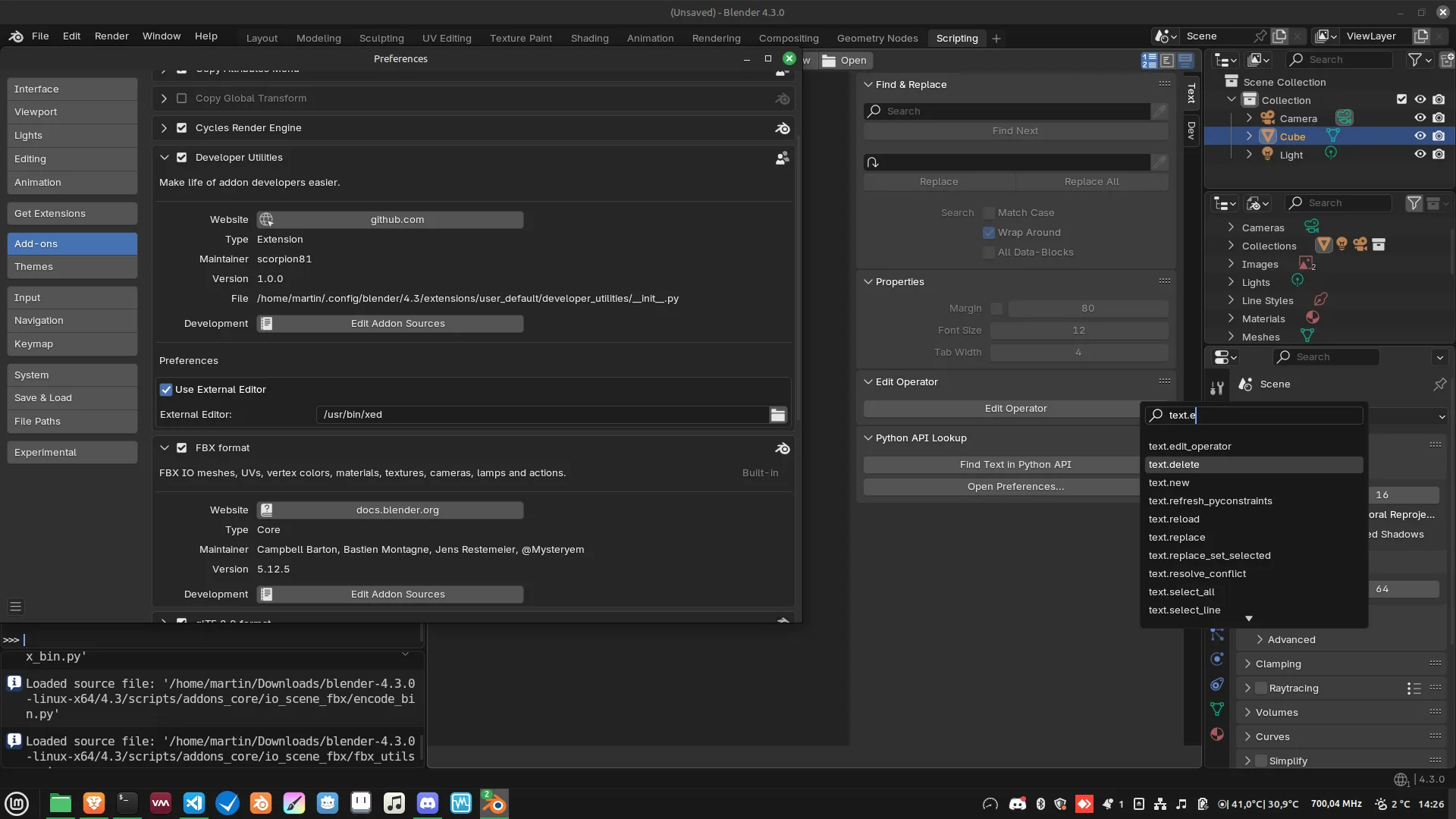
The Blender Extensions registry lists version 1.4.0 with a minimum Blender version of 4.2.0. To install from a downloaded ZIP, open Blender's Edit > Preferences > Get Extensions, open the menu at the upper right, choose Install from Disk, and select the file. Check the official extension listing for current release and compatibility details.
The registry record lists the license as GPL-3.0-or-later and the clipboard permission for copying icon names.