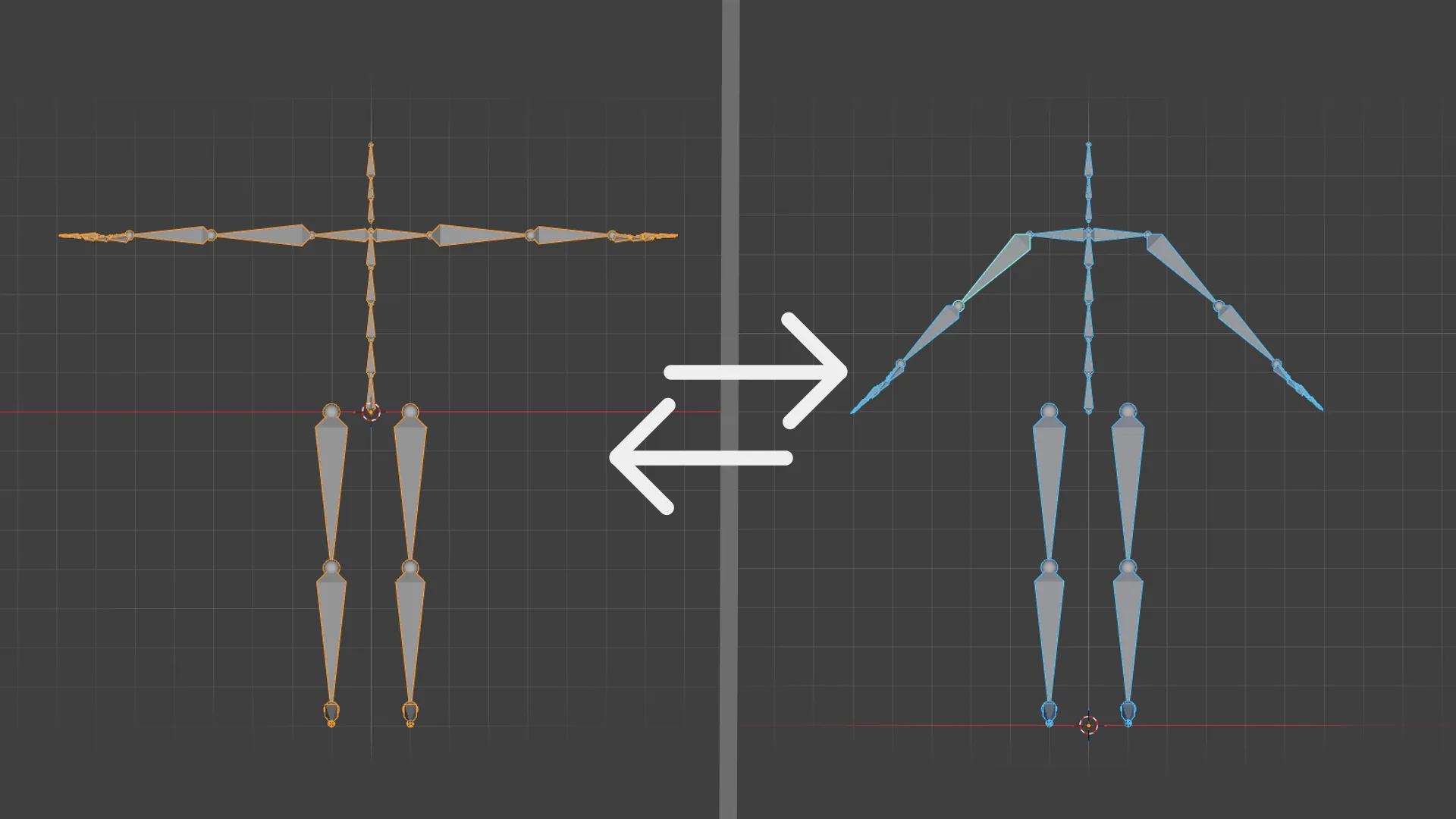
Offset Rest Pose lets you apply a rest pose to an armature while preserving animation in actions compatible with that armature. It offsets the channels in those actions as part of the operation, which is useful when you need to change a rig's rest pose after creating its animations.
How to apply a rest pose
- Select an armature and switch to Pose Mode.
- Open the Apply menu.
- Choose Apply Rest Pose & Preserve Actions.
The described operation covers actions compatible with the current armature. The extension listing specifies Blender 5.2.0 or later. See the Blender Extensions listing for the add-on and Blender's Install from Disk instructions for manual installation.