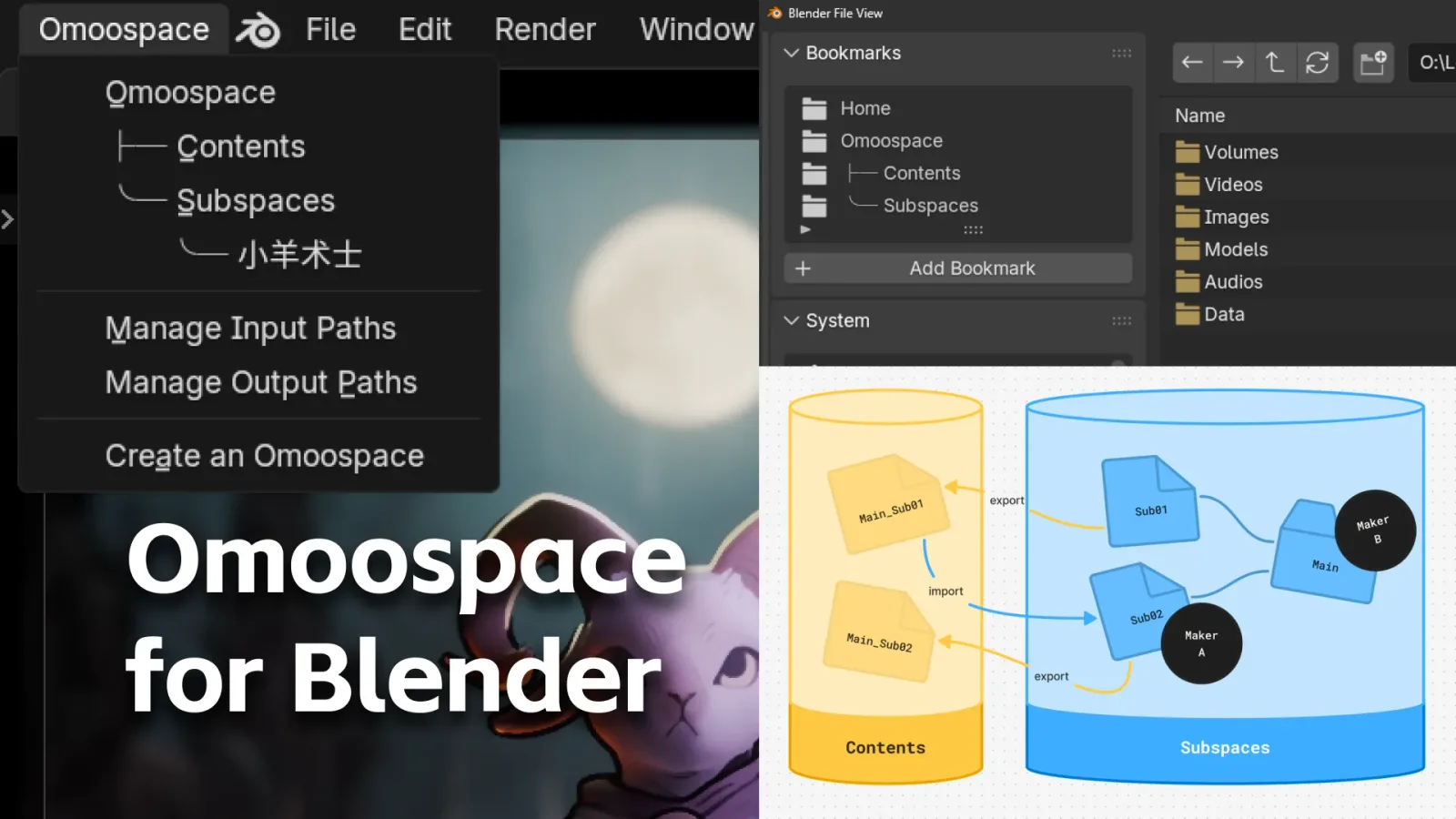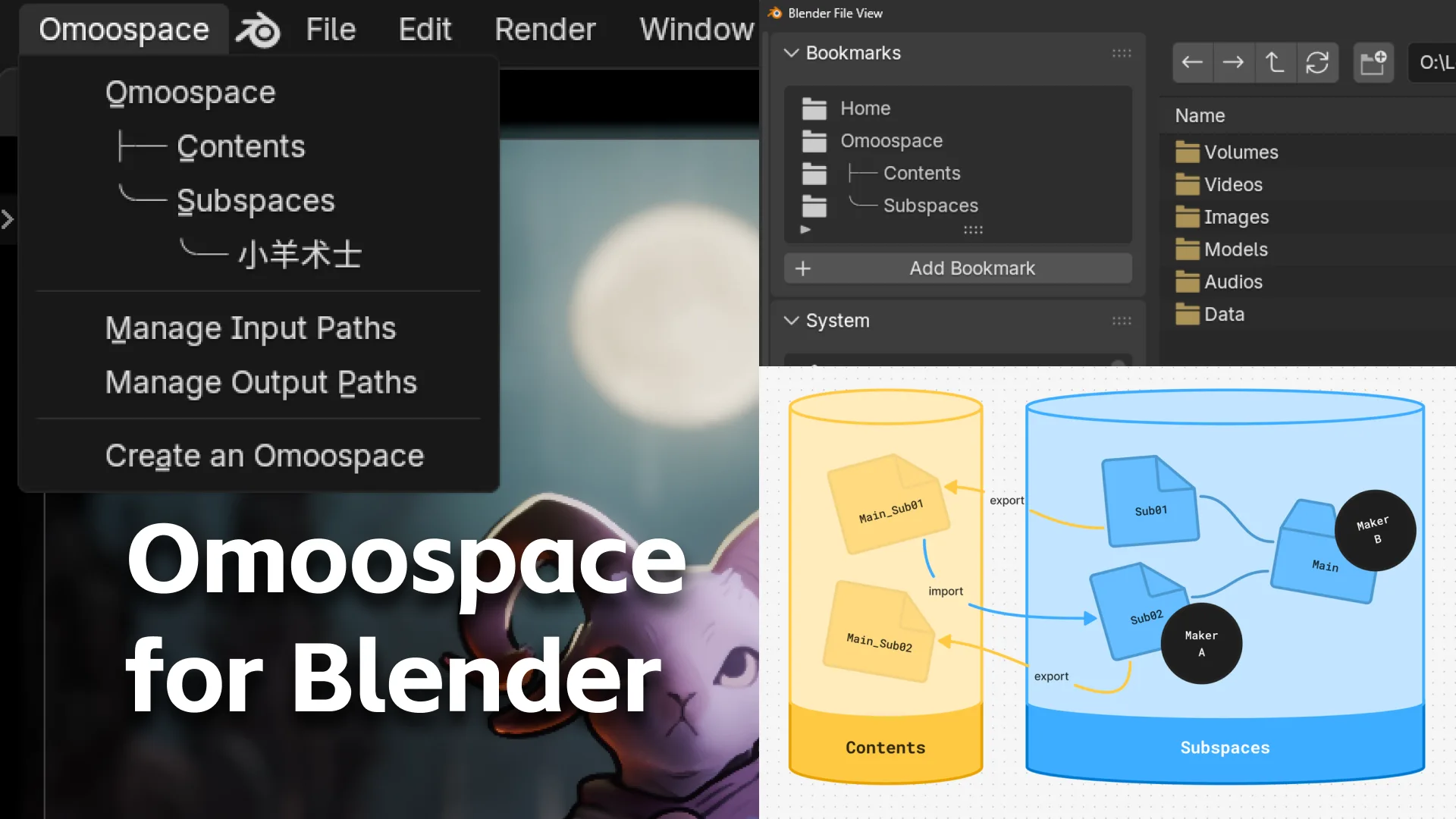
Omoospace brings a universal folder-structure guideline for creative projects into Blender as an add-on. It gives quick access to the current project folder, puts input and output paths in one place, and helps keep linked libraries from going missing. The Blender Extensions listing describes it for simple individual projects as well as complex team collaboration.
How Omoospace fits a Blender workflow
The folder guideline aims to make creative project structures universal, flexible, and clear in meaning. Within Blender, Omoospace focuses on project organization: opening the current project folder, managing input and output paths, and keeping linked libraries available. These functions can help when a project depends on paths that artists need to find from inside Blender.
The team-collaboration description states an intended use, but does not explain how teams share files. The listing does not describe cloud sync, shared storage, version control, or automatically moving and renaming existing folders. If you rely on those features, check the developer documentation before changing an established project layout.
Compatibility and installation
The Blender Extensions listing shows Omoospace version 0.2.7 for Blender 4.2 LTS and newer, with packages for Windows, macOS on Intel and Apple Silicon, and Linux. You can drag the downloaded package into Blender or install it from disk. The listing requests the Files permission to manage Blender files, so review that request when enabling the add-on.
Omoospace is licensed under GPL-3.0-or-later. Check the official listing for the current version, compatibility, packages, permission details, and release notes before installing.