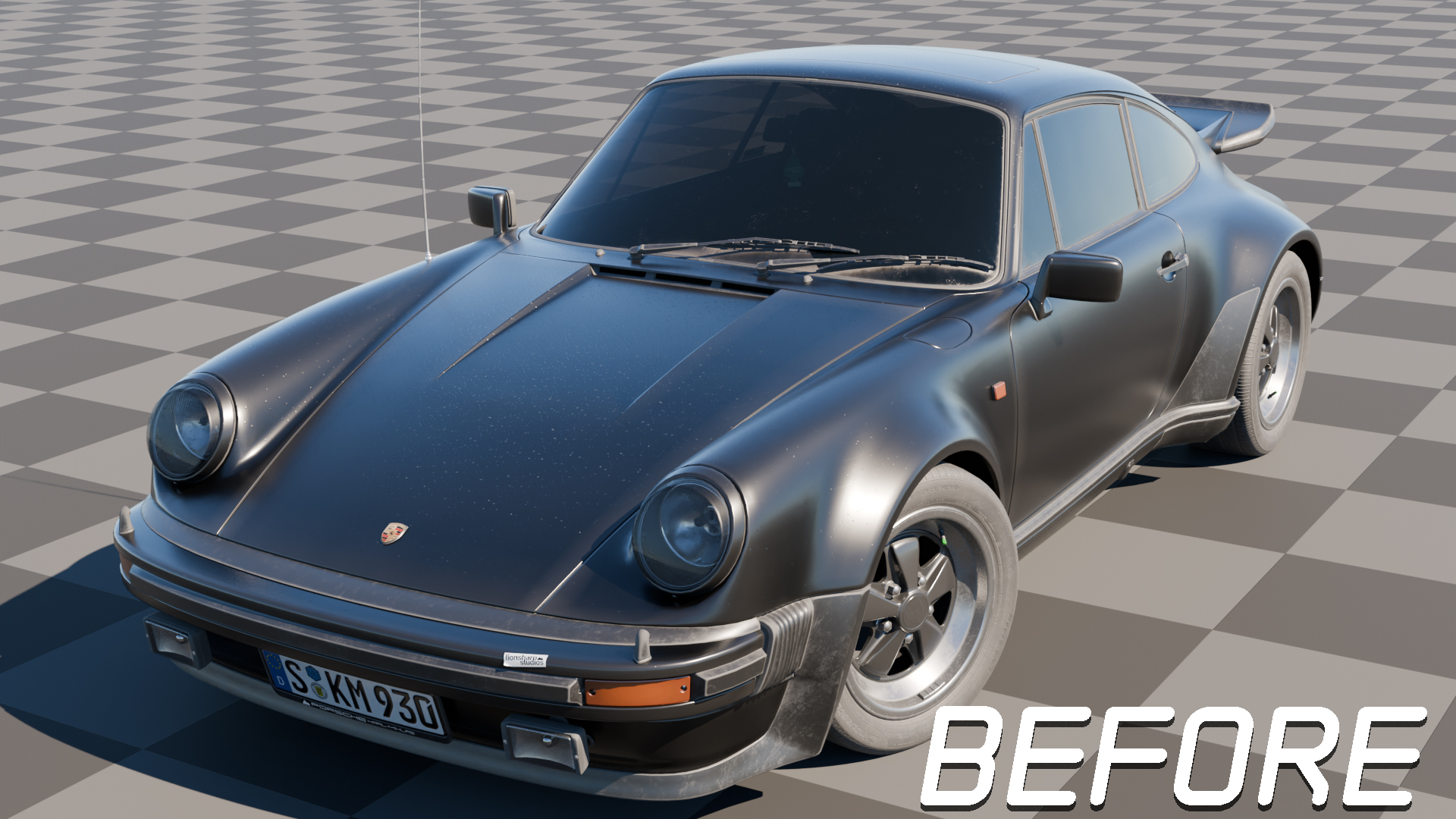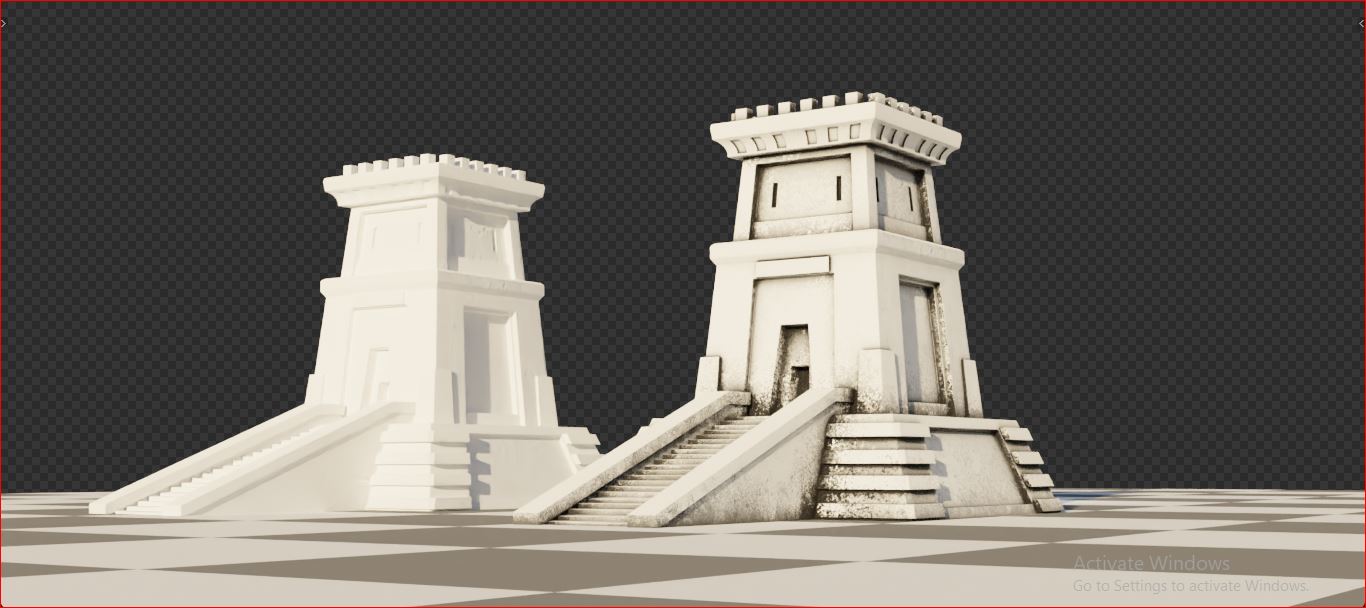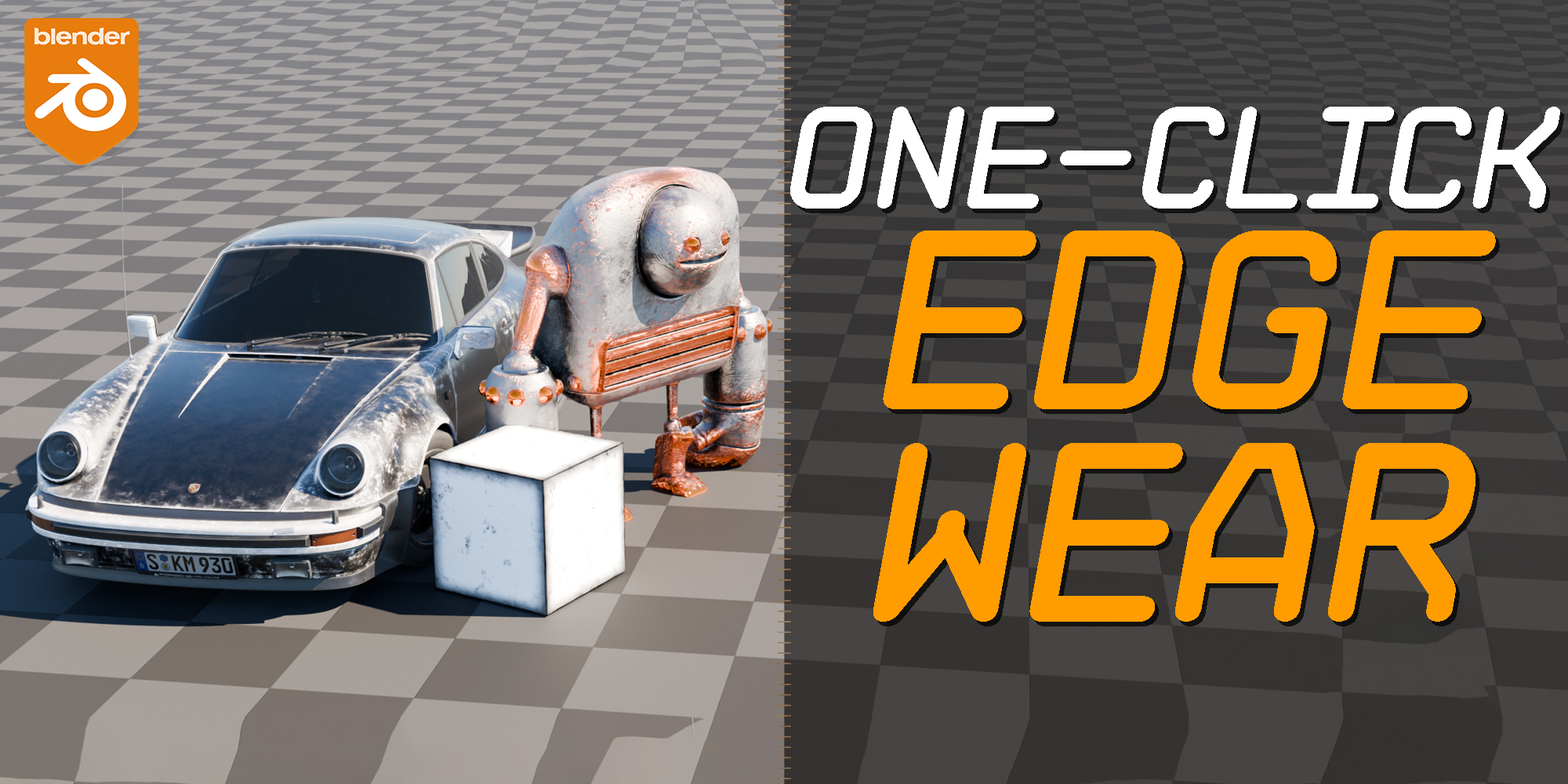
One-Click Edge Wear is a Blender add-on from Lazy3D that applies a procedural edge wear effect to materials with a single click. The publisher presents it as a way to add worn edges without building complex node setups or painting the effect by hand.
Edge wear in Cycles materials
The add-on is for creating edge wear in materials rendered with Cycles. Lazy3D names architectural visualizations, character models, and game assets as example uses. The product page has a Documentation tab and an embedded YouTube video.
The product description does not explain how the effect varies across materials or what adjustment controls are available.
Check compatibility before installing
The listing identifies Blender 4.0 and describes the add-on as made for Blender 4.0 or later. It also labels the add-on outdated and explicitly says it does not support Blender 4.2. Compatibility with Blender releases after 4.2 is unconfirmed; check the Lazy3D product listing before using it in a production file. The listing specifies Cycles only, so this add-on does not fit an Eevee-only workflow. It also lists the license as GPL; review the current listing for its terms.
Who may find it useful?
One-Click Edge Wear may suit Blender artists who want to add edge wear to materials in Cycles and prefer a single-click effect over manual node setup or texture painting. It is a poor fit when Eevee support or confirmed compatibility with a newer Blender release is required.
Related Lazy3D add-on
Lazy3D lists One-Click Wear Generator as a separate product for generating leaky damage. One-Click Edge Wear applies edge wear; the available listing does not establish that the two products share controls or work as an integrated tool.