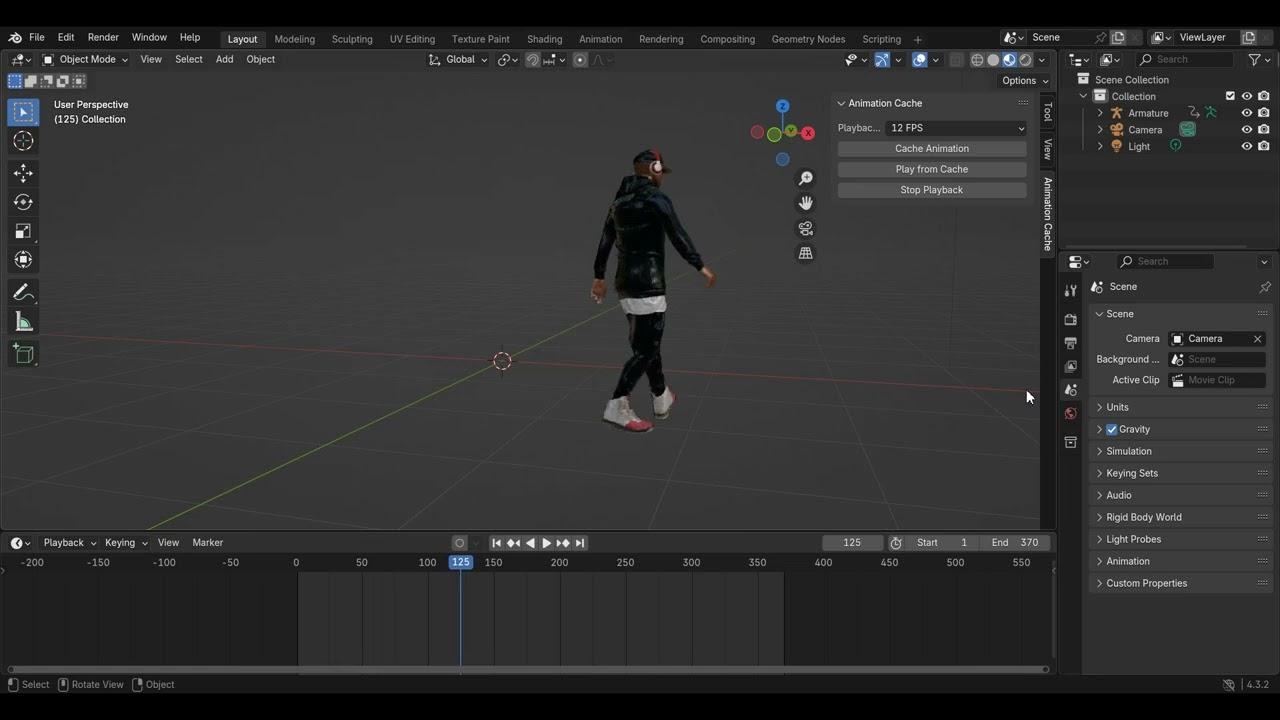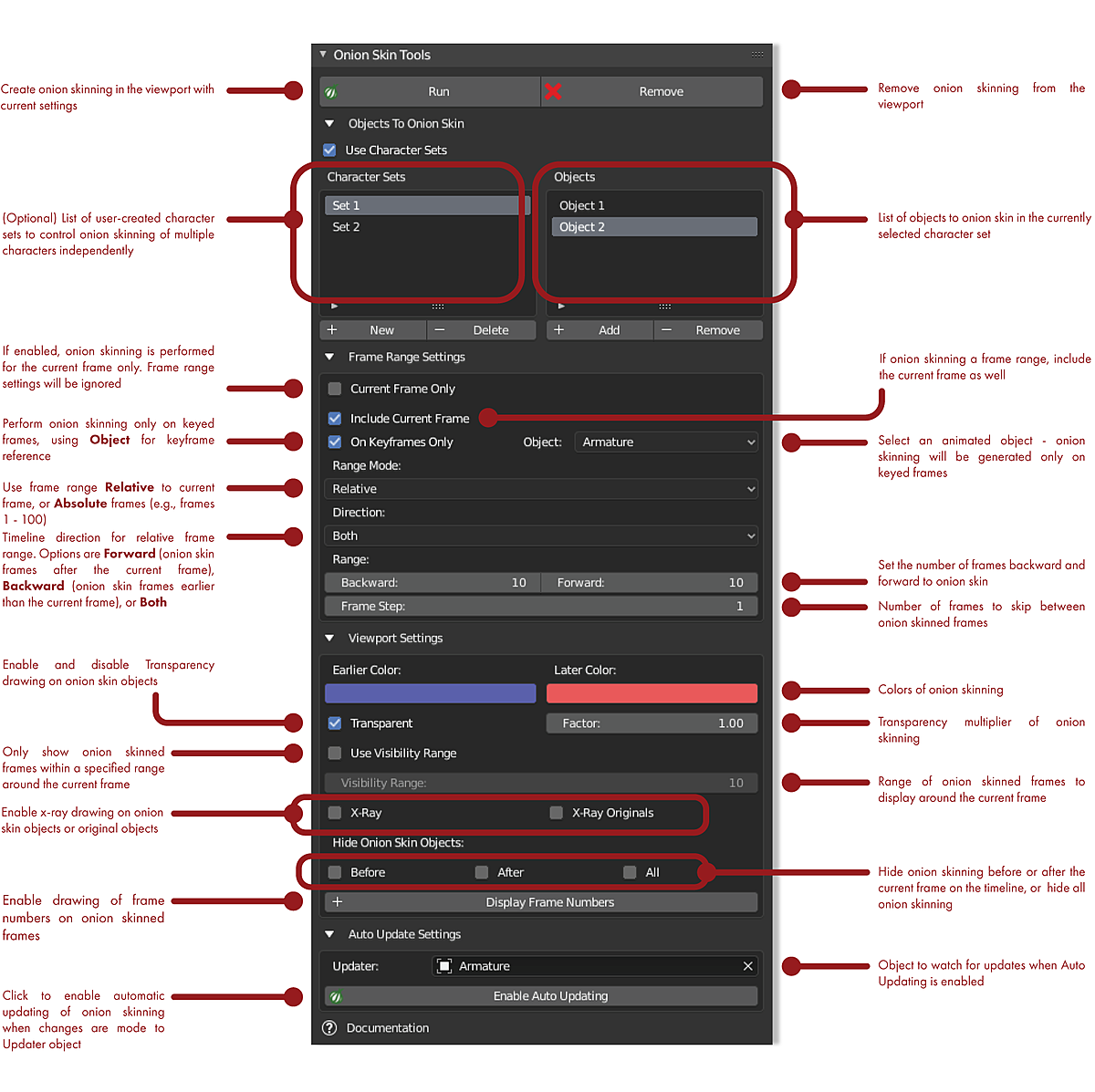
Onion Skin Tools adds object onion skinning to Blender's 3D viewport. It shows earlier or later poses alongside the current frame, helping animators compare movement without scrubbing the timeline. The add-on can generate onion skins for mesh-able objects, including characters made from multiple objects, on selected frames or across a user-defined range. See the product listing for its current details.
Choose objects and organize characters
You can add objects to a scene-wide list or organize them into Character Sets. Each set has independent controls for generating and removing onion skins and adjusting viewport settings. The documentation also describes selecting an armature to add the mesh objects parented to or deformed by it, which can help when preparing a rigged character.
Onion Skin Tools supports linked rigs. The product listing notes that this assumes the linked rig has not been duplicated in the scene. Auto Updating can watch an Updater object, such as a character rig armature, and refresh the onion skins when that object changes.
Set the frame range and viewport display
Absolute Range uses specific start and end frames; Relative Range shows frames within a chosen span around the current frame. Optional controls can limit generation to the current frame or to keyed frames. Frame Display adds frame numbers above the onion-skinned poses. A transparency range control limits which frames remain visible as you move through the timeline.
The listing describes viewport rendering with both EEVEE and Cycles. These controls suit animation work where seeing pose spacing or an action arc helps, including character, creature, vehicle, text, and motion-graphics animation.
Check scene size and compatibility
Viewport performance depends on the scene and the computer. The product FAQ notes that displaying a dense character across many frames can slow viewport navigation or playback. If that happens, reduce the included objects or frames to the ones needed for the current pose check.
The marketplace listing identifies Blender versions 3.4 to 5.0 and a GPL license. Check the documentation and listing for current setup and compatibility details before installing.