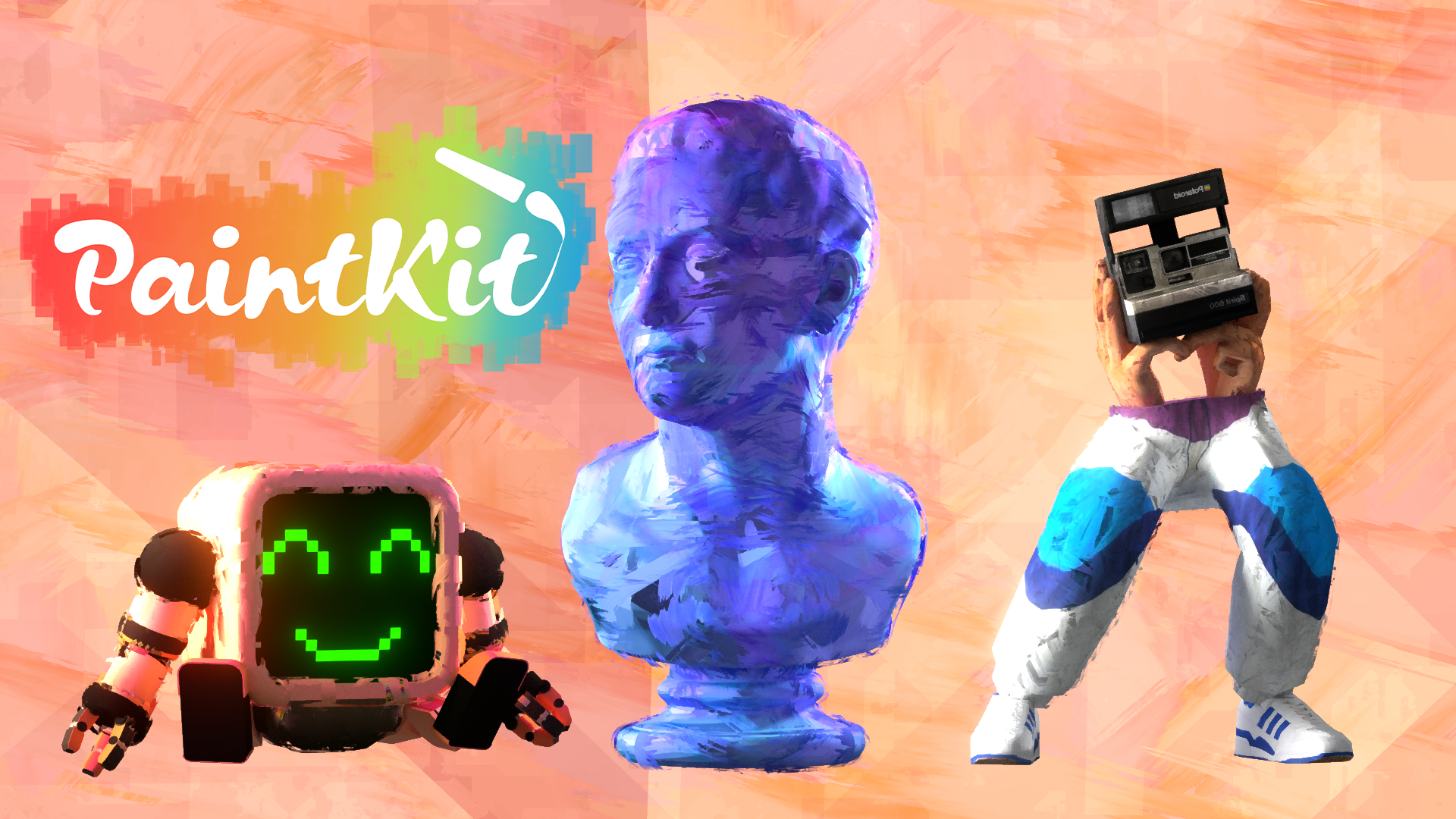
PaintKit is a Blender toolset by Warcat Studio for building stylized, painterly looks with procedural tools in the shader editor and Geometry Nodes. It combines paint-like textures with geometry-based brushstrokes, giving artists several ways to shape a rendered surface.
Build painterly materials with nodes
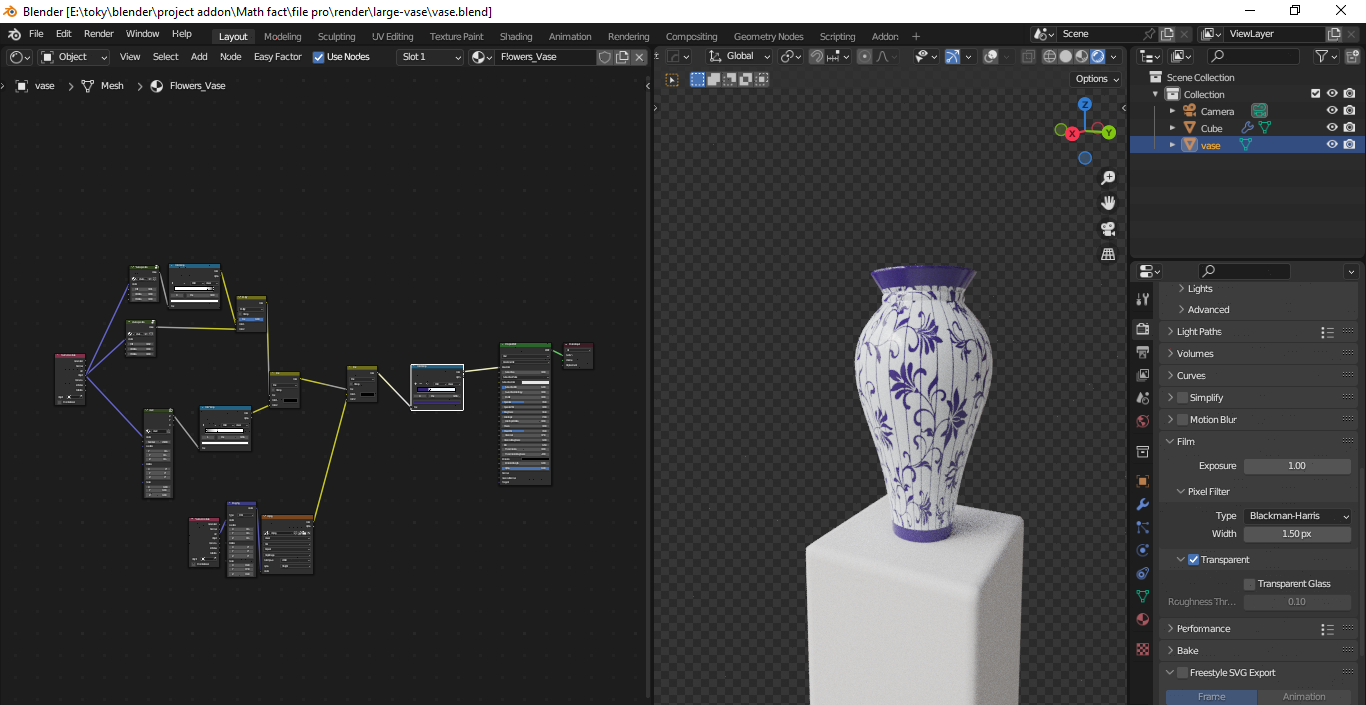
PaintKit includes custom shaders and node groups for adjusting object shading, along with groups that address shading errors on brushstroke objects. The kit also includes three procedural paint-like textures. These tools are suited to scenes where surface marks and stylized shading are part of the desired look.
Generate brushstrokes across a mesh
The Geometry Nodes brush-generation tools create cards across a mesh. You can texture those cards to give them the appearance of brushstrokes, with controls for noise displacement, size, aspect ratio, and framerate adjustments.
For more control over stroke direction, Guided Brushstrokes is a beta tool: draw guide curves on the object's surface, then use a curve as the guide for generating brushstroke instances. SimpleShell provides another approach. It creates layers of the original object that can be masked and textured with its node group, which the listing describes as a simpler, more performance-friendly brushstroke option.
Use the results across render engines
PaintKit uses normal offsetting alongside procedural textures and works with Blender's Eevee and Cycles render engines. Its results can also be baked to texture maps for use in other render engines, so a look developed in Blender can be carried into a separate rendering workflow.
Version details and learning resources
The Superhive listing identifies Blender 4.0 as the Blender version and GPL as the license. The linked documentation is for PaintKit 1.0.0. Check those details against your Blender installation before relying on compatibility. Warcat Studio also provides a PaintKit video tutorial and PaintKit 1.0.0 documentation.