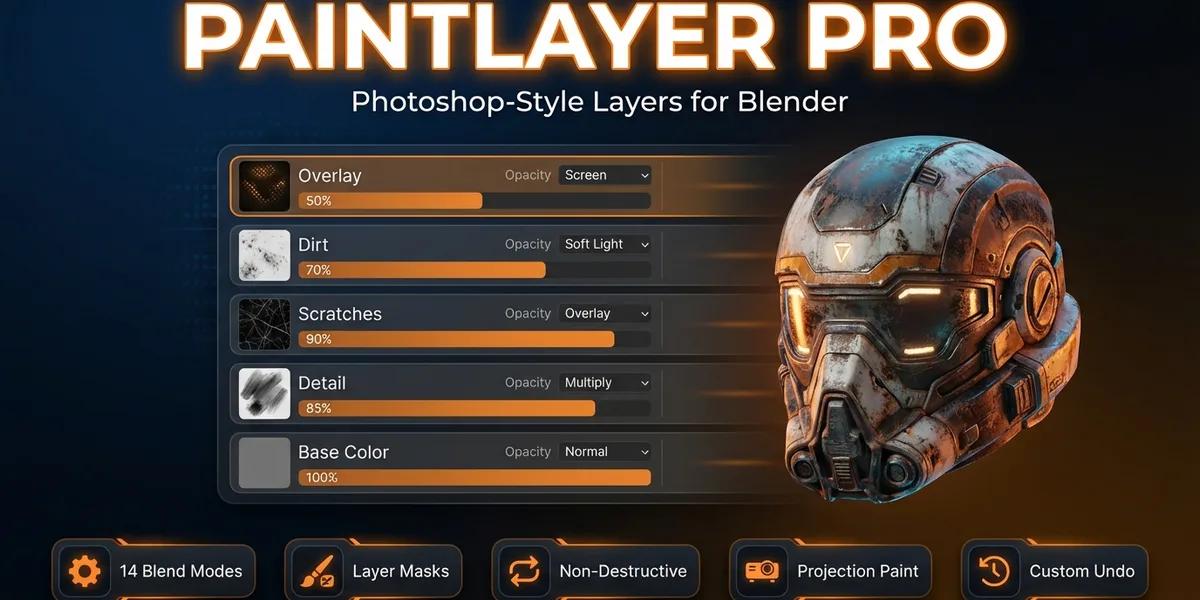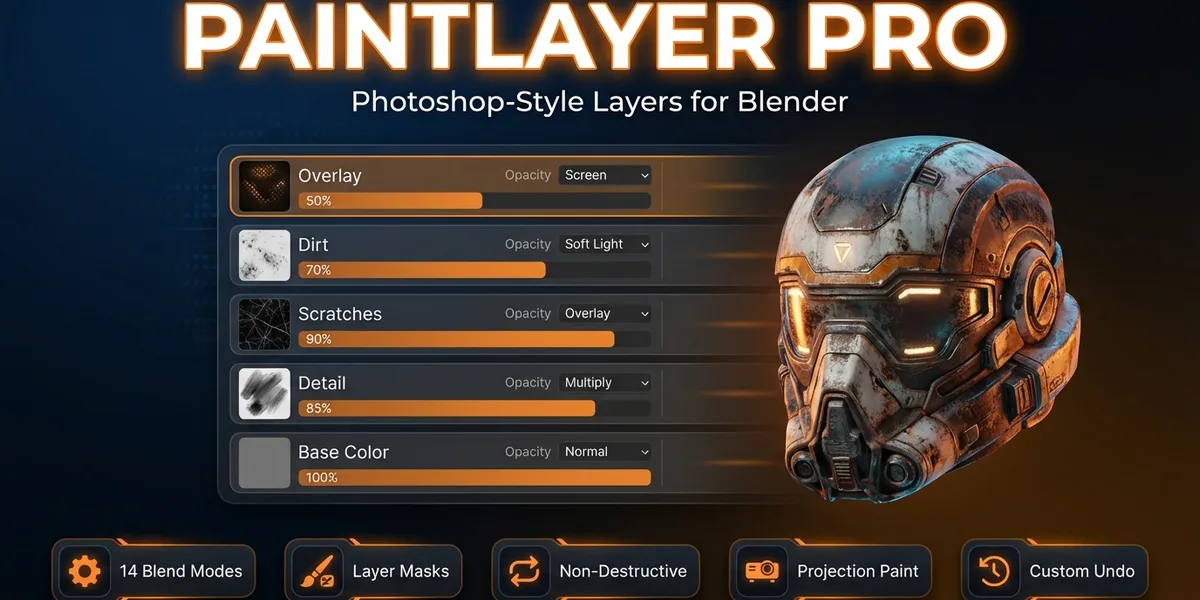
PaintLayer Pro is a Blender add-on for texture painting that keeps strokes on separate image layers. You can adjust each layer’s blend mode, opacity and visibility, add a mask, and composite the stack onto a material to review the result. This workflow suits texture artists who need to revise shading, color or surface details without repainting a flattened image.
Paint across editable layers
Select an object with a material, choose an Albedo, Roughness, Metallic or Normal channel and set a resolution before adding a layer. Paint with Blender’s texture-paint tools on the selected layer, then arrange layers from bottom to top. Fourteen blend modes include Multiply, Screen, Overlay, Soft Light, Add and Subtract. Each layer has its own opacity, visibility and lock controls, and an optional mask can limit where it contributes to the composite.
With the canvas active in Texture Paint mode, Direct mode uses Blender’s brush on the current layer. Stencil mode projects an image, which is useful for placing decals or dirt maps. When you are ready to check the material, Composite Layers builds the result and connects it to the matching material input. The v1.1.0 release notes describe this automatic material connection; use Material Preview or Rendered viewport shading to see the texture on the object.
Preview and manage larger stacks
Live Preview recomposites the stack as you change opacity, blend mode or visibility. The documentation recommends it for stacks under about 30 layers. For heavier stacks, turn Live Preview off and click Composite manually after a group of changes. Each layer is a full-resolution image held in memory, so memory use grows with layer count and resolution.
The add-on includes snapshot-based paint undo and redo with per-image history, separate from Blender’s global undo. Layer groups are more limited: the v1.1.1 documentation describes a group as a label in the stack. Layers do not move inside it, and the group’s visibility, opacity and blend mode do not affect the composite.
Import, export and install
Import an image as a layer or export a flattened texture in formats including PNG, JPG, TGA, BMP, TIFF, EXR and HDR. Export All Layers writes the individual layers to a folder. Images larger than the selected layer resolution are scaled on import, so raise the resolution first when working with larger assets.
To install, keep the downloaded ZIP packed. In Blender, open Edit → Preferences → Add-ons, choose Install from Disk, select the ZIP and enable PaintLayer Pro. Press N in the 3D Viewport and open the PaintLayer tab. The add-on is written in Python and does not require a DLL.
Compatibility and license
The detailed documentation is labeled v1.1.1 and specifies Blender 4.2 LTS or later, with tests listed for 4.2.9 and 5.2.0. Separate marketplace compatibility metadata shows Blender 3.2–5.2, so check the current package notes for the release you plan to install. The documentation identifies the add-on as GPL-3.0. Read the PaintLayer Pro documentation and marketplace listing for setup and distribution details.