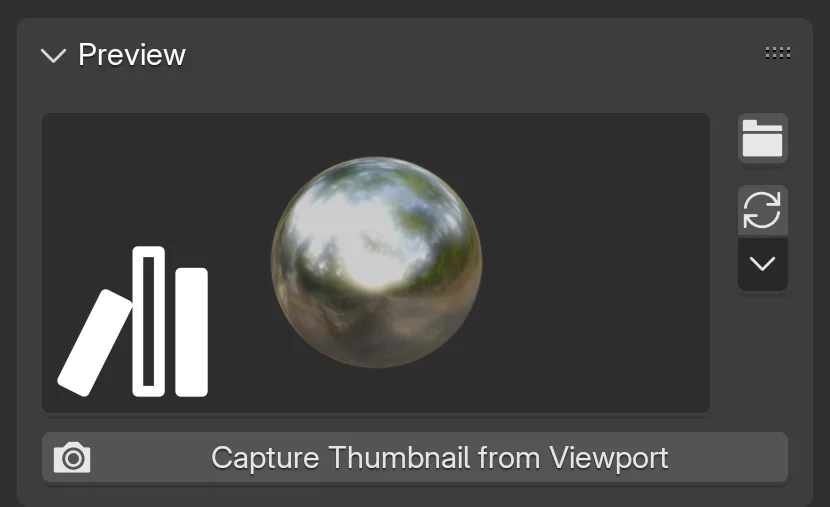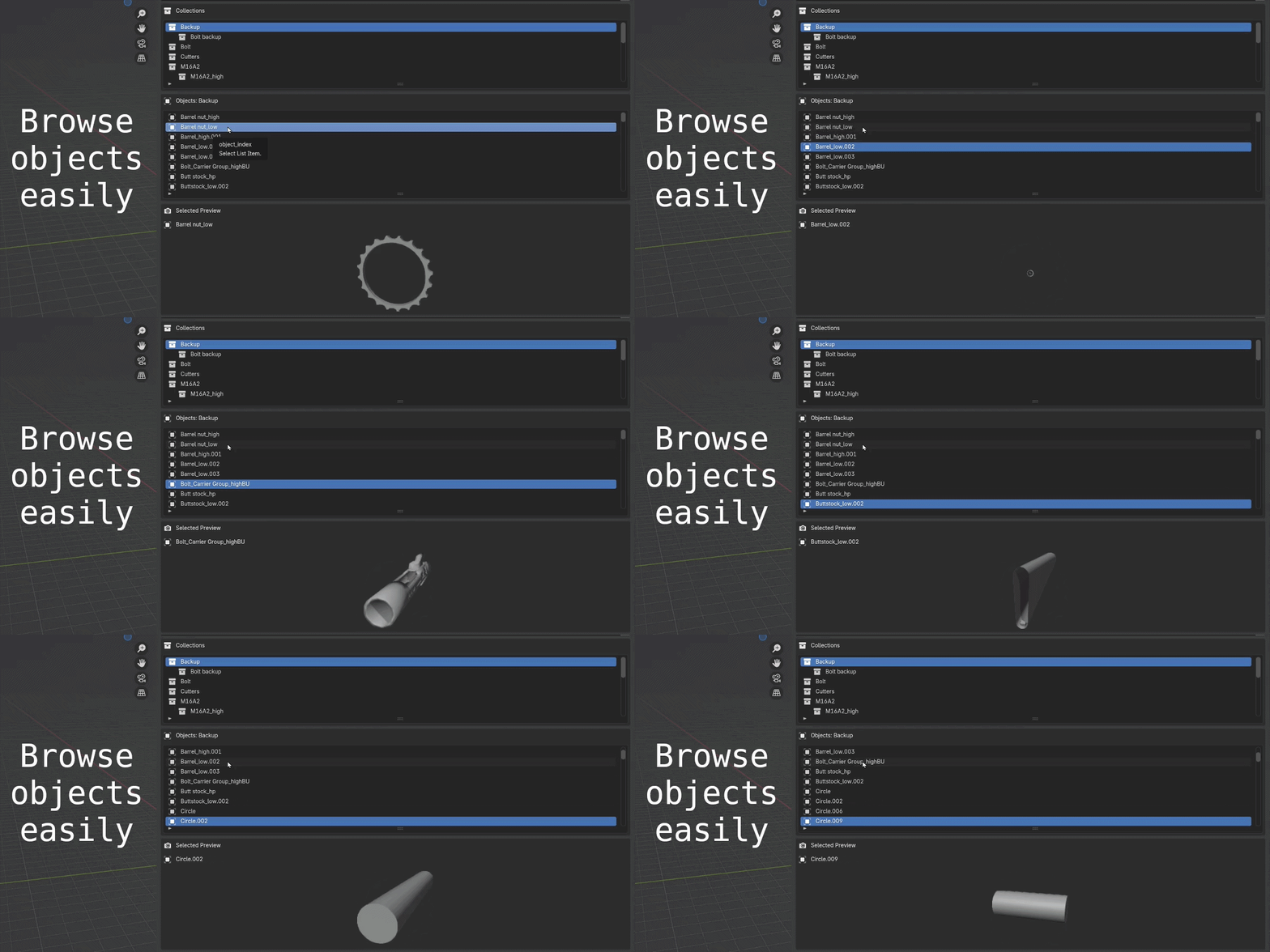
Pataz Thumbnail Toolz is a Blender add-on for managing thumbnails in the Asset Browser. It copies a thumbnail from one asset to another or saves an asset's thumbnail as a PNG. Its panel appears in the Asset Browser sidebar, which you open with N. Both actions work only on assets in the Current File asset library. feature and compatibility details are listed by Blender Extensions.
Copy a thumbnail between assets
In the Asset Browser, click the asset whose thumbnail you want to copy. Hold Shift and click the target asset, then choose Copy Selected to Active in the Thumbnail Toolz panel. This applies the source thumbnail to the active target; it does not transfer the underlying asset.
Export a thumbnail as PNG
Select an asset and click Save Thumbnail to Disk. Blender opens a file browser where you can choose a location and filename for the PNG. The exported thumbnail can be used in documentation, on websites, or in a personal library.
Check the asset library first
The add-on cannot access thumbnail data for assets in external user libraries, due to a Blender Python API limitation. For a copy operation, both the source and target must be in the Current File library. Export also works only with an asset in that library.
Compatibility and installation
The Blender Extensions listing identifies version 1.0.0, published October 12, 2025, and a minimum Blender version of 4.2.0. It lists the license as GNU GPL version 3 or later and requests permission to save and load files from disk. The listing provides drag-and-drop installation and a download option for installing from disk.