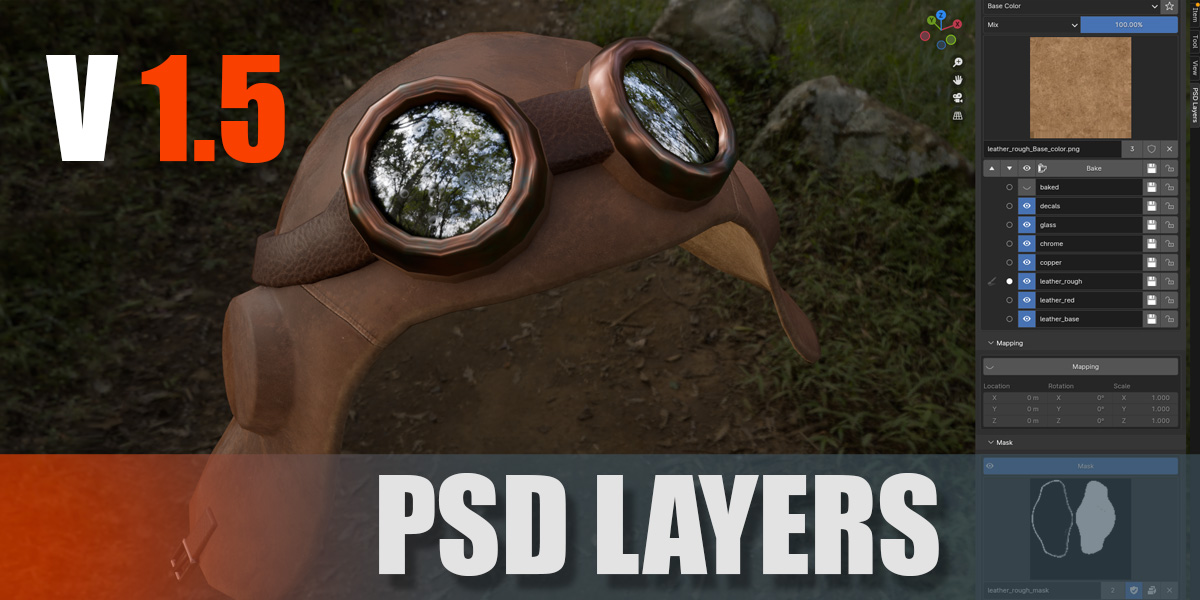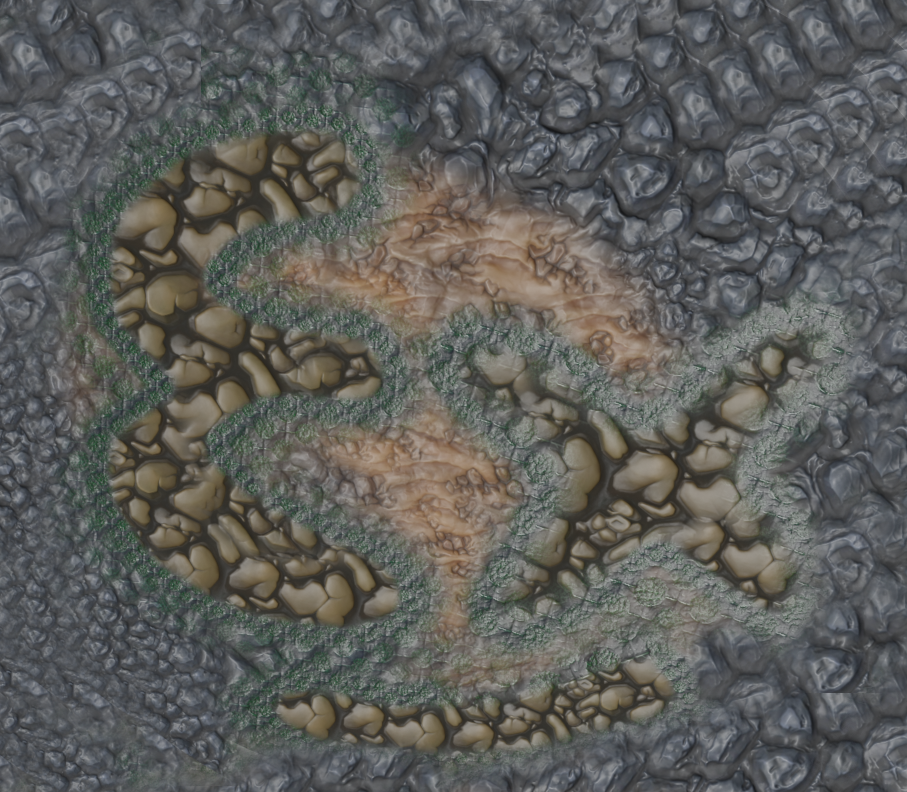
PBR Brush is a Blender add-on for painting across multiple PBR texture channels. Assign images to texture slots, then paint them together. Its creator made it to blend and texture terrain and nature for hobby game projects in Unity, and says it can also be used to paint different texture sets for model variants. The listing identifies Blender 2.93; compatibility with newer Blender releases is unconfirmed.
Texture maps it supports
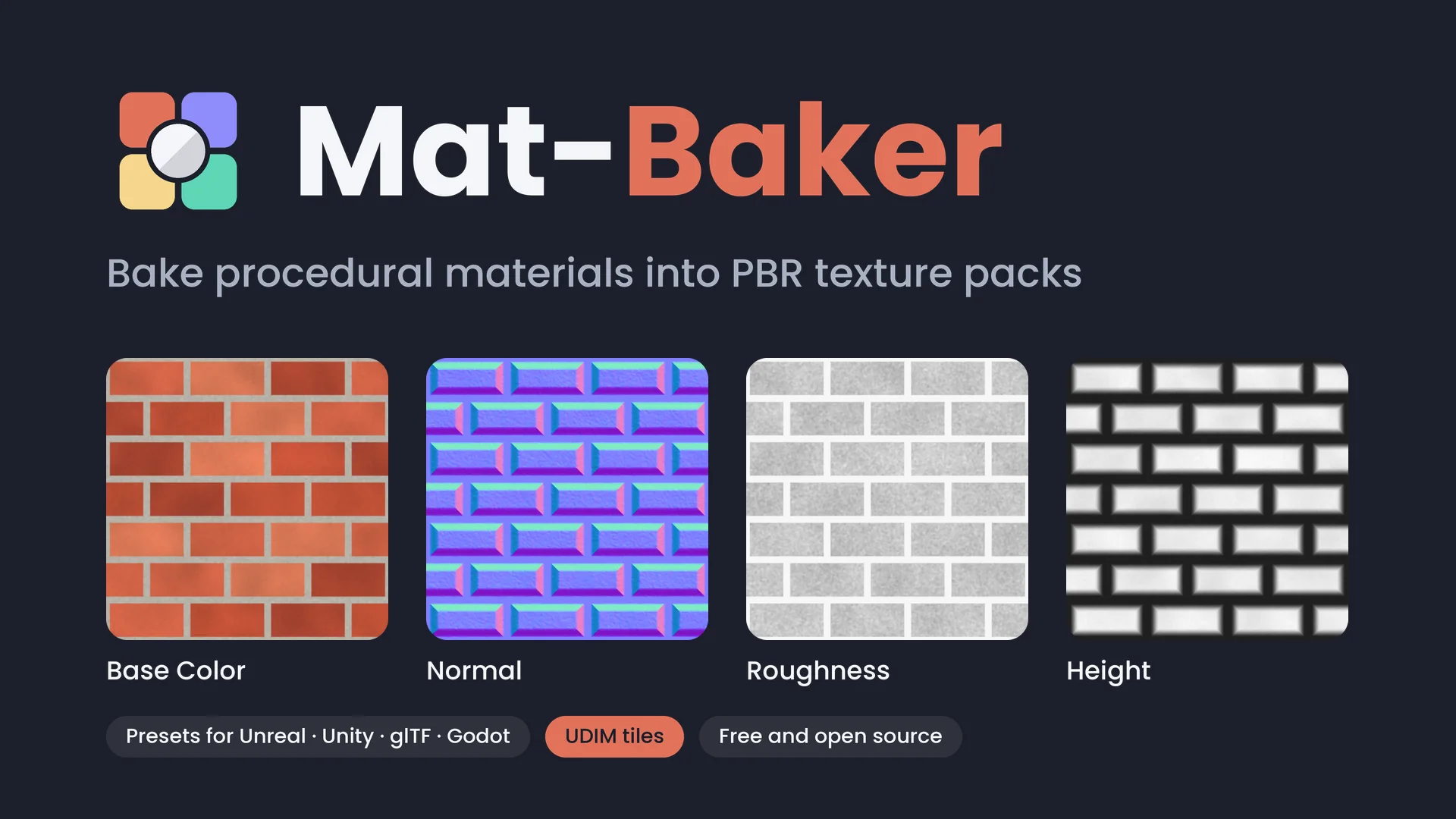
Supported maps include base colour, normal, roughness, height, ambient occlusion (AO) and emission maps. You assign the maps to slots before painting, which suits workflows that use existing seamless textures across several material channels.
Install and open PBR Brush in Blender 2.93
- In Blender, go to Edit > Preferences > Add-ons.
- Install
PBRBrush.pyand enable the add-on. Search for PBR Brush in the add-on list if needed. - In Texture Draw mode, open the panel on the right, find PBR Brush and click its refresh icon.
The product documentation lists these steps and points to a video guide.
Version and license
The listing specifies Blender 2.93 and the GPL license but gives no compatibility details for newer Blender releases. Check the PBR Brush listing before installing.