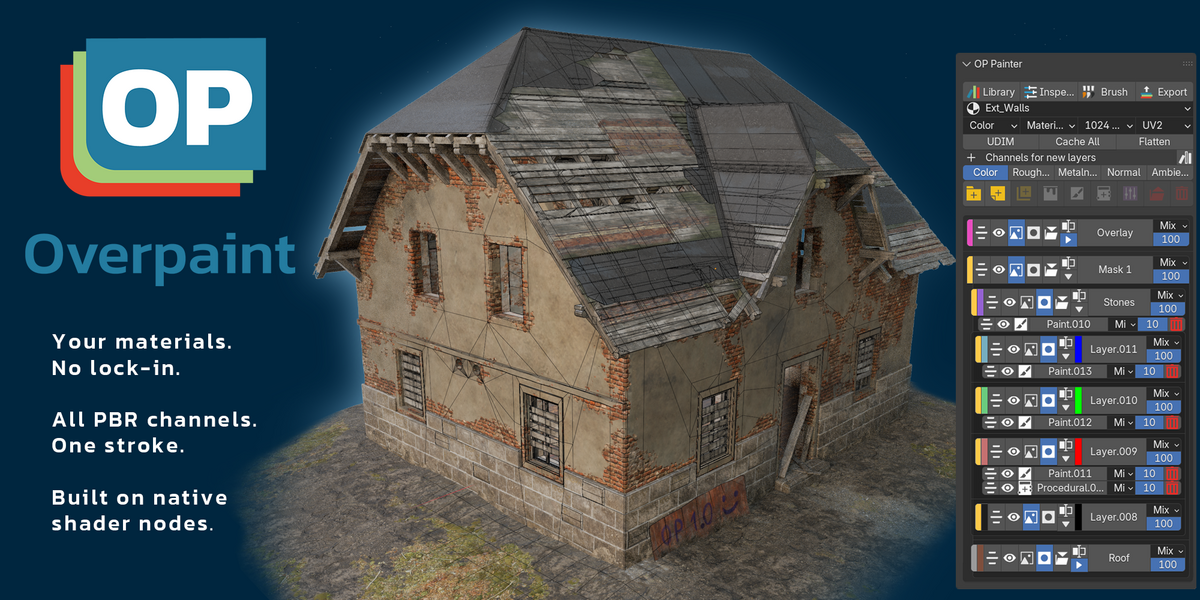
Layer Painter is a Blender add-on for creating materials with a stack of layers that combine painting and procedural inputs. It builds the node tree in the background, so you can work with layers instead of wiring each material from scratch. The add-on is designed for PBR materials and also supports stylized painting. Its Eevee viewport provides feedback while you paint and edit.
Work with material layers and channels
The layer stack lets you add, move, group and duplicate layers, then adjust channel visibility, blending modes and opacity. Layers use Principled BSDF PBR channels. For each channel, you can use values, textures or node groups. Version 1.3 added custom channels and presets, and an option to edit the material nodes directly.
Paint masks and adjust textures
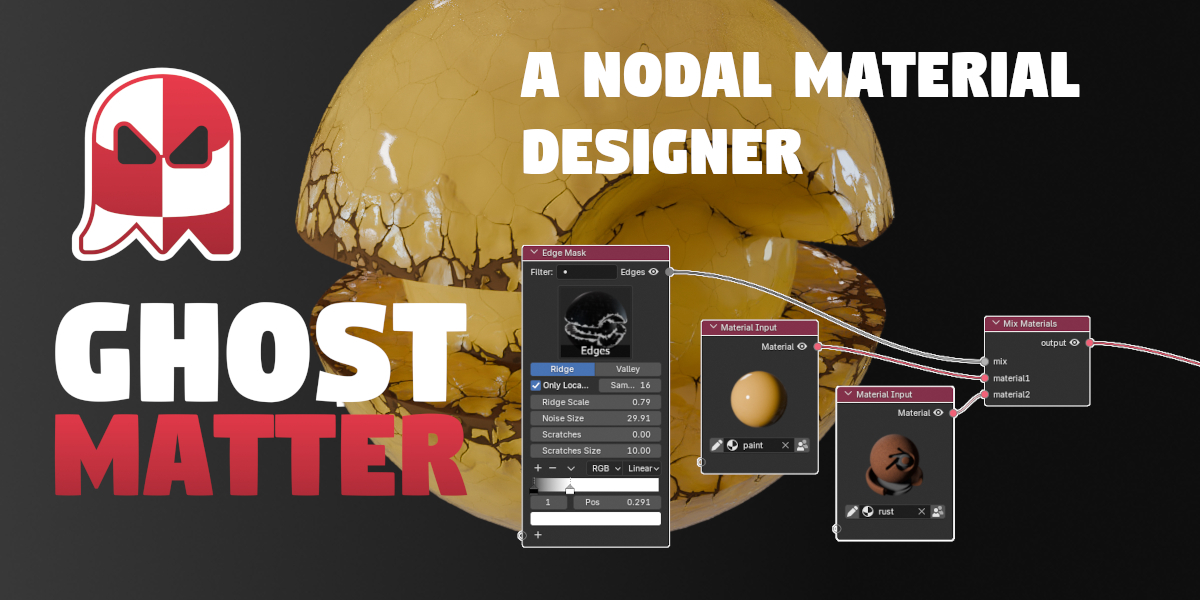
Masks can be hand painted, baked or procedural. You can make custom mask node groups, use filters to change properties such as hue, and apply vector effects such as pixelation, blur and Anti-Tile to reduce texture repetition. Texture settings support custom libraries and import options, and let you create textures to paint on. The product page also says textures from other sites can be used and that most Extreme PBR materials can serve as a base.
Bake maps for other workflows
Layer Painter can bake Ambient Occlusion and Bevel Masks for use with masks, plus normal maps based on the bevel shader or a high-poly mesh. You can also bake the complete material to PBR textures for use in Blender or other software.
Check the version before installing
The Superhive listing identifies version 1.3 as the legacy release and says it will not receive further updates. A community-maintained open-source version is available on GitHub. The legacy listing describes support for Blender 2.82 and later, while its compatibility field names Blender 2.82, 2.83 and 2.9. Check the documentation for the version you plan to use, especially if you have a newer Blender release.