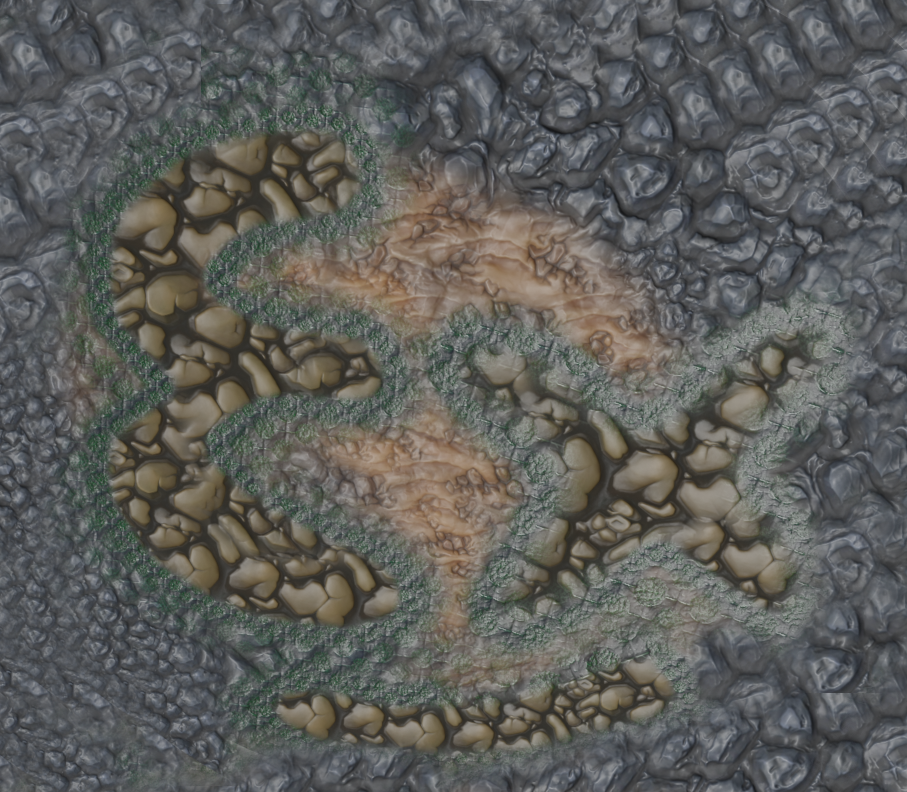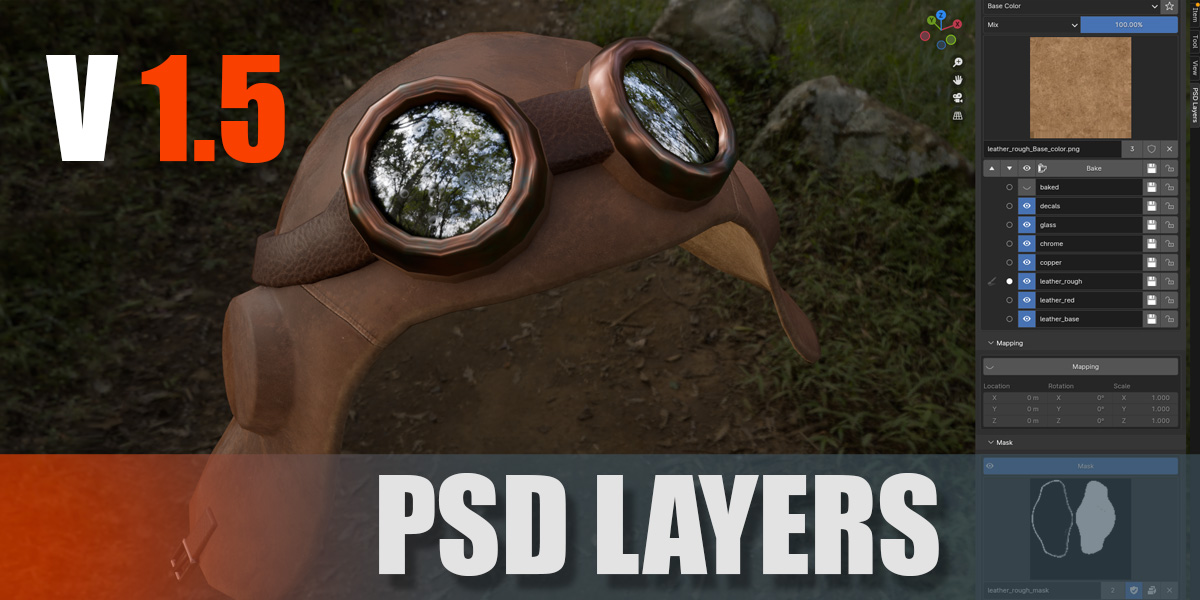
Pbr Painter 3 is a Blender add-on for building and editing PBR materials with layers and multiple channels. It can adjust albedo, roughness, displacement, normals, emission, and other material channels together in its own workspace. You can start with a blank material, import existing PBR texture maps, or generate procedural textures for individual channels.
How the layer workflow works
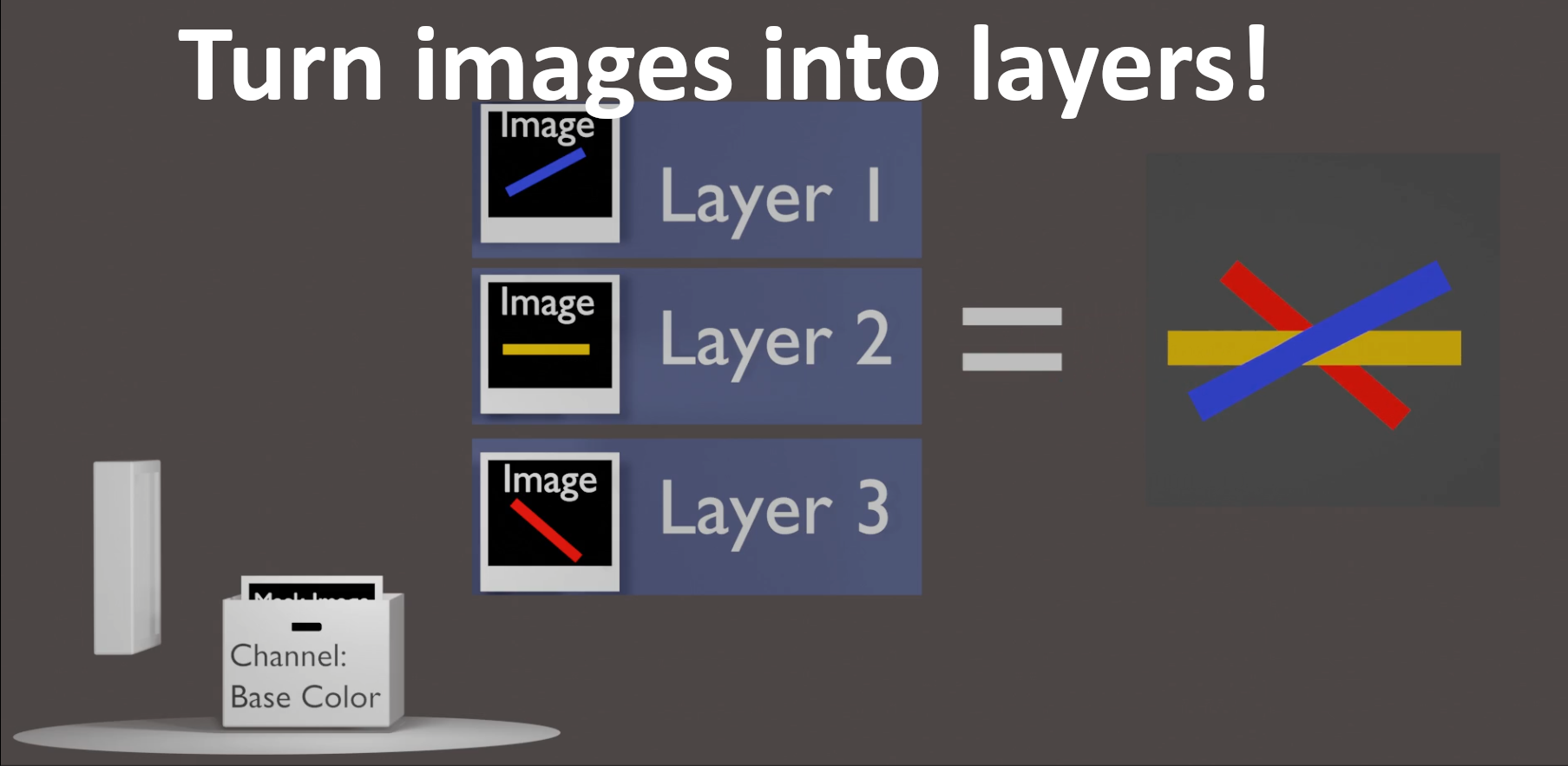
The add-on creates and manages the material node setup for you. That leaves the controls for editing channels and layers in its interface, without requiring you to assemble the node graph manually. You can combine normals from stacked layers, change the opacity of a channel on a particular layer, and build layered mask systems.
This approach suits projects where material detail is built in stages. You can adjust channel values across layers, mix imported maps with procedural textures, or make a material from scratch. The product listing also describes texture painting on simple low-poly models and organic or soft-body forms.
Procedural tools and material selection
Pbr Painter 3 includes procedural edge-wear generation for Cycles and Eevee. It also supports smart materials that can be imported from Blender's asset browser, as well as material segmentation using an ID Map. These options are useful when a surface needs localized variation or separate material treatment across mapped regions.
Render engines, operating systems, and installation
The Superhive listing names Cycles and Eevee as supported render engines and says the add-on works on Windows, macOS, and Linux. It notes a specific macOS limitation: Blender restricts the number of image texture nodes that Eevee can render, which may constrain projects using imported textures.
The Superhive product page lists Blender versions 2.93 through 5.2. Its installation notice directs Blender 4.2 and later users to pbrpainter-3.4.8.zip, while earlier Blender versions should use legacy__pbrpainter-3.4.8.zip. The catalog record for this page identifies version 3.4.6, so check the product listing for the current release and matching installer before installing.
Documentation and support
The product includes links to written documentation and the PBR Painter YouTube channel. The product FAQ covers an Eevee texture display issue, update announcements, feature requests, and bug reports. The creator also directs users to the PBR Painter Discord community for help and discussion.
The Superhive listing identifies the add-on's license as GPL. Review the product page and documentation for the current release details and usage terms.