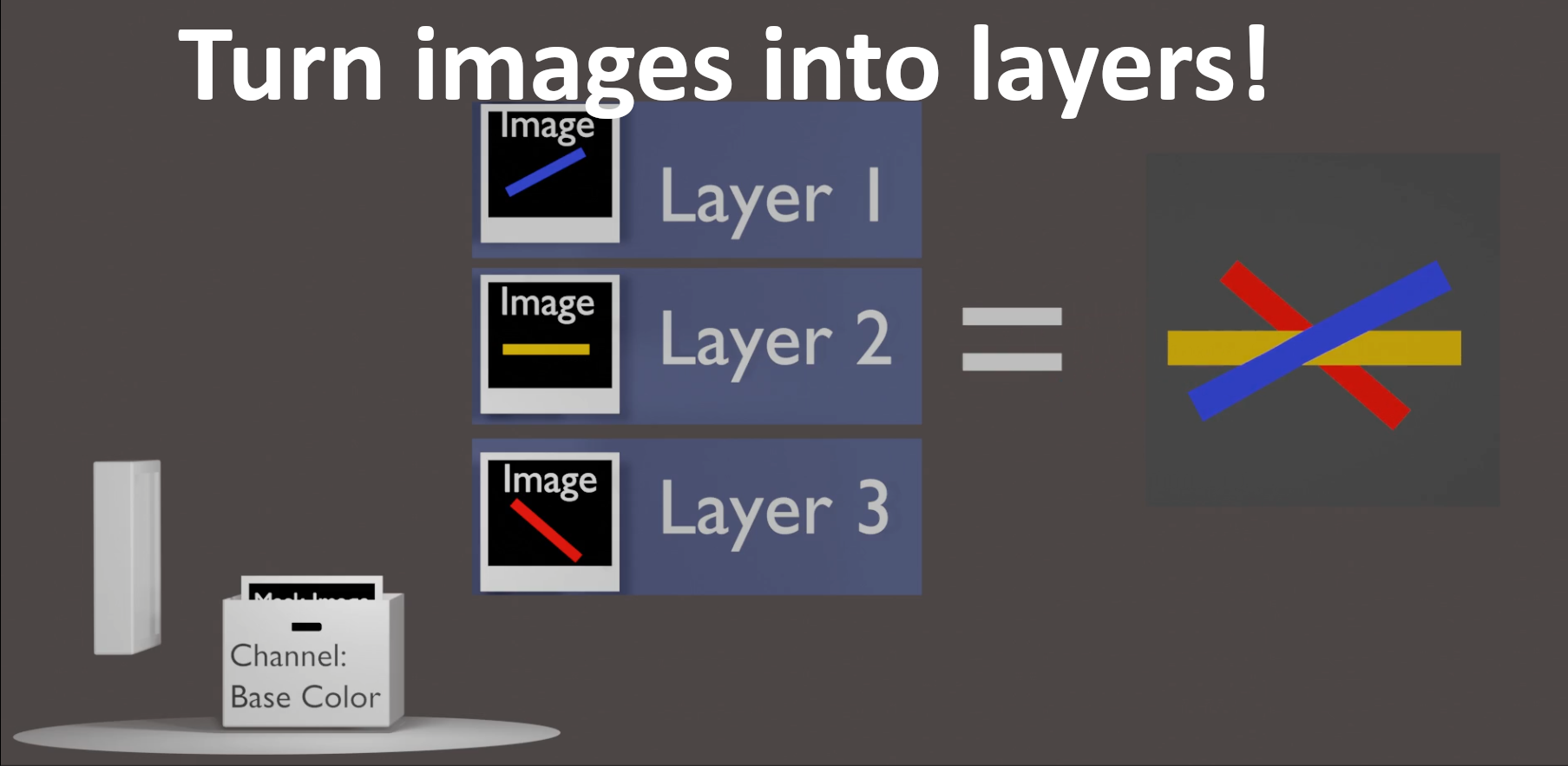
Layer Creator 2 is a Blender add-on for building textures from image-based layers. Its panel lets you reorder and delete layers, save images, adjust individual colors, and blend layers with custom images or built-in procedural settings. After learning the fundamentals, users can create textures with the add-on's layer system without manually editing shader nodes.
Work with image and procedural layers
Images are the base for the layers. Procedural textures can be used as textures or masks on individual layers or across all layers. Layer Creator 2 also includes controls for copying images and settings between layers and channels, and for importing and assigning PBR textures. The product information does not list supported image formats or specific PBR map types, so check the developer documentation for those workflow details.
The developer rewrote Layer Creator 2 to incorporate node groups into its layer system.
Paint Tools is a separate add-on
Paint Tools is optional and independent from Layer Creator 2. It adds default brushes and textures, Color Jitter, and Mask Groups for hiding parts of a mesh while painting. The developer says both add-ons work independently. If you install both and want them to appear together, keep them in the same folder; they then appear in the 3D Viewport N-Panel under Layer Creator.
Check Blender compatibility before installing
The current compatibility notice on the product listing says Blender 3.4 and later require Layer Creator 2 version 2.0.1, while Blender versions earlier than 3.4 require version 2.0.0. The listing's details panel still names Blender 3.0 through 3.3, so confirm the package that matches your Blender release before installing. The developer says future updates will target Blender 3.4 and later.
The documentation page links to a fundamentals video and separate documentation videos for Layer Creator 2 and Paint Tools. Start with the fundamentals material if the layer and node-group workflow is new to you, then check the relevant add-on documentation for setup details.