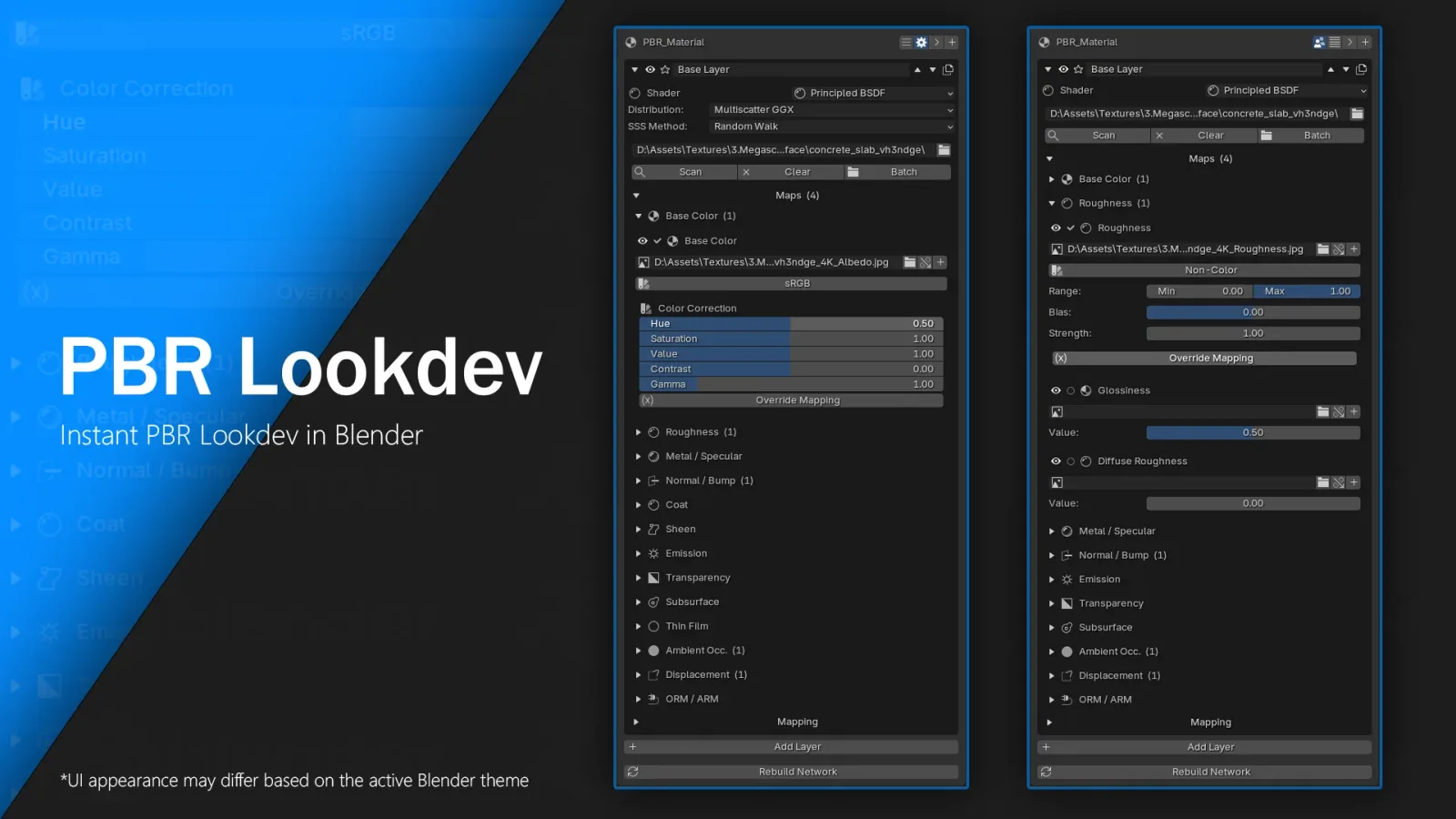
PBR Lookdev 4.2.1 is a Blender add-on by BHiMAX for building layered materials from PBR texture sets. It scans a texture folder for maps, creates a structured shader node setup, and lets you adjust layers, masks, overlays and map settings from its panel.
The workflow suits artists bringing texture sets from tools such as Substance Painter or Designer into Blender. Instead of wiring each map by hand, you can scan the folder, build the material, then refine its layers and channel settings.
Build a material from a texture folder
- Create a PBR material and add a layer.
- Select the folder containing the texture set and scan it. The add-on matches filenames to map channels. When a folder contains several sets, part filtering can help select the intended set; batch scanning can make a layer for each subfolder.
- Build the material, then adjust its map values and layer settings. LookDeck 5.0's release notes list a fix for value sliders that had no effect on the shader when a channel had no texture; they do not say whether that issue affected PBR Lookdev 4.2.1.
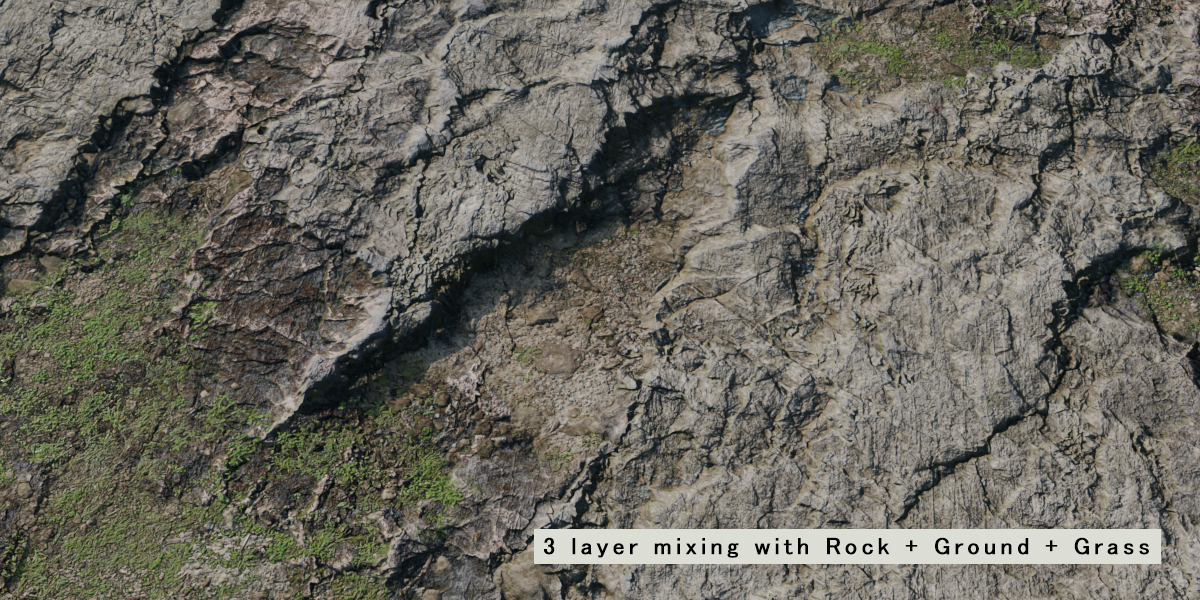
The resulting node tree organizes the material as a layered setup. You can stack layers, combine them with masks, and refine the result without rebuilding every connection manually.
Texture, mask and shader controls
PBR Lookdev supports Principled BSDF, Glass, Emission, Diffuse and Subsurface shader types. Its texture workflow includes UDIM tile sequences and packed ORM or ARM maps with a selectable channel layout. Procedural and image masks can control where layers appear, while image overlays add another image to a channel with blend and strength controls. AnyPlugins lists per-slot colour correction for PBR Lookdev; LookDeck 5.0's release notes list a fix for layer colour correction applying Contrast to Brightness as well, but do not say whether PBR Lookdev 4.2.1 had that issue.
These controls are useful when one material needs separate surface treatments, such as paint over a base material or a masked variation across a prop. The add-on keeps the material setup in Blender's node system, where you can inspect and continue editing the nodes.
Check the version before installing
AnyPlugins lists PBR Lookdev 4.2.1 as compatible with Blender 4.2 LTS and newer. Blender's Extensions listing now uses the name LookDeck. Its release notes identify LookDeck 5.0.0 as the first release under that name and PBR Lookdev 4.2.1 as the previous release; the LookDeck listing requires Blender 5.1 or newer. These are different release details, so check the exact archive and Blender version you plan to use in the Blender Extensions listing and the PBR Lookdev listing.
The Blender release notes say materials made with PBR Lookdev open in LookDeck with their layers. They also instruct users to disable PBR Lookdev before installing LookDeck. Features documented as new in the renamed release should be checked against that release rather than assumed to be part of version 4.2.1.
Price and license
AnyPlugins lists PBR Lookdev as free to download. The Blender Extensions listing identifies the add-on's license as GNU GPL version 3.0 or later. Review the license terms if you plan to redistribute or modify it.