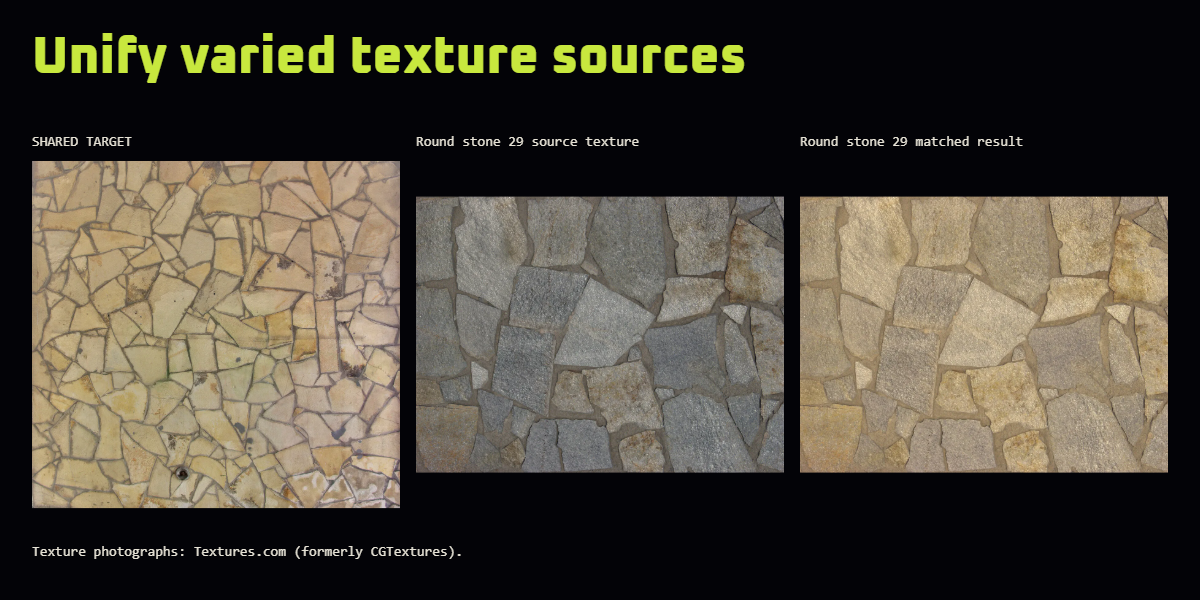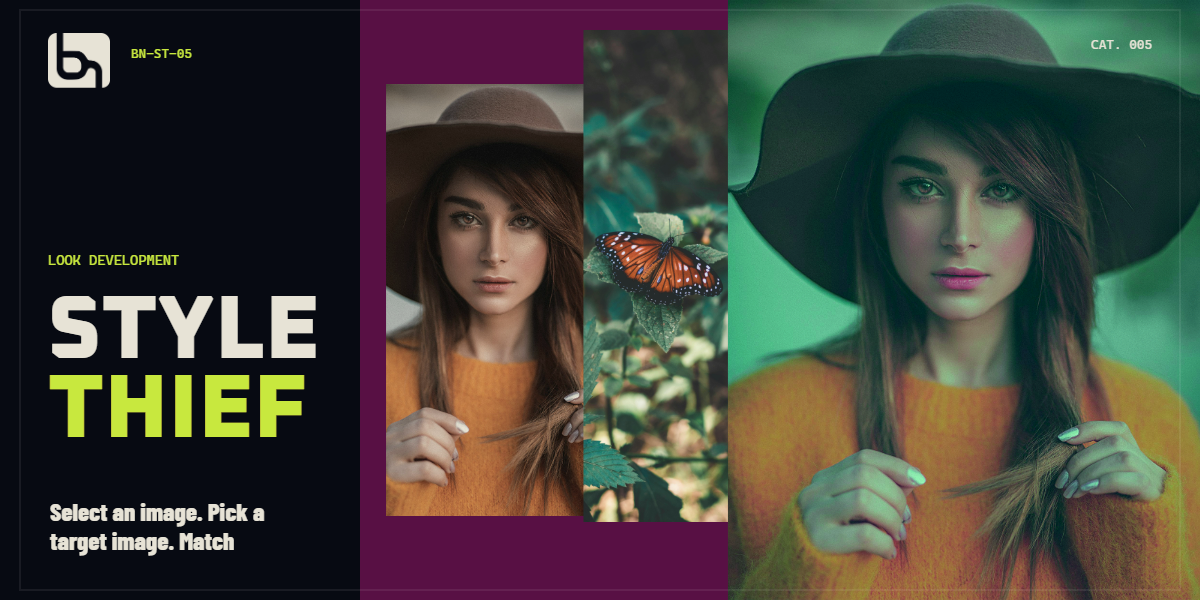
Style Thief is a Blender add-on for matching an image's colors to a visual reference. It works with textures, renders, photographs, paintings, and HDR images. Its image-processing methods transfer color without generating new objects, and processing runs locally, so a network connection is not required for working images.
The product listing describes Style Thief 1.4.0 as supporting Blender 4.3 and newer, while its Blender Version field gives 4.3 to 5.2. It can start from images loaded in Blender, files, clipboard content, a screen capture, or a texture node.
Match one image or a texture set
Style Thief has two batch workflows. Batch Input applies one reference to multiple source images, which suits a set of color textures. Batch Target applies several references to one source, making it easier to compare different looks for a render, material, or shot. Both workflows accept loaded images or image folders.
For a single match, choose one of ten methods. All Modes can produce a result for every method in one run, so you can compare their output on the same image pair. The four methods added in version 1.4.0 are Lab Shift, Crosscut, Matrix, and PCCM.
Keep the result under your control
The matched image keeps the source dimensions and alpha channel. Save it to disk, keep it in Blender, or create matched image-texture nodes beside the originals. You can replace existing links when you choose; Style Thief does not replace them automatically.
Different methods can produce similar results on some image pairs and very different results on others. PCCM is experimental and can make extreme color changes. Very different, weak, monochrome, or low-resolution source and reference images may produce only a limited shift.
Use color images, not data maps
Style Thief supports sRGB, scene-linear, and HDR workflows. Use it for color images such as base-color textures, photographs, or renders. Do not apply color transfer to normal, roughness, displacement, or other non-color data maps.
Check the Blender version and workflow
Style Thief runs from Blender's Image Editor N-panel. The product listing specifies Windows, macOS, and Linux support. For setup and interface steps, see the Style Thief user guide.