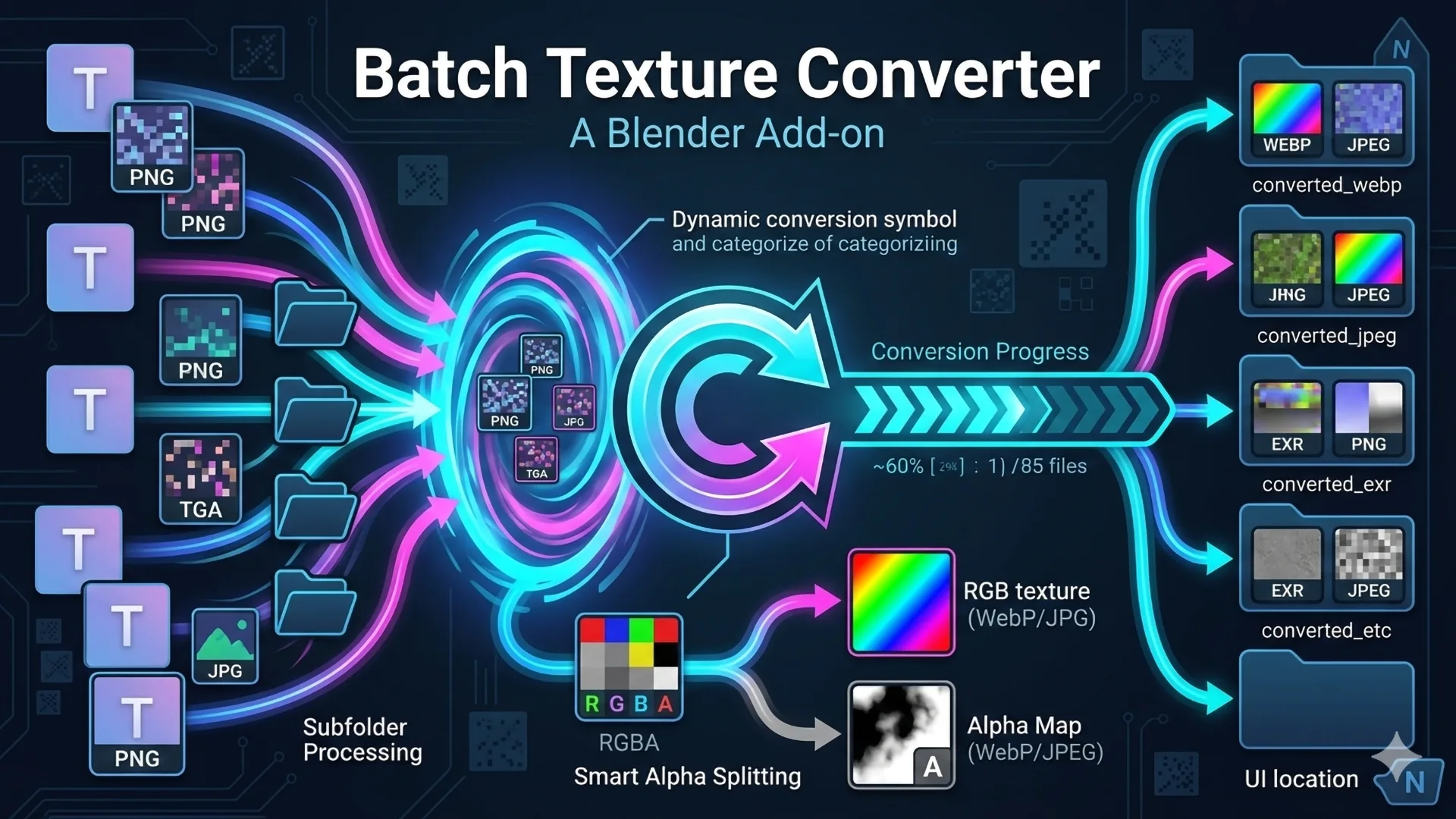
TexOps is a Blender add-on by JR3DFUL for texture conversion, generation, and image manipulation. The official TexOps listing and the extension record identify version 1.0.0, Blender 4.2.0 as the minimum, and the GPL-3.0-or-later license.
Texture and image tools
TexOps groups texture and image operations in one add-on:
- A channel packer that combines grayscale textures into the RGBA channels of one image, with controls for input channels, output dimensions, format, and bit depth.
- An SVG rasterizer that converts SVG files and Blender curve objects into texture images.
- Image Tools supports channel inversion and clearing, grayscale conversion, flipping, rotation, resizing, cropping, wrapped offsets, tiling, and undo/redo.
- Other tools pack textures by bit depth or resolution, convert height and normal maps, generate seamless textures and SDF/MSDF images, validate metallic-workflow PBR textures, and dilate RGB colors into transparent regions.
Current and batch modes
Within Image Tools, Current mode edits the active image in Blender's Image Editor, while Batch mode processes images in a folder. Other tools have their own batch options: the channel packer accepts individual images or folders, the bit packer processes sequentially named textures in a folder, and the rasterizer processes SVG files from a folder.
Installation and compatibility
The official listing links to the add-on download and Blender's instructions for installing an extension from disk. Check the current listing for the latest release and compatibility details before installing.
Who may find it useful
TexOps may suit Blender users preparing texture maps for 3D assets: channel packing puts grayscale maps into one RGBA image, while dilation fills transparent areas with neighboring opaque colors to help reduce UV-seam artifacts and mip-map bleeding.