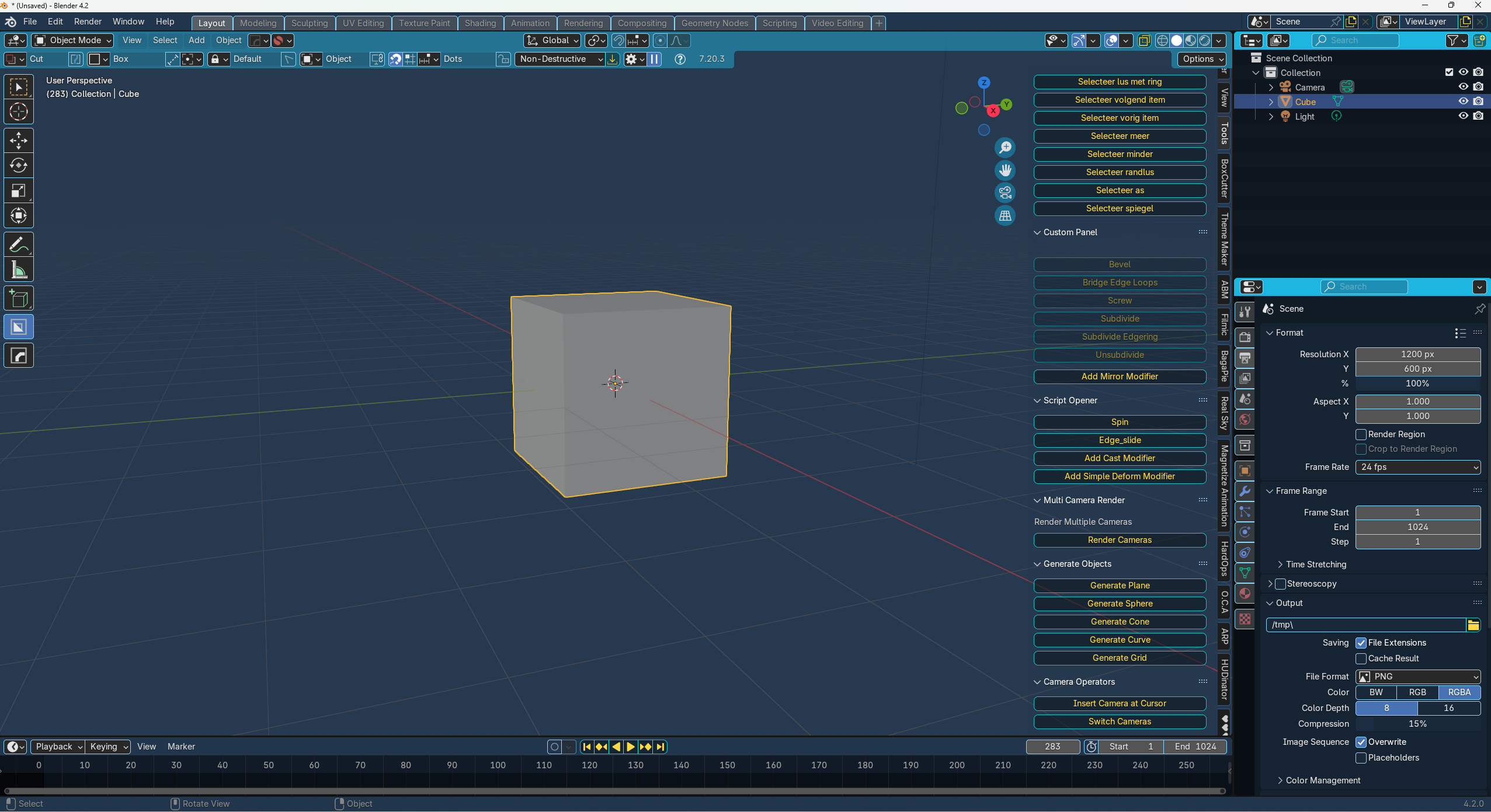
Theme Dictionary is a Blender add-on for finding and editing interface theme settings by color or name. Sample a color from Blender's interface with the eyedropper, then review theme entries with similar colors in a filtered list. A tolerance control adjusts how closely the results must match, so you can narrow the list before choosing what to edit.
Find and revisit theme settings
The filtered results give you a quicker route to relevant settings than searching through nested theme preferences. An edit history list collects modified items, making them easier to find again. The add-on's name search supports Chinese and English terms, and it includes Chinese translation support for Blender's Chinese interface.
Features in version 0.6.5
Version 0.6.5 adds optional stars for detection zones. The setting is off by default. When enabled, starred items in the current zone appear first in later detections, with the most recently starred items at the top. You can import or export the starred-item list from preferences.
The right-click menu also includes Jump to Theme Preferences. It opens the corresponding area in Blender's native theme list and expands the relevant section and its parent sections.
Compatibility and installation
Theme Dictionary 0.6.5 supports Blender 5.0 and newer. Install it from Blender's Extensions preferences by searching for Theme Dictionary, then install and enable it. The alternative is to download a package from the GitHub releases page and use Install from Disk in Blender's Add-ons preferences.
The extension is released under the GNU General Public License v3.0 or later and does not require special permissions. See the Blender Extensions listing for the current compatibility details and the Blender manual's installation instructions.