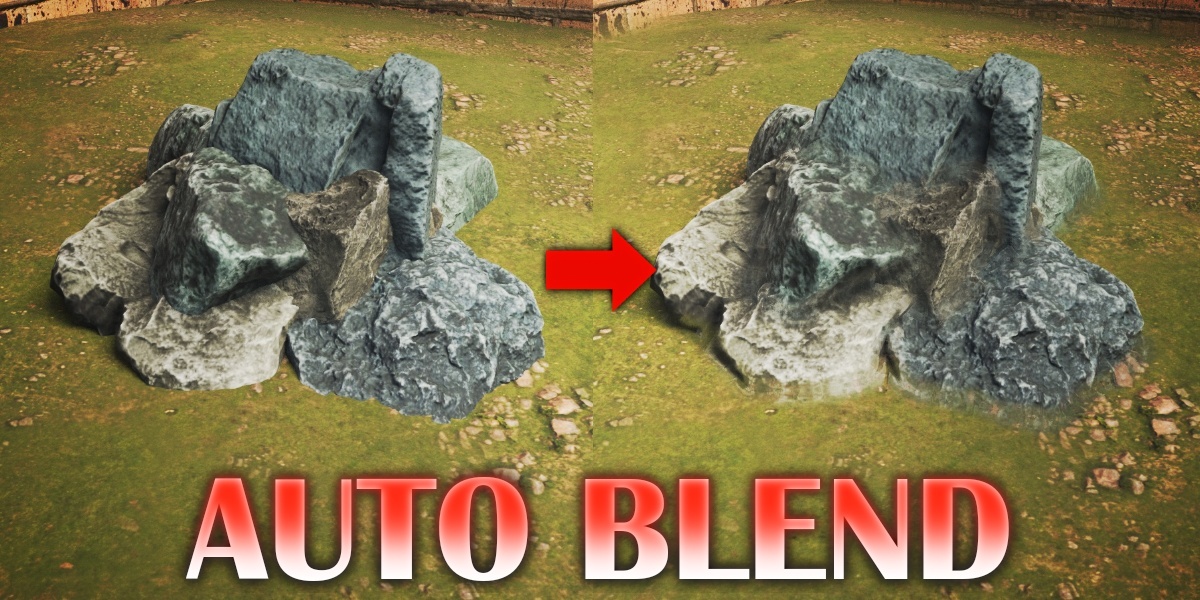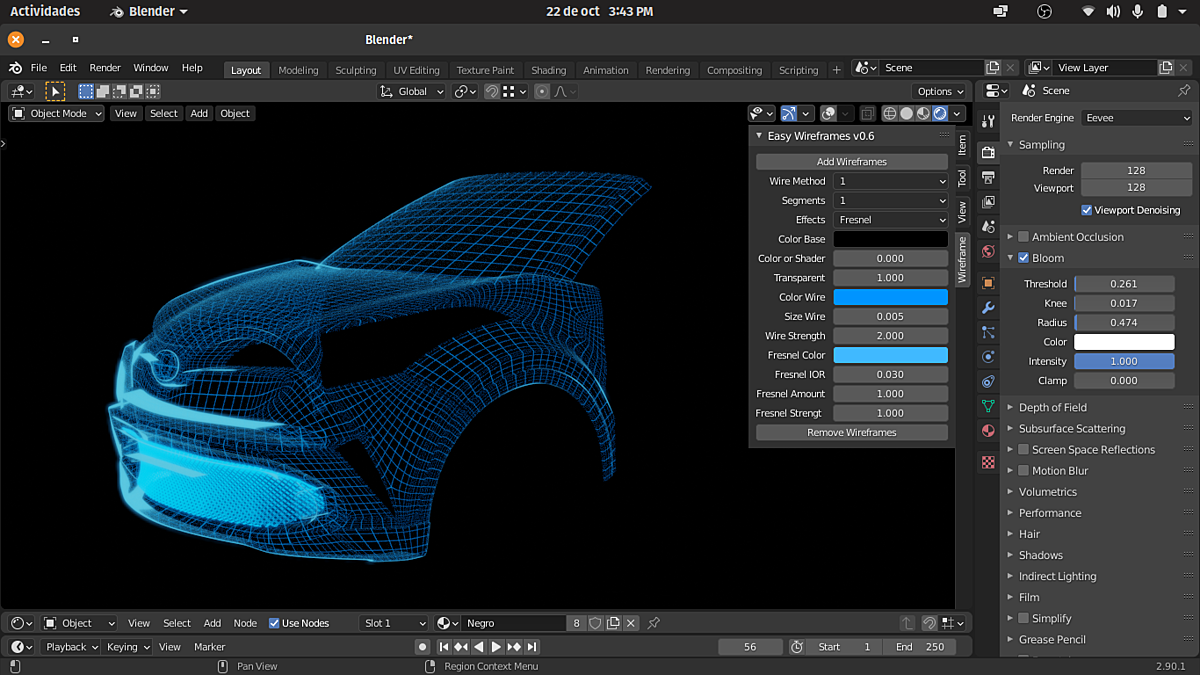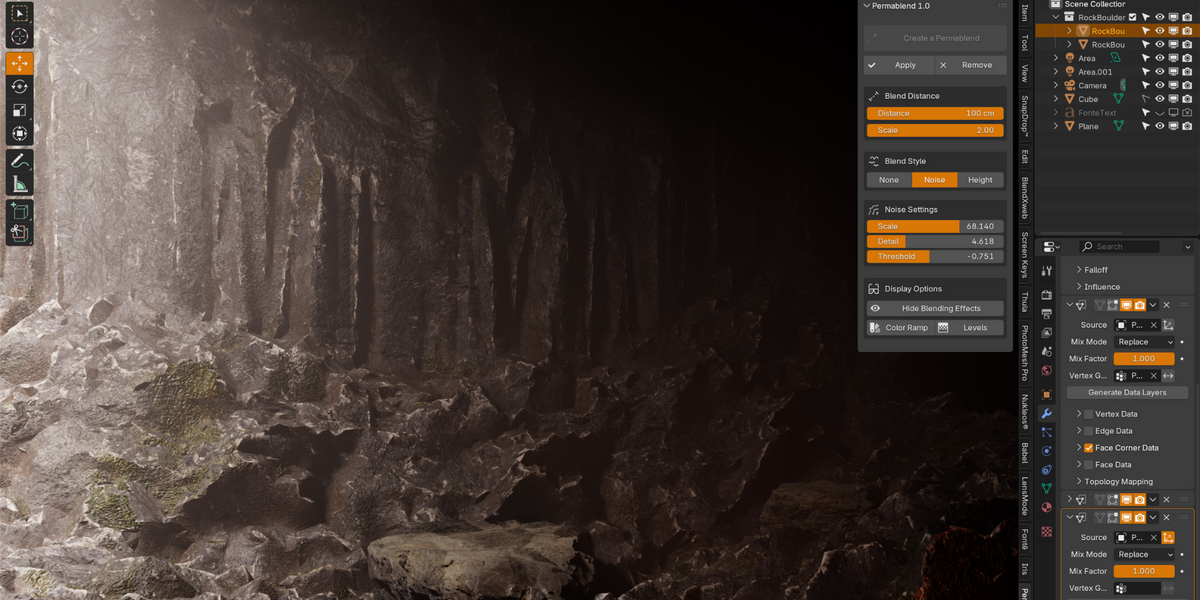
Permablend is a Blender add-on from Egret Studios LLC that creates dynamic material transitions between nearby objects. The blend updates in real time, so artists can work with proximity-based transitions without painting the full effect by hand or building a complex node setup. The product listing marks it as compatible with Blender Extensions.
How the proximity effect works
Permablend bases the material transition on how close objects are to one another. A Vertex Group Mask can add painted control when the effect needs to be limited to particular areas.
The listed v1.1.0 features add controls for shaping the effect. The Superhive product listing describes the following options:
- Invert Blend flips the blend direction on an object.
- Vertex Group Mask lets you paint where blending occurs.
- Normal Direction Filter restricts blending to surfaces facing a specific direction. The listing gives snow, moss and dirt as examples.
- Custom Blend Style provides amplitude, threshold and radius controls.
- Displacement Blending blends displacement between two materials.
The v1.1.0 notes also report a fix for banding artifacts that caused sharp stripes, with smoother transitions across geometry.
Cycles, Eevee and viewport preview
Permablend lists full rendering support for both Cycles and Eevee, along with real-time viewport preview.
When its controls may be useful
For surface effects such as snow, moss or dirt, the Normal Direction Filter restricts blending to surfaces facing a specific direction.
Compatibility and license
Superhive lists Blender 4.0 through 5.1 as the compatible version range, marks Blender Extension compatibility as yes and identifies the extension type as an add-on. The listing gives the license as GPL. Check the product page for current compatibility and license details before installing.