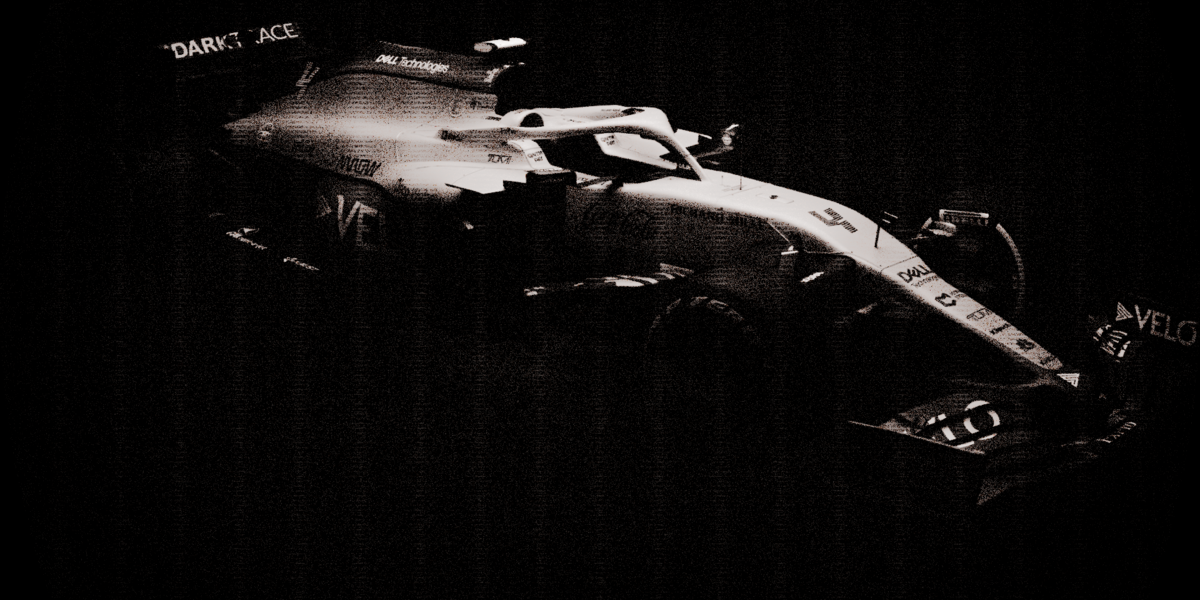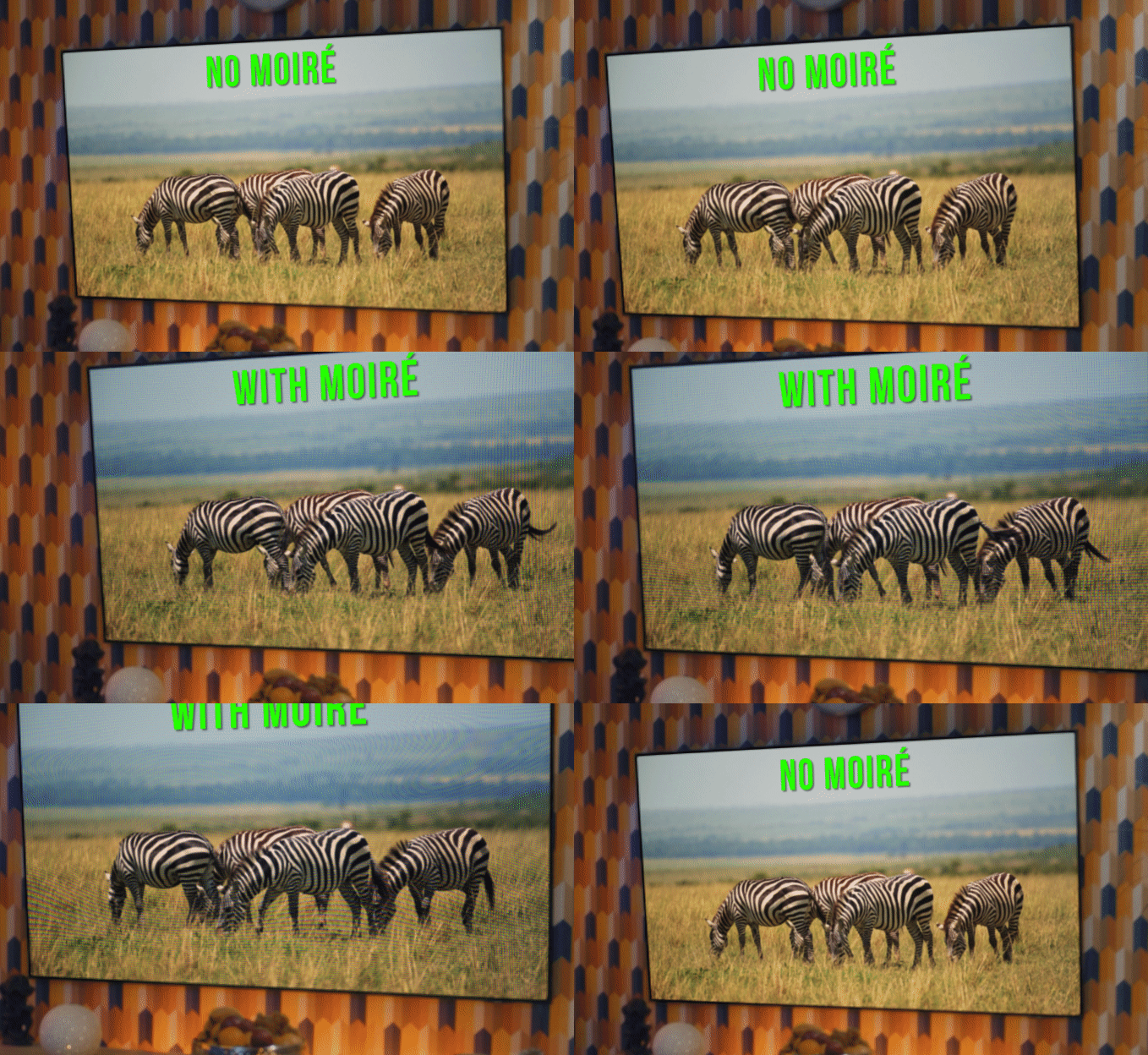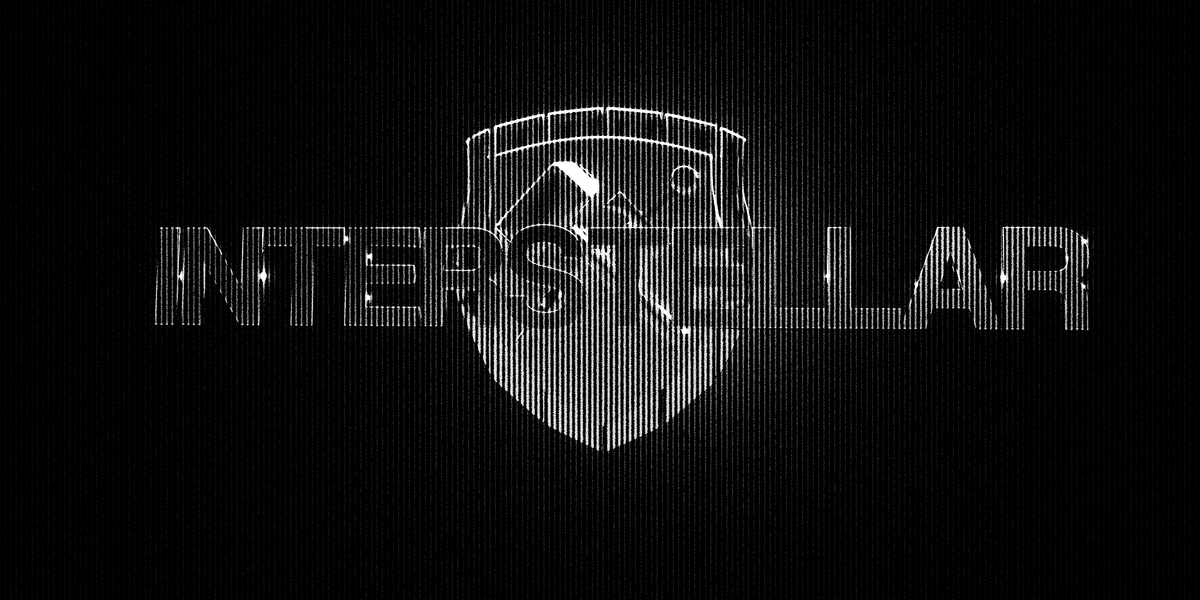
Phosphor: Crt Factory is a Blender extension for giving scenes and renders the look of a CRT display. Its compositor chain combines curved-screen distortion, phosphor dot structure, procedural scanlines, glow diffusion, film grain, signal distortion, and retro glare. The effect processes a render through a full CRT-style signal chain rather than applying a filter to the finished image.
Preview the effect while you work
Phosphor uses Blender 5.0's viewport compositor to show the effect in the viewport. The product listing says this preview matches the final render output, so you can judge the curvature, scanlines, and glow in context before rendering. The extension includes 19 presets for looks such as arcade displays, VHS degradation, terminal monitors, and stylized effects. Start with a preset, then adjust the signal chain to suit the scene.
Shape curvature, scanlines, and color
Adjustable barrel distortion creates the rounded screen shape. Procedural scanlines use wave patterns, with controls for density, shape, distortion, detail, scale, band orientation, and profile. Glow diffusion adds soft bloom and streaks. Color controls cover saturation, temperature, tonemapping, and phosphor tint. Signal settings range from a clean display to noisy, degraded, or broken-screen behavior.
Use it in an Eevee or Cycles workflow
Phosphor processes compositor output, so it works with both Eevee and Cycles. It inserts into the compositor and can be removed cleanly, preserving the original node setup. Live Preview toggles the system on or off, and the extension is designed to work alongside Blender's built-in nodes. This setup suits scenes where the CRT treatment is part of the final render and needs adjustment alongside the rest of the composite.
Compatibility, license, and support
Superhive lists Blender 5.0 to 5.2 compatibility, a GPL license, and 12 months of support from Egret Studios LLC. Check the Superhive product listing for current compatibility, support, and license details.