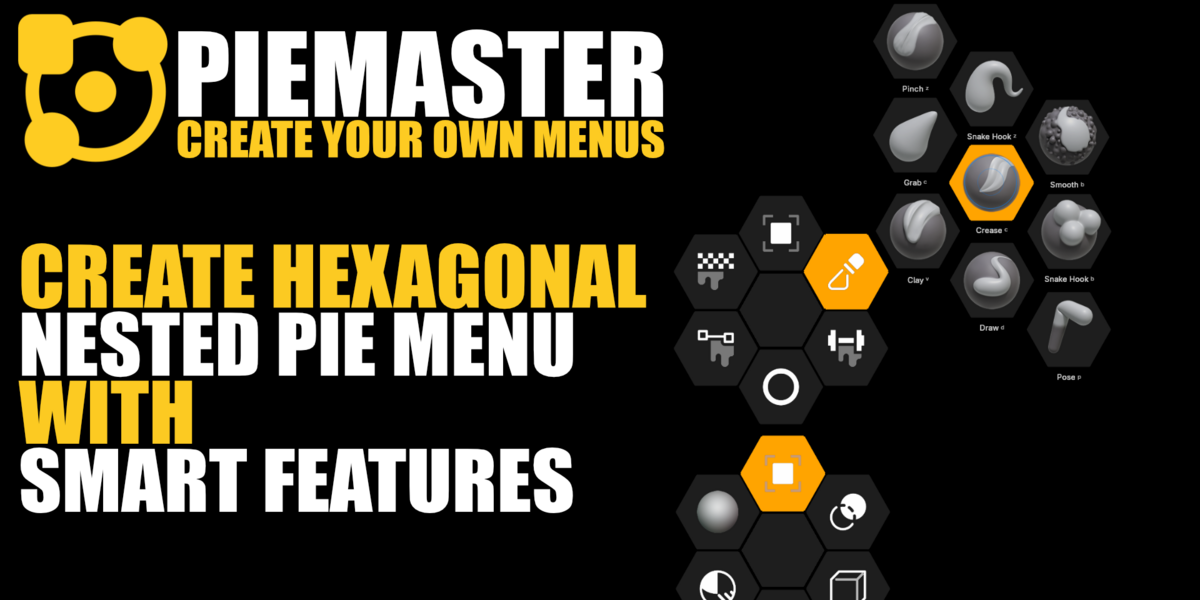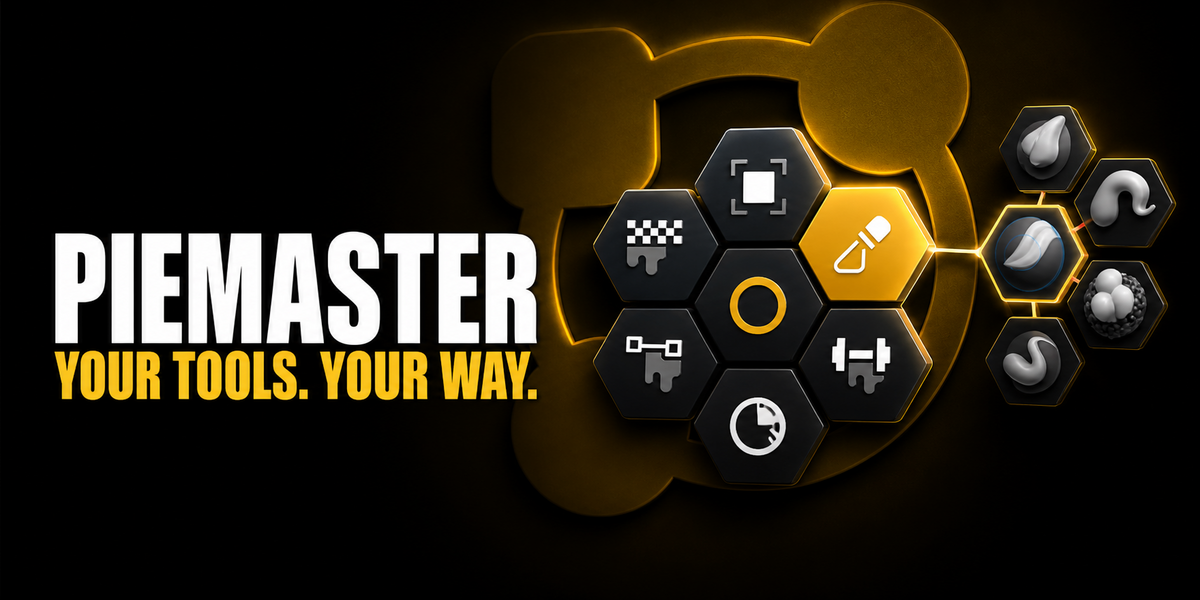
PieMaster is a Blender add-on by Pitiwazou for building custom pie menus, dropdown menus, and floating panels. Add buttons for operators from Blender or installed add-ons, then arrange the commands you use in the menus that suit your workflow. The product FAQ also describes nested menus, context conditions, and support for Blender editors beyond the 3D Viewport.
Build menus around commands and properties
Menu buttons can run operators from add-ons by using the operator ID. You can also put integer and float values, sliders, enums, and color properties directly in a menu, without opening a separate popup. A button can open another pie menu, dropdown, or panel, so related commands can sit in nested menus.
Set where buttons appear
Conditions let a button appear only in a chosen context, such as Edit Mode, when a mesh object is selected, or when a particular tool is active. Menus can open in editors such as the UV Editor, Shader Editor, and Node Editor. PieMaster runs alongside Blender’s native pie menus; you assign its hotkeys separately and can keep Blender’s defaults.
The developer FAQ describes the performance cost as minimal: menus are GPU-drawn and active only while open. It also says there is no limit on the number of menus you can create.
Share presets and check Blender support
You can export menu presets as packages that include their icons and assets, then share them for one-click importing. The Superhive listing identifies Blender versions 4.2 through 5.2 and a GPL license. It lists online documentation, product updates, and 12 months of support from Pitiwazou. Check the documentation page for setup details and the current product information before installing.