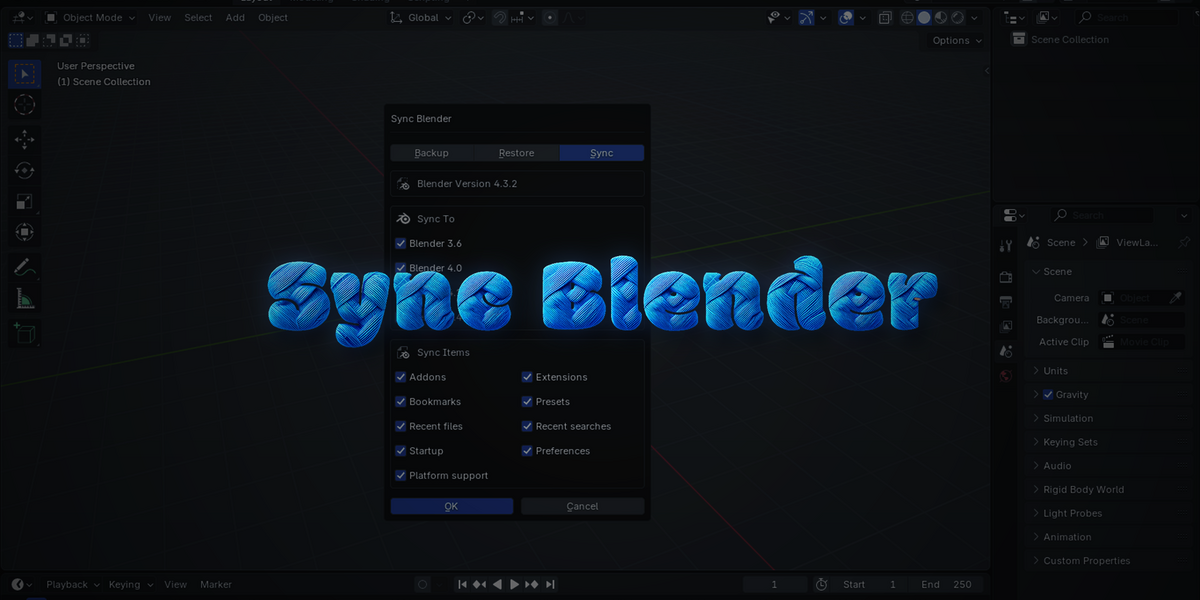
PixelSync Porter is a Blender add-on for moving workspace settings between installations or supported Blender versions. CYBER-KING’s Blender Extensions listing describes an archive containing preferences, custom keymaps, installed add-ons, and extensions. It lists Blender 4.2.0 as the minimum version.
The documented workflow centers on exporting and importing a single archive; the listing does not describe live synchronization. If you rely on add-on-specific files or credentials, check how those are handled before migrating, since the listing does not explain their coverage.
What the archive includes
- Blender preferences and custom keymaps
- Installed add-ons and extensions
This scope can help when you need to rebuild a familiar setup after a Blender upgrade or move it to another installation. The extension listing also identifies configuration path detection for Blender 4.2 and newer, including the Extensions system. It does not specify whether project files or external libraries are included, so treat those as separate until confirmed.
Progress and large files
Version 2.4.0 adds a status counter that shows the current file and total files being processed. Its 0.5-second timer-based interface redraw is designed to keep Blender responsive on Windows during large operations. The listing also describes chunked compression for large files and automatic filtering of pycache and .git directories.
CYBER-KING’s listing says High-Inclusion Mode supports setups up to 5GB+. It also reports fixes for a permanent interface freeze on files larger than 100MB and for configuration path detection in the Blender 4.2+ Extensions system. These are developer-reported capabilities; the listing provides no independent performance results or hardware requirements.
Compatibility, permission, and installation
The official listing identifies version 2.4.0, Blender 4.2.0 or newer, and the GNU GPL v3.0 or later license. PixelSync Porter requests read and write access to configuration files for exporting and importing settings.
Install the downloaded ZIP by dragging it into Blender or using Install from Disk. See the Blender manual’s extension installation instructions, and check the official PixelSync Porter listing for the current release and compatibility details.