Tiny Backup is a Blender add-on by Thane5 that adds a File-menu button for creating a timestamped copy of a project. Blender’s Extensions listing and catalog record list version 1.0.2, Blender 4.2.0 as the minimum version, file access to save backups, and a GPL-2.0-or-later license.
How Tiny Backup stores copies
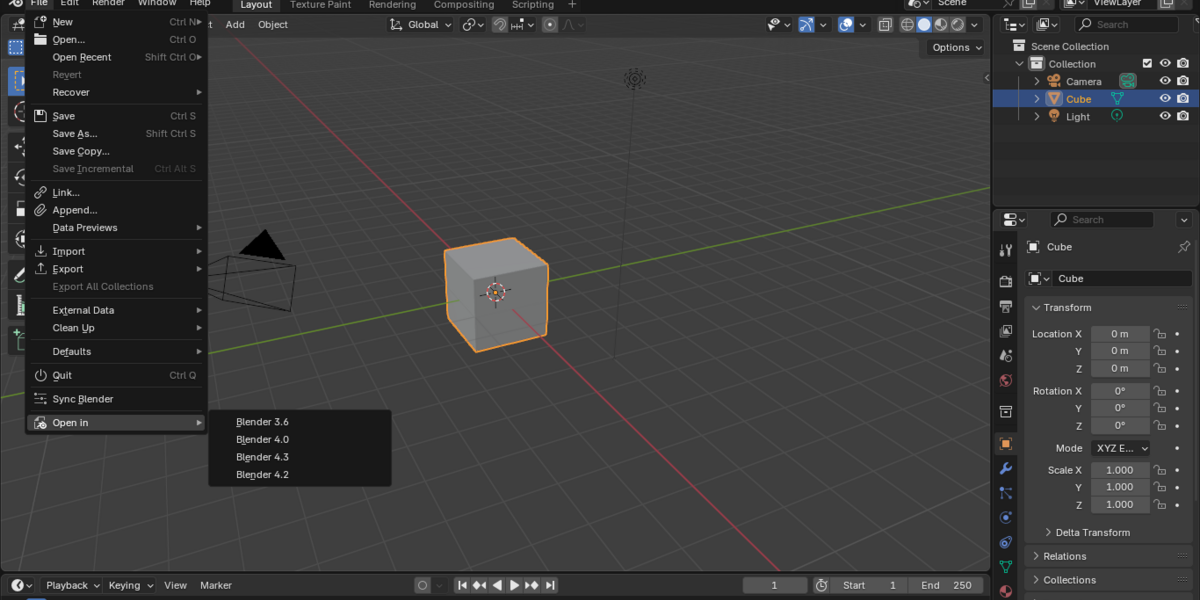
Use the button in Blender’s File menu to create a backup. Copies go into a folder named backup beside the original blend file, and each filename includes a timestamp. You can change the folder name in the add-on preferences. Keeping the copies together makes them easier to distinguish from the project file.
Compatibility and backup scope
The catalog lists Blender 4.2.0 as the minimum version; it does not specify a maximum tested version. The described workflow creates a backup when you use the File-menu button. The listing does not describe scheduled backups or copies to another device, so keep a separate copy elsewhere if you need protection from losing the working disk.
For installation guidance, see Blender’s Extensions installation instructions. The add-on’s project repository provides a place to review its source and report issues.