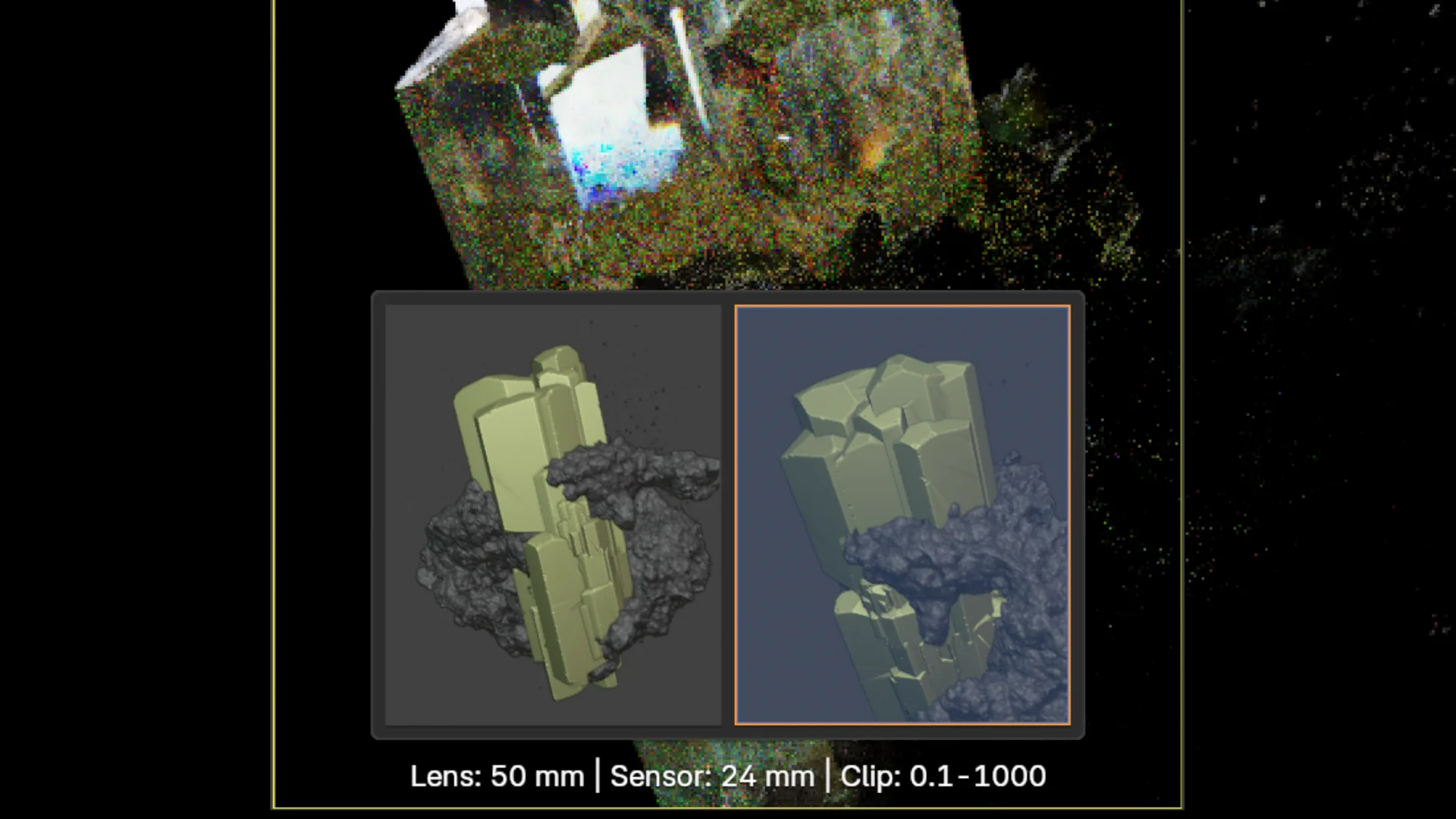
Pohlke is a Blender add-on for creating cameras used in architectural axonometric and oblique projections. The Blender Extensions catalog lists version 2.1.0, maintainer mononym, a minimum Blender version of 4.2.0, and a GPL-3.0-or-later license. See the Blender Extensions listing for the current release details.
Projection presets for architectural views
Pohlke uses alpha and beta angles from architectural projection notation to define a view. Its preset catalogue includes isometric, dimetric, and trimetric axonometry, along with oblique presets such as Hejduk, Cavalier, and Military. You can start with a named preset and adjust its parameters for the view you need.
In axonometric projection, the scene projects perpendicularly onto the picture plane. The angle settings determine how the three axes appear and how much each is reduced. Oblique projection uses an angled projection direction; Pohlke's architectural convention keeps two axes at their original scale and lets you adjust the reduction of the third. The projection explanation notes that the add-on produces its oblique result with a workaround rather than a native oblique camera lens in Blender.
Add and adjust a camera
- Place the 3D cursor where you want to add the camera.
- Choose “Pohlke Camera” from Blender's Add menu with Shift + A, or open the Pohlke tool menu with N.
- Choose a projection preset and adjust its parameters in the Post-Creation Adjustment Menu. The menu previews parameter changes in real time.
When enabled, Pohlke exposes camera functions through bpy.pohlke. Its interface documentation describes the scripting API and points to a demo script available from Blender's Text Editor templates.
Compatibility and setup
Pohlke requires Blender 4.2.0 or later. To install Pohlke, open Edit > Preferences, select Get Extensions, search for Pohlke, and click Install. The add-on is licensed under GPL-3.0-or-later. Pohlke has a Zenodo citation record for academic references.