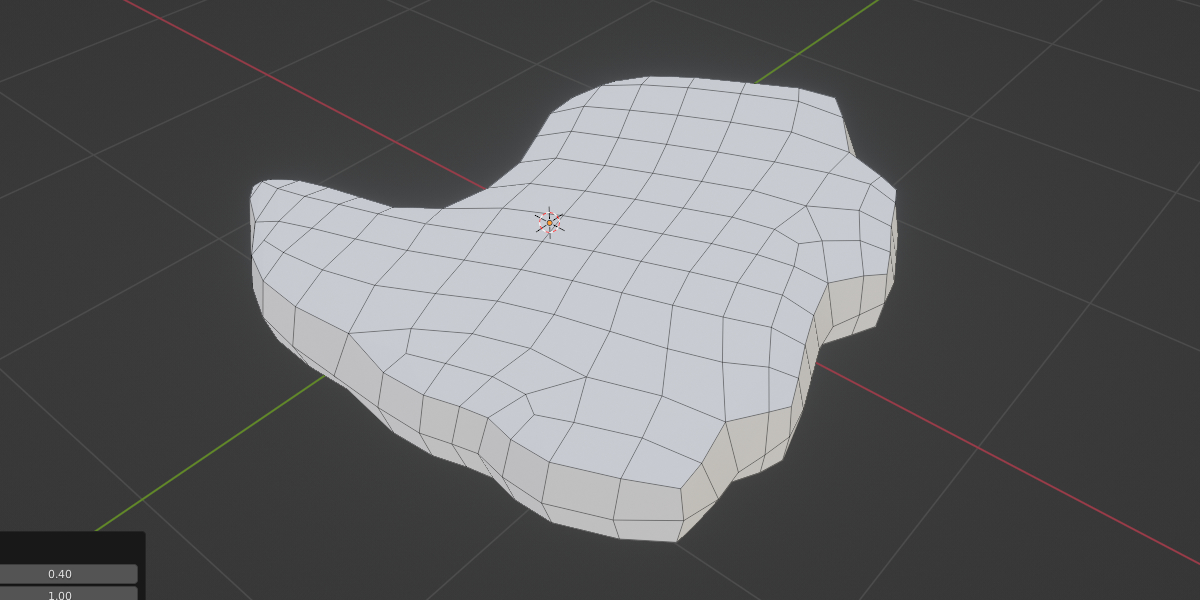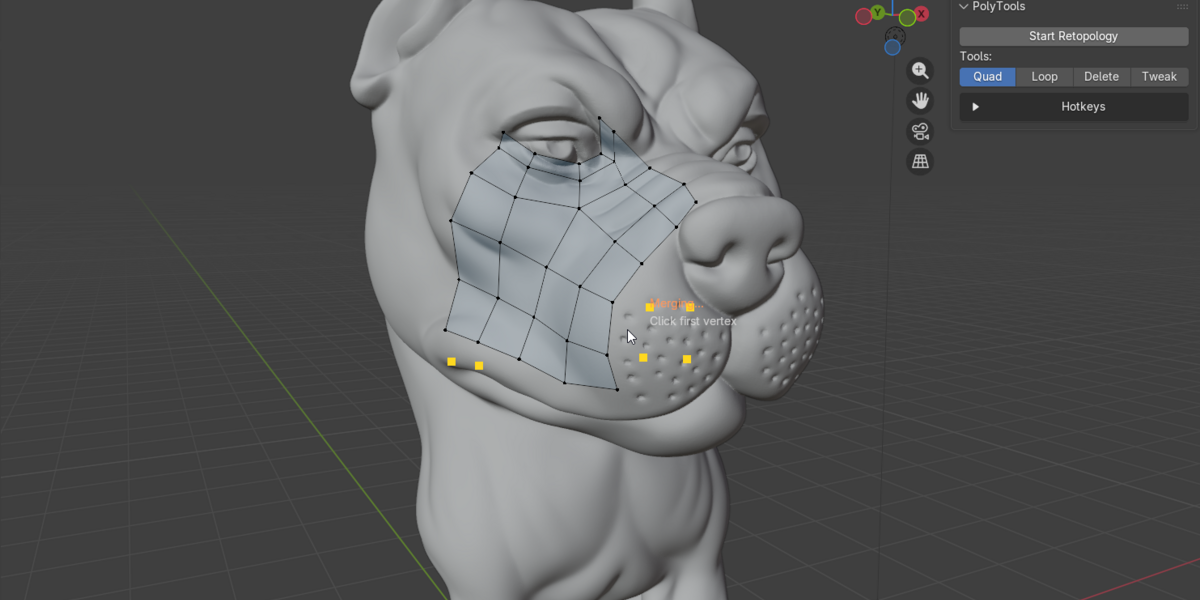
Polymating is a Blender add-on for retopology. It continuously reapplies vertex projection, using a system similar to Shrinkwrap, while you work with Blender’s native tools. This leaves you to shape the quad flow while Polymating wraps vertices to a reference surface. AnyPlugins lists version 1.4.1.
Projection uses solver-based logic, including Force Project and Raycast, with Multi-hit integrated into Raycast. You can use a reference object or a collection. When no reference object is set, Polymating can use the active object for self-projection. The Polymating 1.4 user guide covers the workflow.
Vertex controls and masks
Vertex Locking is an experimental feature. Version notes say it can read multiple lock groups and that locking persists when you change solvers. The added work depends on both the mesh’s vertex count and how many lock groups each vertex belongs to.
Projection skips hidden vertices, including vertices hidden by a mask modifier. When you unhide them, projection applies again. Sculpt-mode masks persist into Object and Edit modes, but their behavior differs from vertex locking: they provide locking behavior in Sculpt mode, while projection does not run on masked vertices in Edit mode. Global overlay controls and cache optimizations are also included.
Blender compatibility and license
The Superhive listing shows Blender versions 3.6 to 5.3. Its version 1.4 notes say Blender 4.5 worked at the time of writing and that versions below 5.0 would no longer be tested after that update went live. Those details do not establish one clear current support range, so check the current product listing and user guide before installing for a particular Blender version. The listing identifies the license as GPL-3.0-or-later; AnyPlugins lists Polymating as free.