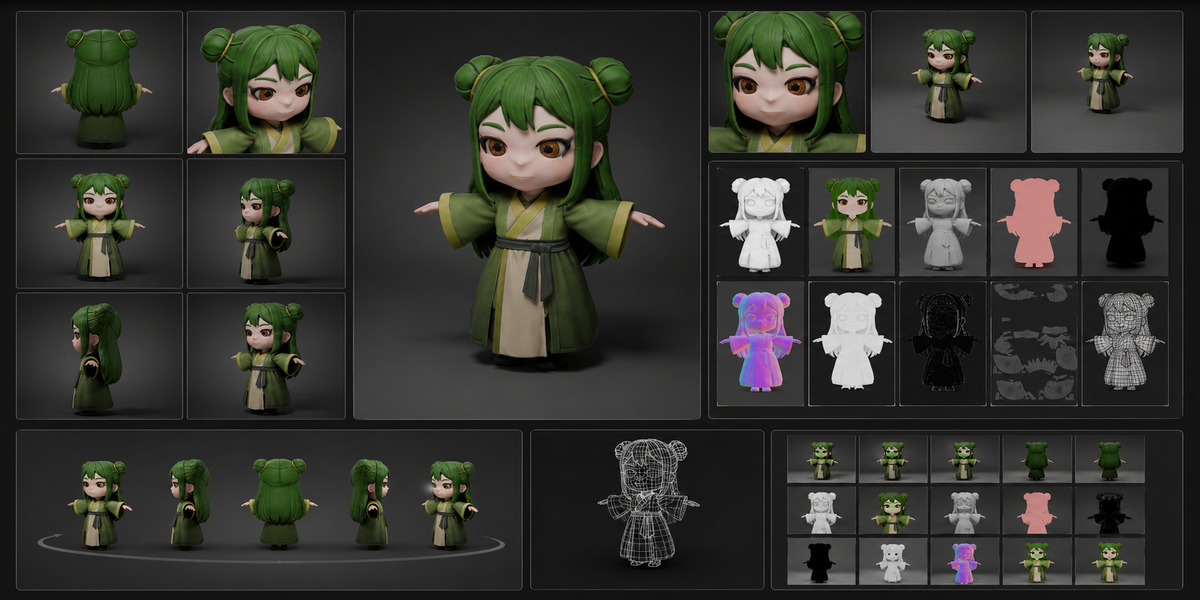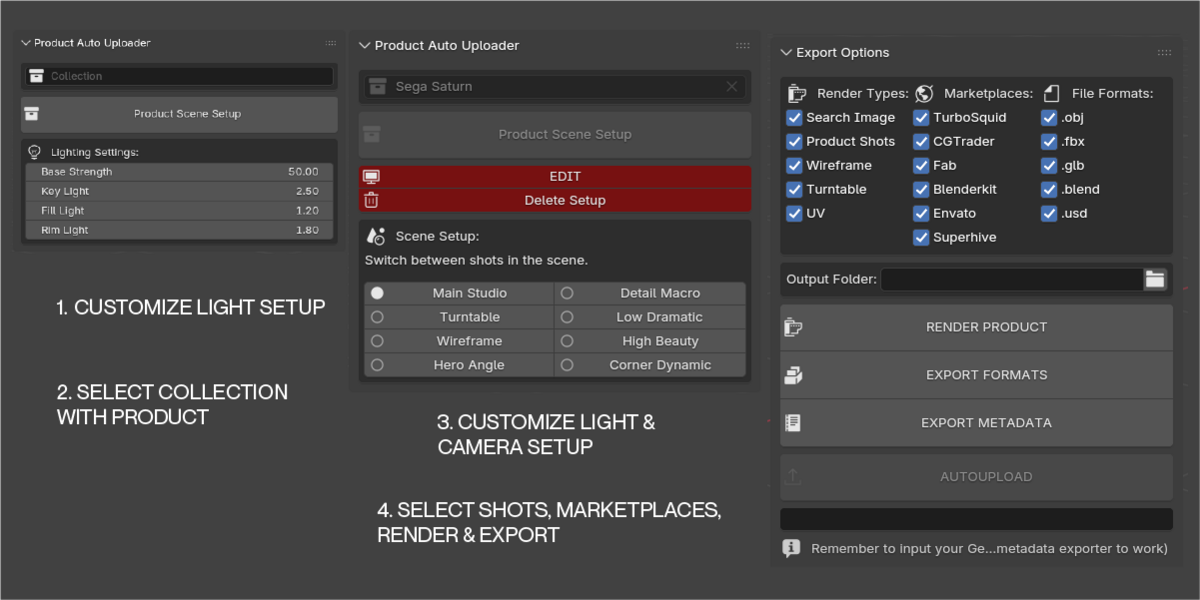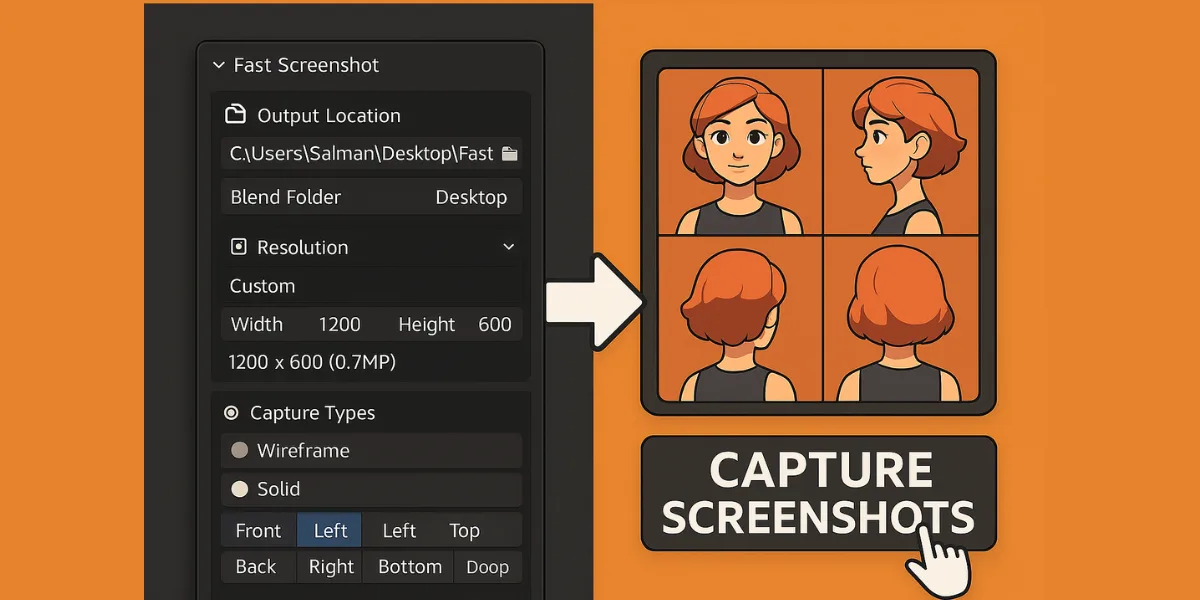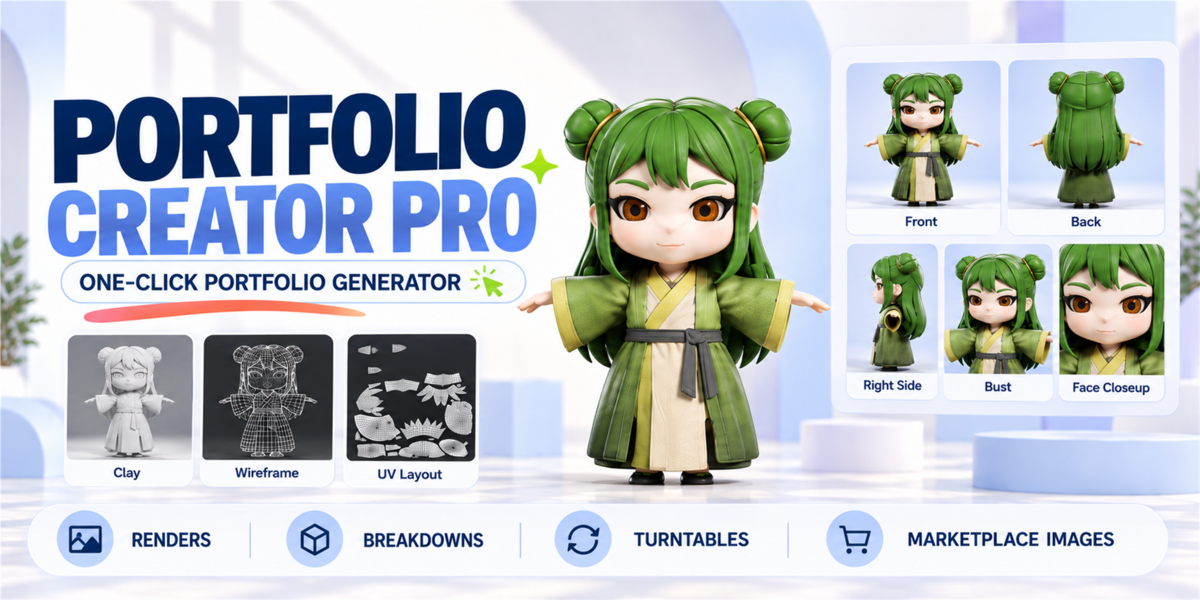
Portfolio Creator Pro - One-Click Portfolio Generator is a Blender add-on for turning a finished model into a presentation set. Choose an asset template and generate studio scenes, camera views, breakdown renders and export files around the model. The product listing describes a workflow designed for artists who prepare portfolios, marketplace images or client previews.
Generate portfolio views from an asset template
Templates cover characters, vehicles, weapons, props, architecture, environments, products, furniture, jewelry and clothes. Each loads camera, studio-scale and lighting defaults for that asset type. Render sets can include a hero three-quarter view, front and back, side views, low-angle shots, top and orthographic views, plus bust, face and feet closeups. For rigged characters, the add-on can also create hand and foot closeups automatically.
This is a presentation workflow for an existing model. The add-on builds a temporary studio, cameras, lights and breakdown setup around the selected asset; it does not create the model itself.
Choose a studio and lighting rig
The listing includes 50 procedural studios, with looks ranging from clean product photography to darker, cinematic setups, and 108 lighting rigs such as Three-Point, Beauty Dish, Rembrandt and Cinematic Backlight. Lighting rigs have warm, cool and low-key variations. Studio scale and lighting energy adjust to the model size, which helps keep a small prop or a larger character within the same presentation workflow.
Before rendering a full set, use Test Render & Estimate to render one image and get a projected total render time by module. The add-on can enable GPU rendering and denoising when available.
Create breakdown renders
Breakdown options include clay, base color, wireframe, material ID, roughness and metalness, normals, ambient occlusion and UV layout. The add-on reads the material setup from Principled BSDF and skips texture channels the asset does not use. These passes render temporary copies, and the listing says the original model and materials remain untouched. Studio objects are grouped in a PCP_Studio collection, with a Clear Studio control for removing generated studio content.
Prepare turntables and marketplace files
Optional modules can create 360-degree MP4 turntables, contact sheets and selling thumbnails with a title, logo, border, vignette and contrast boost. GIF export requires FFmpeg. Favorite setups can be saved as JSON presets for reuse.
Export presets are listed for ArtStation, FAB, Unity Asset Store, BOOTH, Superhive or Blender Market, and Sketchfab, with a generic portfolio-pack option. The Unity preset covers icons, cards, covers and screenshots; the BOOTH preset uses square thumbnails. The Superhive and Blender Market preset produces five 2:1 images for a listing. Files are sorted into per-store folders, ready for review and upload. Check the current product documentation alongside the destination marketplace’s requirements before publishing.
Compatibility and intended use
The product listing states compatibility with Blender 3.5 through 5.2, Cycles and Eevee, on Windows, macOS and Linux. It identifies the product as a Blender add-on and says a PDF quick-start guide is included. Artists who repeatedly prepare views, lighting variations, breakdowns or store images can use its templates and presets to organize those steps inside Blender.