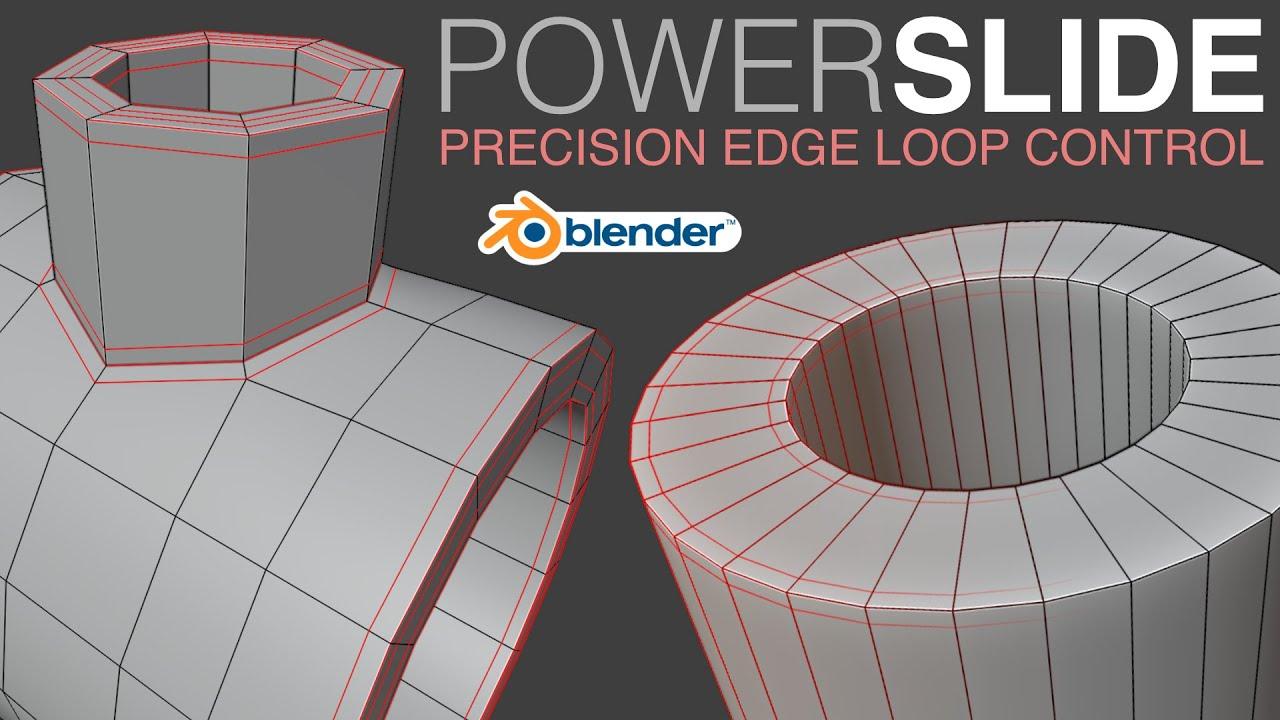
PowerSlide is a Blender add-on for adjusting supporting edge loops around geometry that will be subdivided. These loops help preserve sharper areas. As a mesh develops, you can tighten, relax, or reposition them without selecting every related edge by hand.
Adjust supporting edge loops
Select a primary edge loop and an adjacent loop, then start PowerSlide. Drag the mouse left or right to change the offset, or enter an exact distance. With a primary loop selected, PowerSlide can also find both adjacent supporting loops for adjustment.
Work from partial loop selections
If a loop is awkward to select, such as around a cube face, select any part of the control loop, even a single edge, along with adjacent edges on the loop you want to move. Start PowerSlide and press Tab to find and select the full loops. Multiple selections can be adjusted together, including a mix of loop pairs and single loops.
Use vertex mode
In vertex mode, select a control vertex and the vertex to move. They do not need to be directly connected. Adjust the offset with the mouse or by entering a distance, and include multiple vertex pairs in one operation.
Blender compatibility and documentation
The Superhive listing gives Blender versions 3.1 through 5.0. Version 1.1, dated January 10, 2026, is marked as updated for Blender 5. The add-on is released under the GPL license. See the PowerSlide documentation for full instructions and screenshots, or check the product listing for its version history and details.