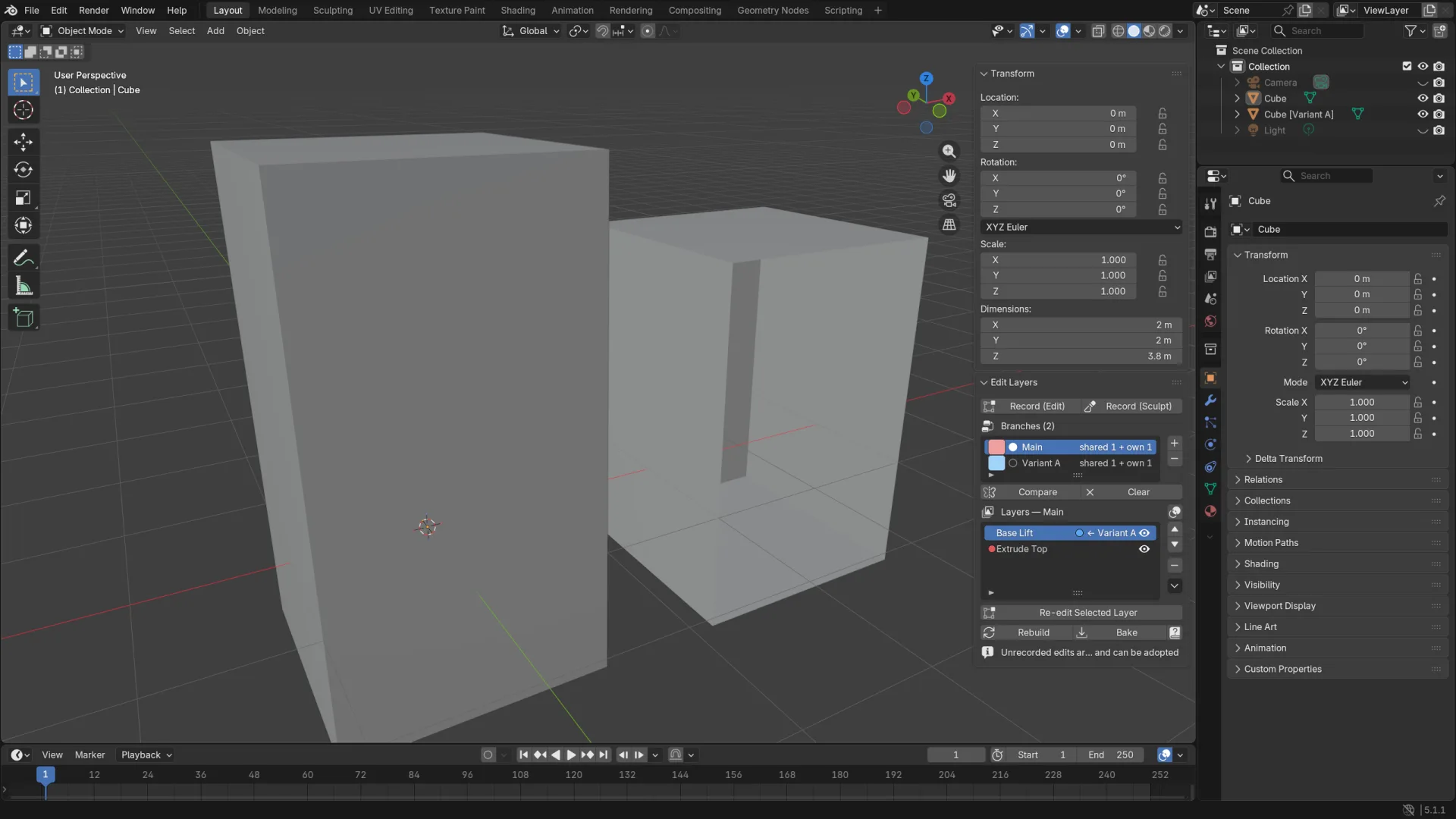
Preview Quads lets Blender users inspect how a triangulated mesh will look after conversion to quads. It uses Blender's built-in Tris to Quads algorithm, producing the same result as that operation in Edit Mode while keeping the original mesh intact during preview. When the result looks right, apply it to the source mesh; the add-on supports Ctrl+Z undo.
Inspect topology before conversion
The preview can help with triangulated meshes from CAD imports or boolean operations, game assets being prepared for export, and high-density scans being evaluated for sculpting. The developer describes using it as a pre-conversion check, including when edges need manual cleanup because the built-in algorithm handles them poorly.
Conversion controls include face angle and shape angle thresholds. You can also compare consistency for UVs, color attributes, seams, sharp edges, and materials. These options let you review how the native conversion behaves with the mesh's attributes before applying the result.
Version and workflow limits
The Blender Extensions listing identifies version 1.0.1 for Blender 4.2.0 and newer. This release checks before each preview or apply that the stored source mesh name still matches the mesh assigned to the object. If it does not match, the add-on rebinds to the current mesh, including after duplication, a manual mesh swap, or appending.
You cannot toggle the preview while in Edit Mode. Edits made directly to the preview object also cannot be transferred back to the original, so the preview is for evaluating the conversion before applying it. The Blender Extensions listing provides the add-on details and installation options; Blender's extension installation guide explains installing from disk.